
SmallRig 5536 Adapter Plate for NP-F Type Batteries (Supports UPS)
- Compra libre de IVA disponible al finalizar la compra.
- BrandSmallRig
Descripción
Artículo nro.: 31596
SmallRig 5536 Adapter Plate for NP-F Type Batteries – Supports UPS and Hot-Swap Power
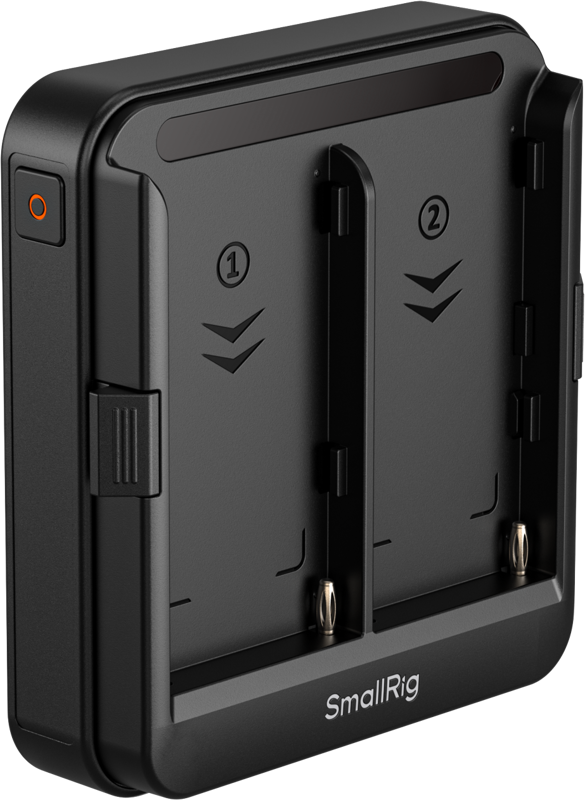
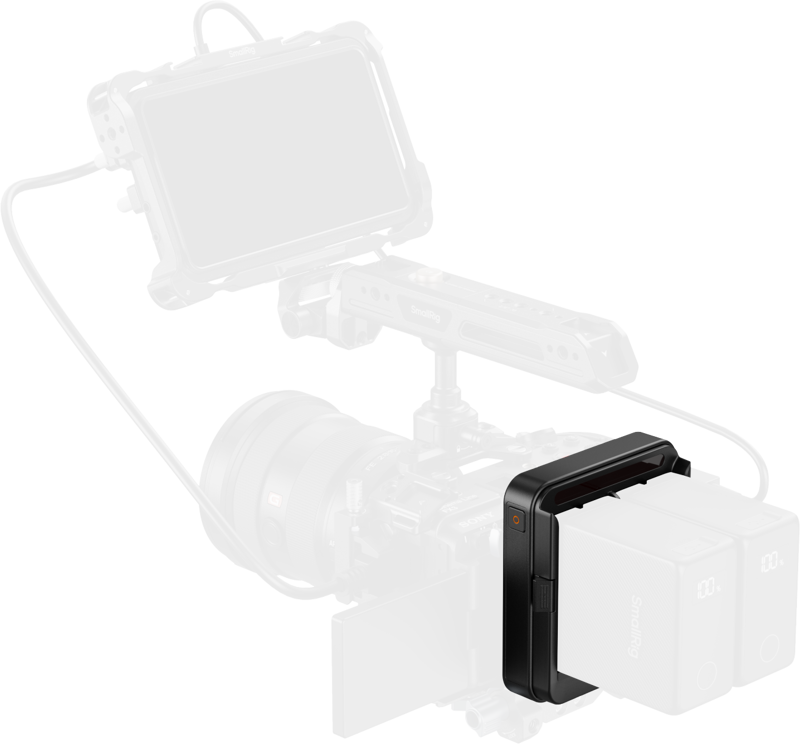
La placa adaptadora SmallRig 5536 proporciona alimentación continua para cámaras sin espejo, monitores y otros equipos que utilizan baterías serie NP-F. Acepta una o dos baterías NP-F y admite un flujo de trabajo UPS con hot-swap cuando se instalan dos baterías, de modo que puede reemplazar una batería sin apagar los dispositivos conectados.
Key features
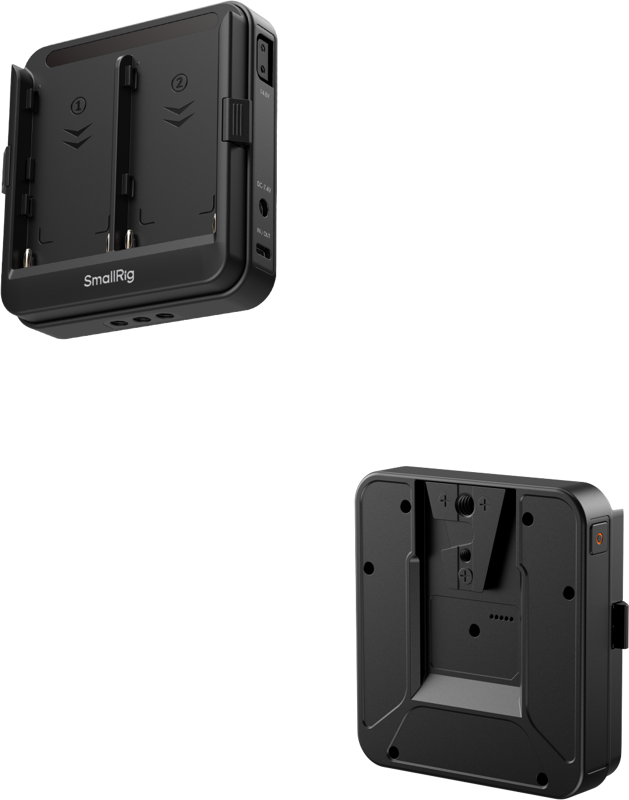
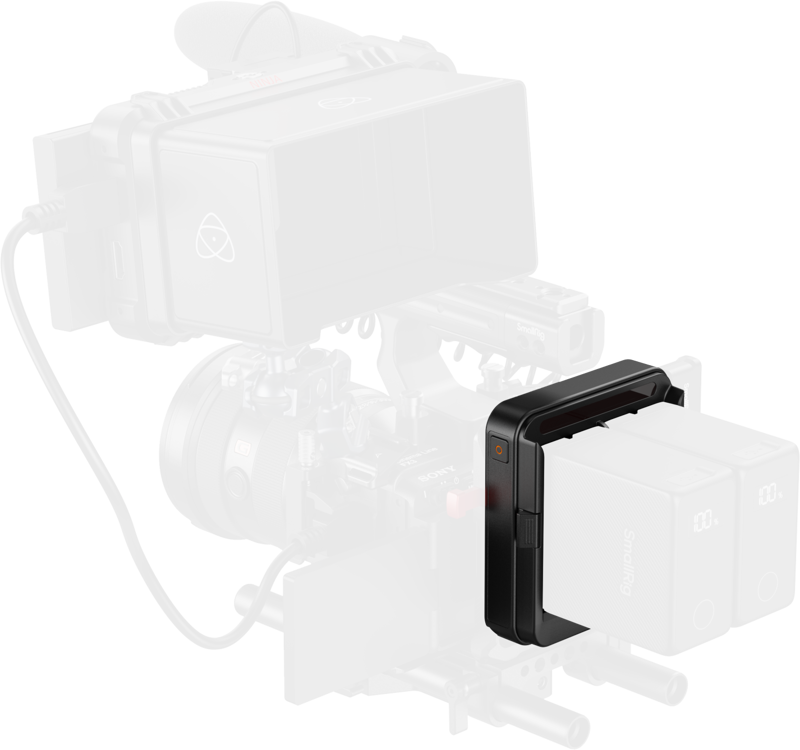
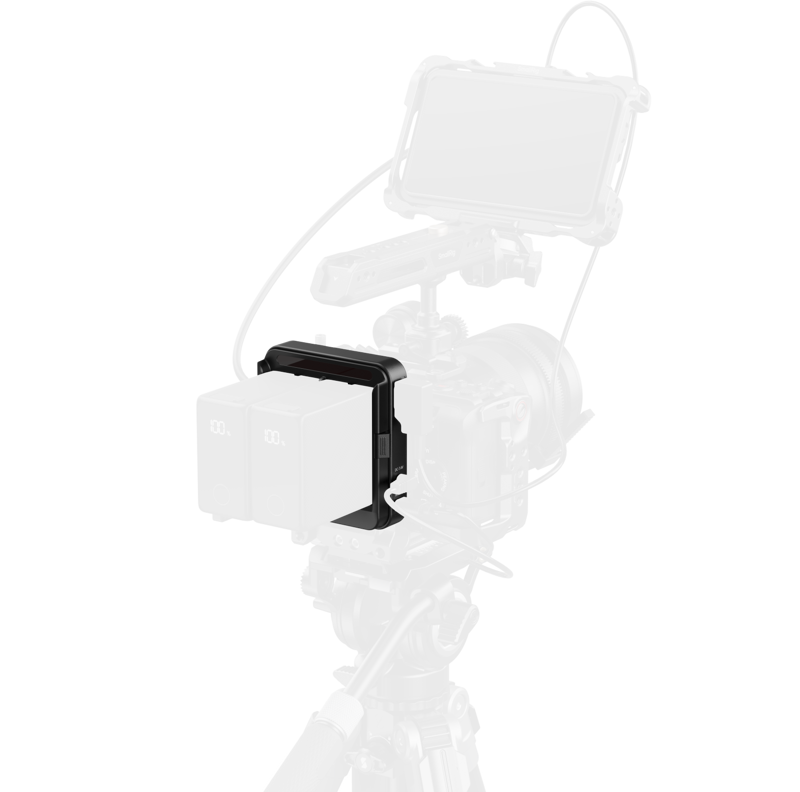
- Mounting flexibility: attach the plate using a V-mount plate or the bottom 1/4"-20 threaded holes.
- One or two NP-F batteries accepted for modular power and extended runtime.
- Hot-swap UPS support: with two batteries installed, replace one battery without interrupting power to connected devices.
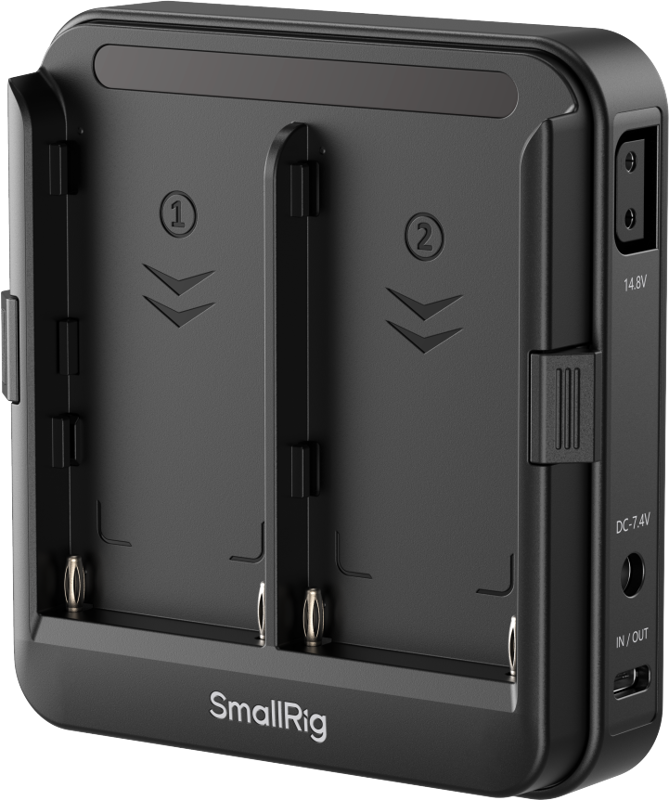
- Multiple output ports: D-Tap, DC and USB-C outputs let you power several devices at the same time.
- Port placement designed to avoid interference with camera operation and top handles.
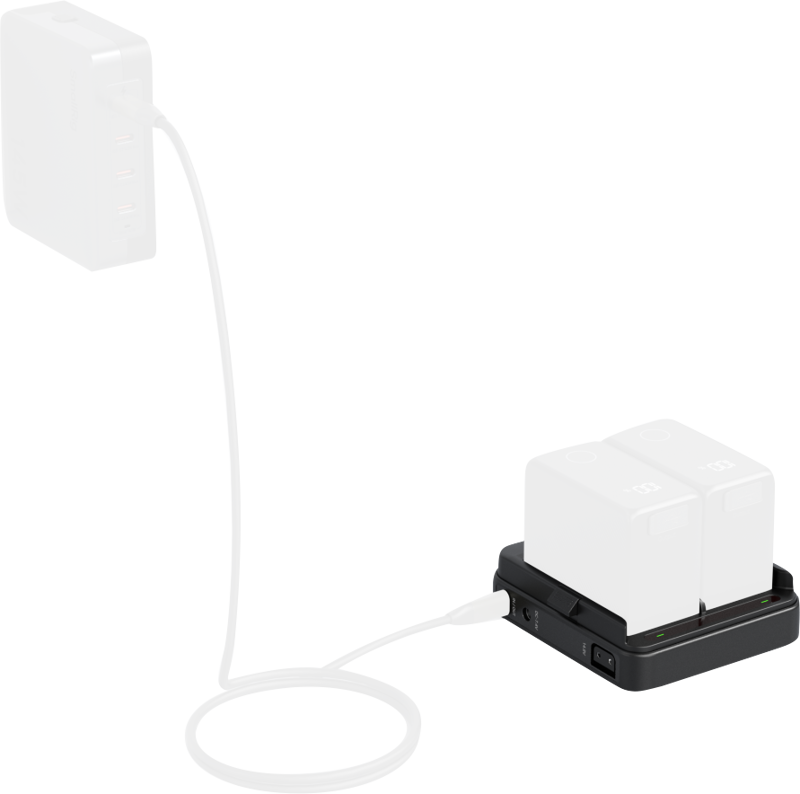
- USB-C input supports up to 36W, enabling the plate to act as a charging dock.
Intelligent battery management
La placa adaptadora incluye un chip de gestión inteligente integrado que optimiza tanto la descarga como la carga para mejorar la eficiencia y la usabilidad.
- Discharging behavior:
- The plate draws from the battery with the lower charge first.
- When voltage drops, it switches to parallel output to enable hot-swaps and to power high-demand devices.
- Charging behavior:
- The plate prioritizes charging the battery with the higher state of charge initially.
- After that, it switches to simultaneous charging of both batteries to improve charging efficiency.
Controls and indicators
SmallRig diseñó controles sencillos en el dispositivo para que el funcionamiento sea rápido y claro.
- Independent power switch: press once to check power status and activate output.
- Long press (2 seconds) disables output for all connected devices, so you do not need to unplug cables after use.
- Independent LED indicators for each channel provide clear, at-a-glance battery status updates.
Compatibility
- NP-F550 / 570 / 750 / 770 / 950 / 970
- Accessories with a V-mount interface or 1/4"-20 screw
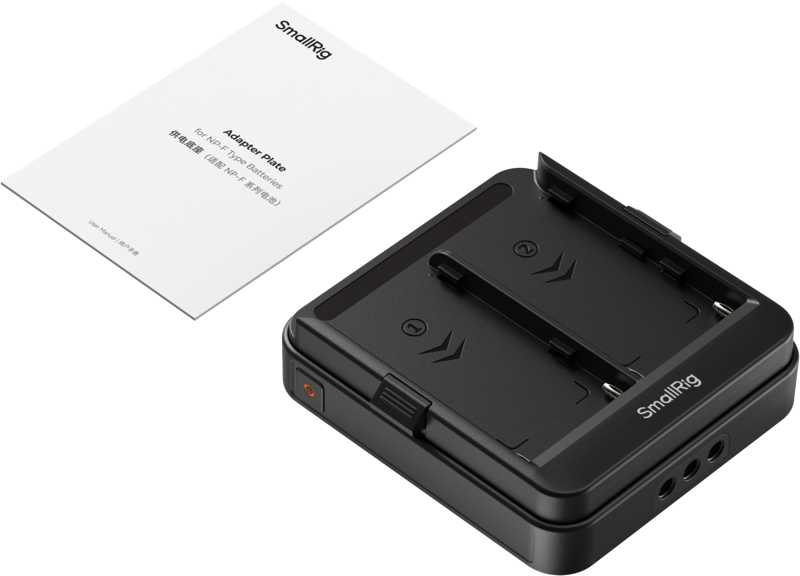
Packaging includes
- Adapter Plate
- User Manual
Specifications
| Specification | Details |
|---|---|
| Supported batteries | NP-F550 / 570 / 750 / 770 / 950 / 970 |
| Mounting options | V-mount plate or bottom 1/4"-20 threaded holes |
| Output ports | D-Tap, DC, USB-C |
| USB-C input power | Supports up to 36W (enables charging dock functionality) |
| UPS / Hot-swap | Supported when two batteries are installed |
| Battery management | Integrated intelligent management chip for optimized discharging and charging |
| Power control | Independent power switch; long press (2s) disables output |
| Indicators | Independent LED indicators for each battery channel |
| Package contents | Adapter Plate, User Manual |
FAQ
Question: Can I replace a battery without powering down my camera? Answer: Yes. When you install two NP-F batteries the plate supports hot-swap UPS, allowing you to replace one battery without shutting down connected devices.
Question: Can I charge the batteries through the adapter? Answer: Yes. The USB-C port supports up to 36W of input, which lets the plate act as a charging dock for the installed batteries.
Question: How do I mount the adapter to my rig? Answer: You can mount the plate using a V-mount plate or attach it via the bottom 1/4"-20 threaded holes, depending on your setup.
Question: Will the outputs block my camera controls or handles? Answer: The output ports are strategically placed to avoid interference with camera operation and the use of top handles, so they are positioned to minimize obstruction.