

Blackmagic Design ATEM 1M/E Advanced Panel
€3 587,50
- ALV-maksuton osto saatavana kassalla.
Kuvaus
Tuotenumero: 2615
Blackmagic Design ATEM 1M/E Advanced Panel
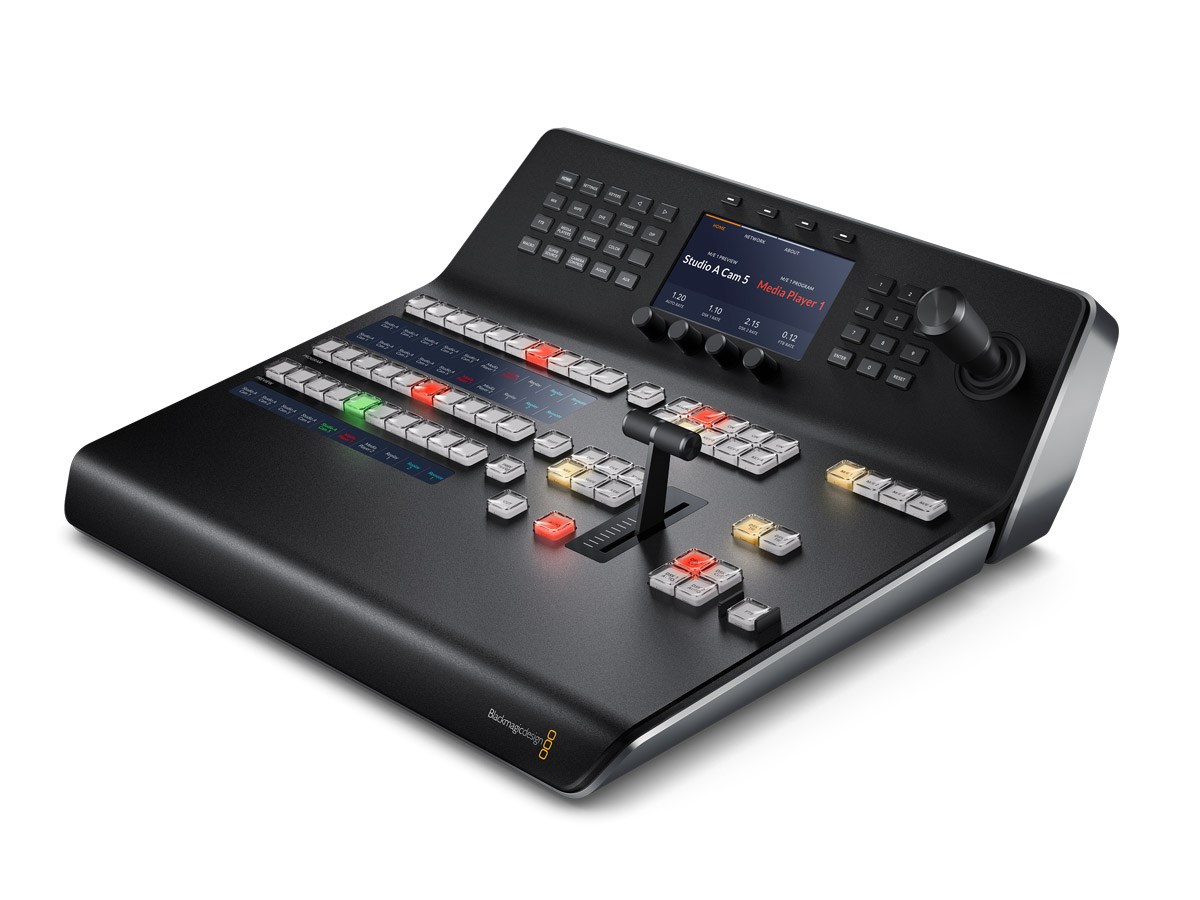
The ATEM 1 M / E Advanced control panel for Blackmagic Design's video swtichers. The control panel has buttons for easily changing the image source and a T-bar for smooth transitions. The status display lets you monitor the mixer and makes it easy to adjust the settings.Connection to mixer
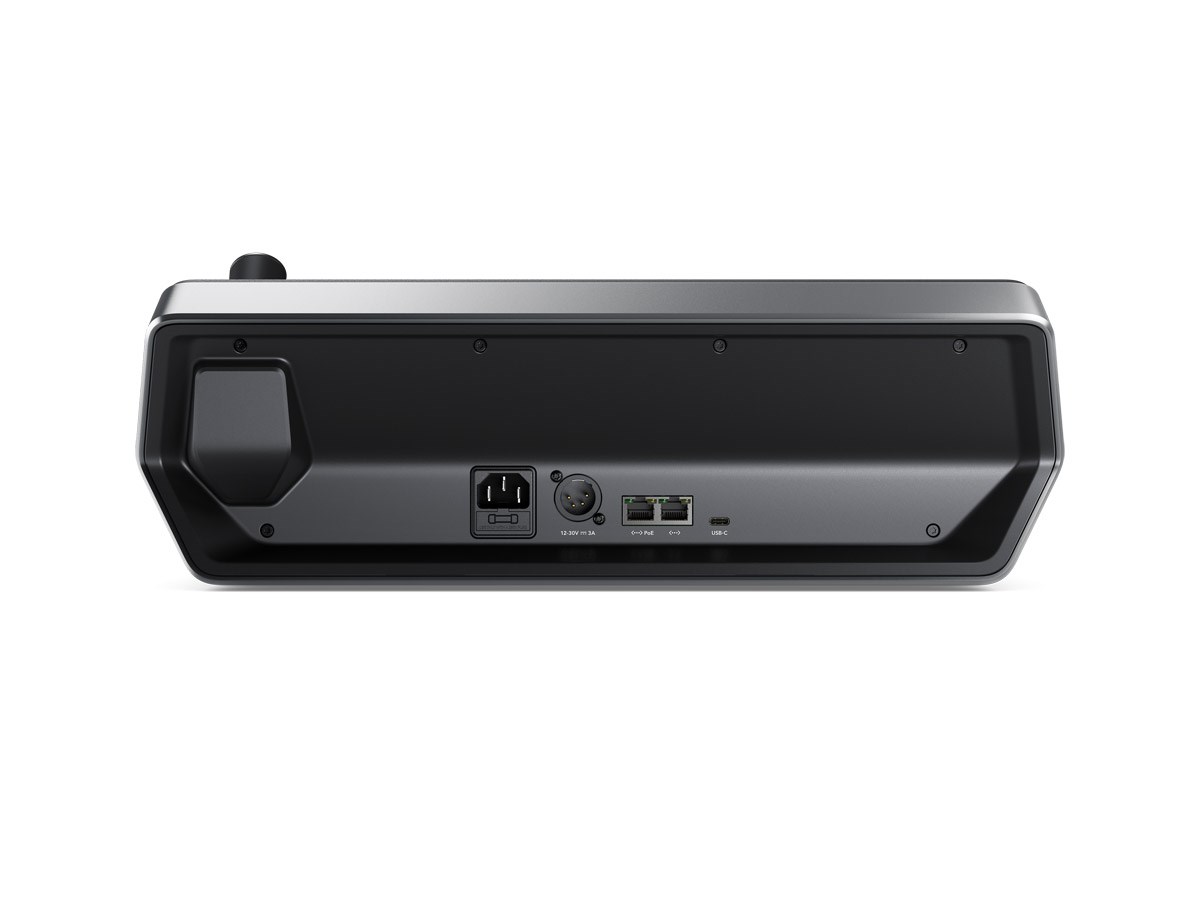
The control panel is connected to the image mixer via a network cable, which means that the control panel and the image mixer do not need to be placed close to each other. The control panel also has the opportunity to loop the network signal to, for example, a computer or an ATEM Camera Control Panel.Buttons for switching image source
The control panel has buttons for 10 different sources. Next to the buttons, the name of the input is displayed so you can easily see which button belongs to which camera input. The name of the inputs can also be color coded separately to make it extra clear what the different inputs are. The backlight on the buttons changes depending on which input is currently in the picture. With the help of the shift button, all buttons get an alternate use which allows up to 20 inputs to be handled by the control panel.The top row of buttons can be customized with different functions. On the one hand, it can be used to quickly change which source is sent on the AUX output. It can also be set so that the buttons are linked to different picture macros.
Mounting
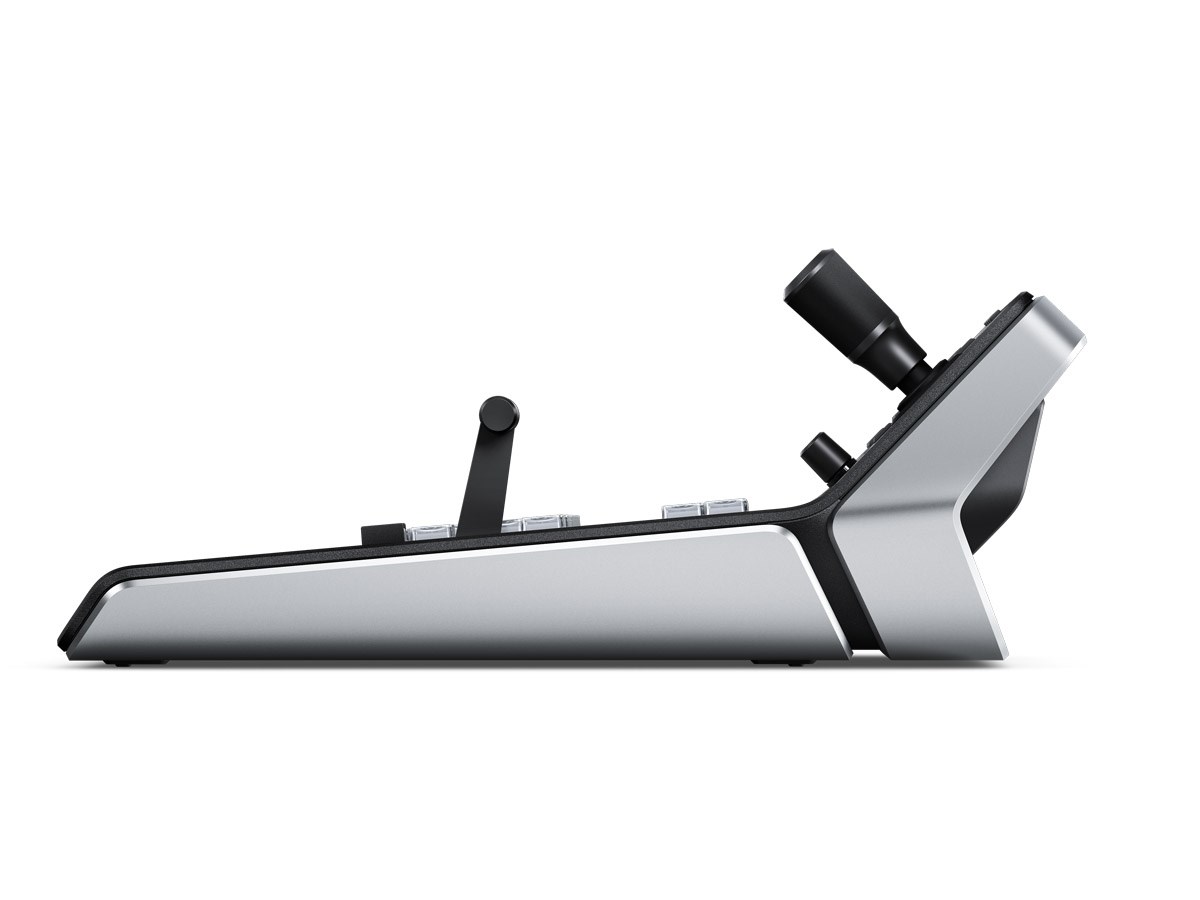
The size of the ATEM 1 M / E Advanced Panel is adapted to be mounted in a 19 inch rack on an extendable carriage. Below the control panel there are mounting points that also make it possible to screw it into, for example, a table top.power supply
The ATEM 1 M / E Advanced Panel can be powered directly via 230 volts or via 12 volts via XLR connection. If both inputs are powered at the same time, you get redundancy if one of the power sources should disappear.Included:
Blackmagic Design ATEM 1 M/E Advanced Panel(powercable not included)