

DJI Ronin-M Gimbal Stabilizer
€890
- Acquisto senza IVA disponibile al momento del pagamento.
Descrizione
Cod. art.: 603
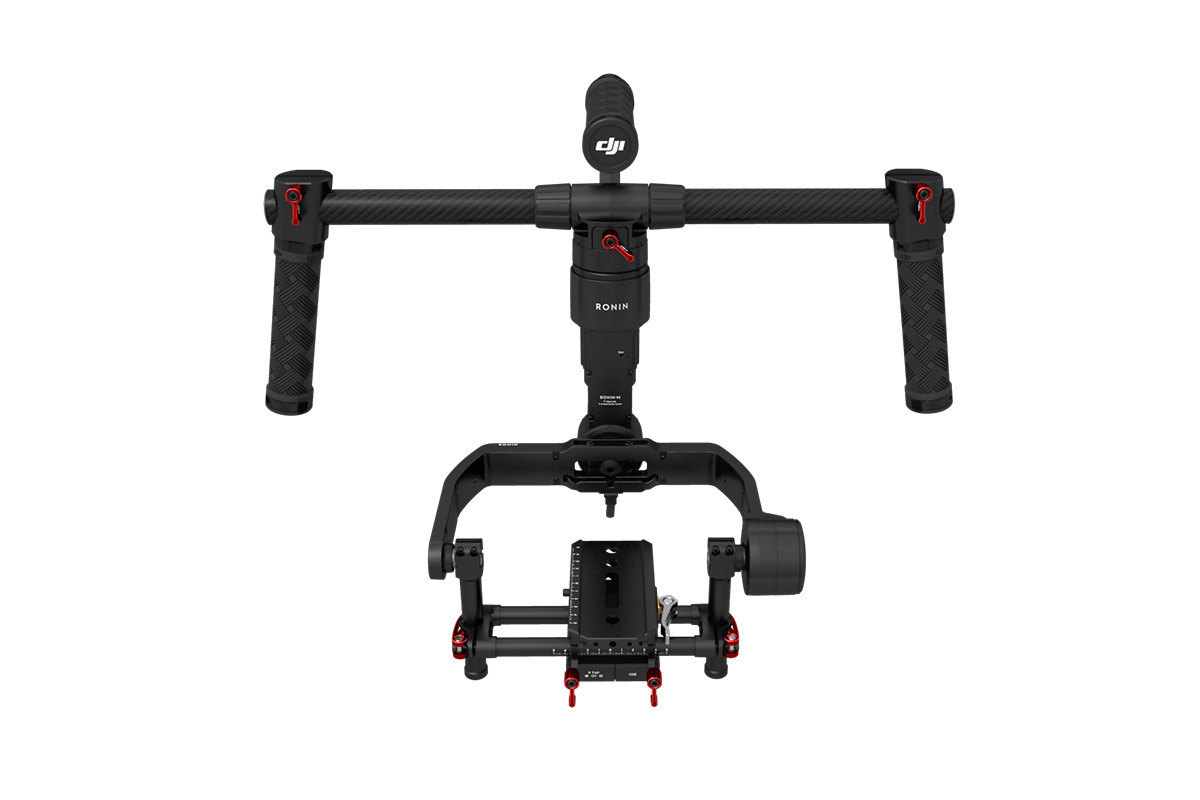
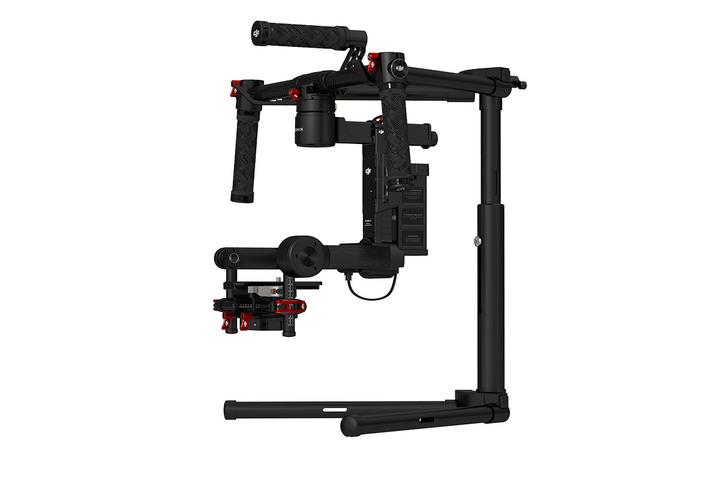
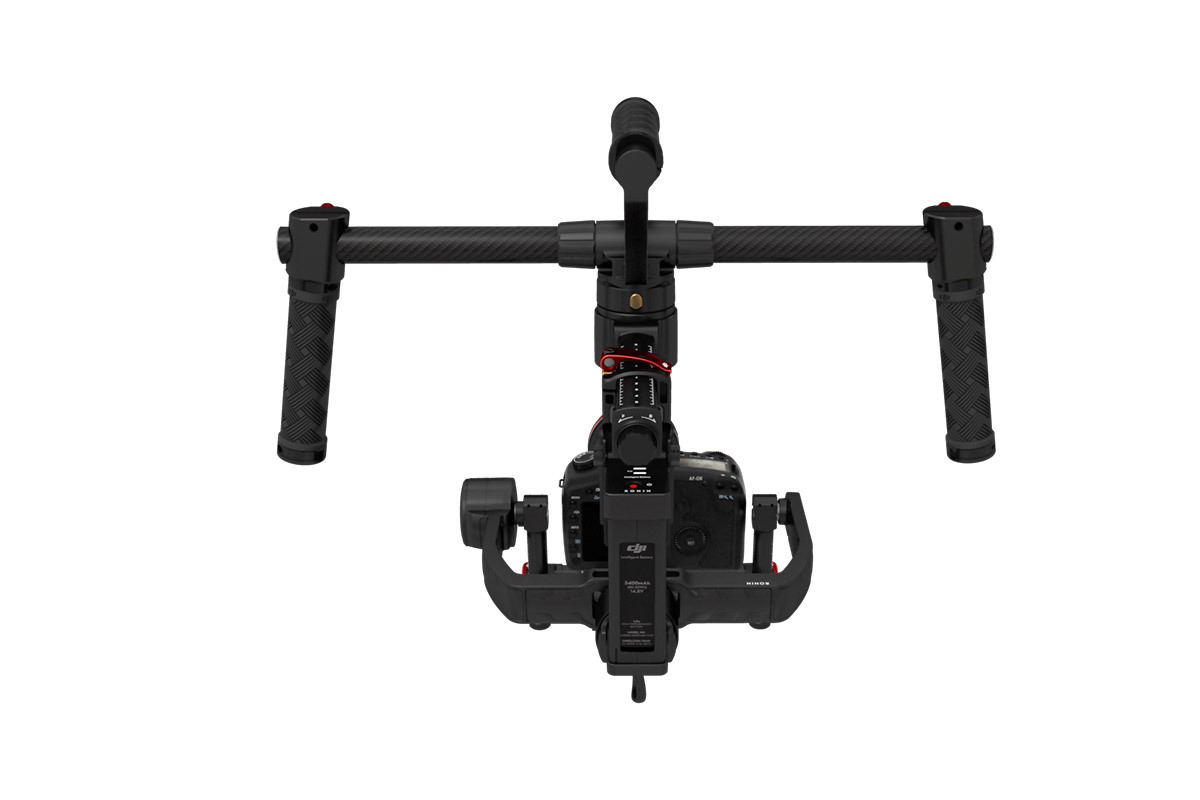
The Ronin-M 3-Axis Handheld Gimbal Stabilizer from DJI is a camera stabilization system designed to give the operator close to the freedom of unencumbered handheld shooting but without the hand-shake. Suitable for most camera types and configurations up to 8 pounds, the Ronin-M uses brushless motors that work on three axes: one for side-to-side "roll" - keeping the horizon level - one for tilt, and one for pan. The system is computer-controlled and features a tilt range of 105⁰ up / 165⁰ down plus a roll range of ±110⁰. Furthermore, the system boasts a precision of control of ±0.02°, enabling precise camera moves and stability correction against even very fine movements. In addition to handheld shooting, the gimbal can be used in vehicle mounting scenarios and other contexts where vibrations or other abrupt movements would make tripods and rigid camera support systems unsuitable.
The Ronin-M supports dual-operator shooting, much like working with a jib that has a motorized pan/tilt head. In this mode, a second operator would use the included transmitter (radio controller) to manually control camera pan and tilt independently of which way the Ronin-M itself moves. The included transmitter/receiver system operates on 2.4 GHz and is proprietary. If you prefer to use a third-party transmitter there is a D-Bus port on the Ronin-M to install your own receiver.
For Cameras Up to 8 lb
The Auto Configuration feature means the Ronin-M can adapt to a range of camera sizes, and is ideally suited for compact video cameras, mirrorless cameras, and DSLRs. It is suitable for payloads up to 8 pounds.
SmoothTrack Control
SmoothTrack gives a single gimbal operator the ability to translate their tilt and pan movements of the gimbal into smooth and stabilized movements of the camera's angle. This is designed to make framing of broad wide-angle scenes or even shooting in close quarters much easier during single gimbal operator use.
Auto Configuration
After balancing the camera with a simple tap of the ATS (Auto Tune Stability) button, Ronin-M will be automatically tuned for the mass and weight distribution of your camera rig. The gimbal will intelligently adjust parameters based on the camera rig's weight and independently adjust each of the three axes until an optimal setting is found.
Three Operation Modes
Upright Operation Mode
Upright Mode allows the gimbal to be flipped over so the camera can be operated closer to eye level without straining to lift the gimbal. This can be used in various situations, such mounting on the top of the vehicle.
Underslung (Suspended) Operation Mode
Suspended Operation Mode is the standard operation mode for Ronin-M. Low slung, close to the ground, or simply holding the gimbal in front of you offers stabilized handheld footage. This mode would also be used when mounted the gimbal on a flying platform such as a multirotor RC helicopter.
Briefcase Mode
When a slimmer gimbal profile is needed - such as when moving through doorways or narrow paths - Briefcase Mode is ideal. It allows the gimbal to be held to the side and close to the legs, much like a briefcase.
Second Operator Control
Featuring the form factor of an RC aircraft radio controller, the 2.4 GHz Ronin transmitter provides pan and tilt control as well user-assignable speed settings and operation modes via two toggle switches. This allows one operator to hold the gimbal assembly while a second manually controls camera movement remotely. If you would rather use a third-party transmitter a D-bus port is provided as well.
Optional Thumb Controller for Pan / Tilt
Single thumb control is possible for the Ronin-M Handheld Gimbal System. These Pan and Tilt movements are controlled via the optional Thumb Controller attachment, available separately. Additionally, SmoothTrack Mode can be turned on or off using the Thumb Controller interface.
Assistant Software for Mobile and Windows
A mobile device or computer to run the Assistant Software is essential. It is available for select iOS mobile devices and Windows computers. With the software you can:
Auto Configure the rig based on the weight and weight distribution of your camera after you've balanced it
Adjust Smoothtrack tuning to user preference
Enable and configure Second Operator Control
Run diagnostics and generate stats
Install firmware updates
The software can interface via USB or wirelessly over Bluetooth
The Ronin-M supports dual-operator shooting, much like working with a jib that has a motorized pan/tilt head. In this mode, a second operator would use the included transmitter (radio controller) to manually control camera pan and tilt independently of which way the Ronin-M itself moves. The included transmitter/receiver system operates on 2.4 GHz and is proprietary. If you prefer to use a third-party transmitter there is a D-Bus port on the Ronin-M to install your own receiver.
For Cameras Up to 8 lb
The Auto Configuration feature means the Ronin-M can adapt to a range of camera sizes, and is ideally suited for compact video cameras, mirrorless cameras, and DSLRs. It is suitable for payloads up to 8 pounds.
SmoothTrack Control
SmoothTrack gives a single gimbal operator the ability to translate their tilt and pan movements of the gimbal into smooth and stabilized movements of the camera's angle. This is designed to make framing of broad wide-angle scenes or even shooting in close quarters much easier during single gimbal operator use.
Auto Configuration
After balancing the camera with a simple tap of the ATS (Auto Tune Stability) button, Ronin-M will be automatically tuned for the mass and weight distribution of your camera rig. The gimbal will intelligently adjust parameters based on the camera rig's weight and independently adjust each of the three axes until an optimal setting is found.
Three Operation Modes
Upright Operation Mode
Upright Mode allows the gimbal to be flipped over so the camera can be operated closer to eye level without straining to lift the gimbal. This can be used in various situations, such mounting on the top of the vehicle.
Underslung (Suspended) Operation Mode
Suspended Operation Mode is the standard operation mode for Ronin-M. Low slung, close to the ground, or simply holding the gimbal in front of you offers stabilized handheld footage. This mode would also be used when mounted the gimbal on a flying platform such as a multirotor RC helicopter.
Briefcase Mode
When a slimmer gimbal profile is needed - such as when moving through doorways or narrow paths - Briefcase Mode is ideal. It allows the gimbal to be held to the side and close to the legs, much like a briefcase.
Second Operator Control
Featuring the form factor of an RC aircraft radio controller, the 2.4 GHz Ronin transmitter provides pan and tilt control as well user-assignable speed settings and operation modes via two toggle switches. This allows one operator to hold the gimbal assembly while a second manually controls camera movement remotely. If you would rather use a third-party transmitter a D-bus port is provided as well.
Optional Thumb Controller for Pan / Tilt
Single thumb control is possible for the Ronin-M Handheld Gimbal System. These Pan and Tilt movements are controlled via the optional Thumb Controller attachment, available separately. Additionally, SmoothTrack Mode can be turned on or off using the Thumb Controller interface.
Assistant Software for Mobile and Windows
A mobile device or computer to run the Assistant Software is essential. It is available for select iOS mobile devices and Windows computers. With the software you can:
Auto Configure the rig based on the weight and weight distribution of your camera after you've balanced it
Adjust Smoothtrack tuning to user preference
Enable and configure Second Operator Control
Run diagnostics and generate stats
Install firmware updates
The software can interface via USB or wirelessly over Bluetooth