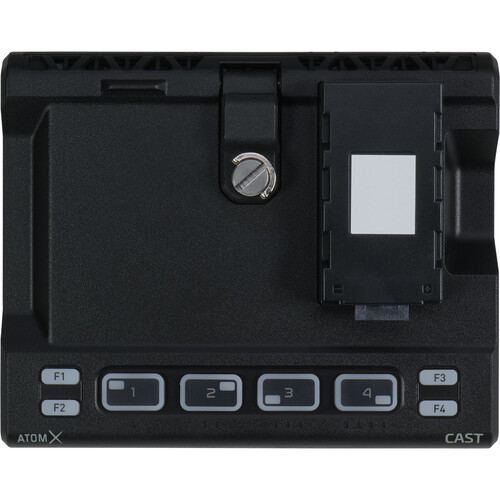
Atomos AtomX CAST for Ninja V
AtomX CAST is for video creators and for you who want to make multi-camera production quickly and easily with top quality. It is also for anyone who wants to add the professional broadcast quality to their online meetings, presentations, distance learning, virtual conferences, etc. Because CAST is simple and easy to use, you do not need to be a video professional to achieve great results.
Benefits
- Easy to use
- Plug and play
- Can be used as a webcam
- Flexible settings
- Raise your broadcast one level with transparent graphics
Easy Switching
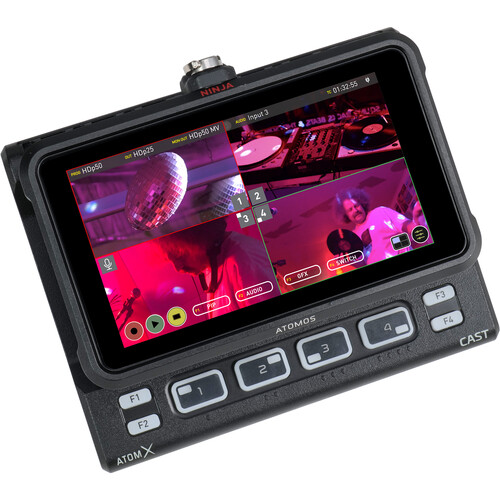
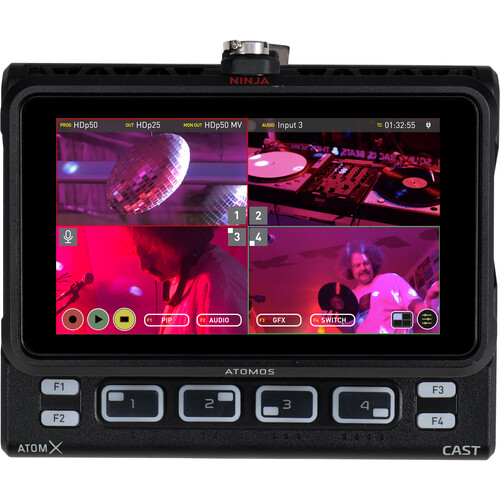
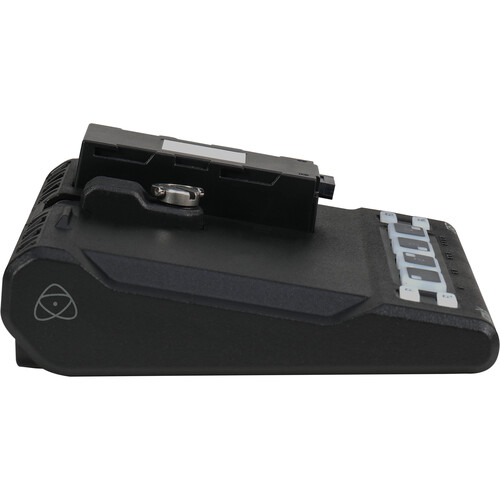
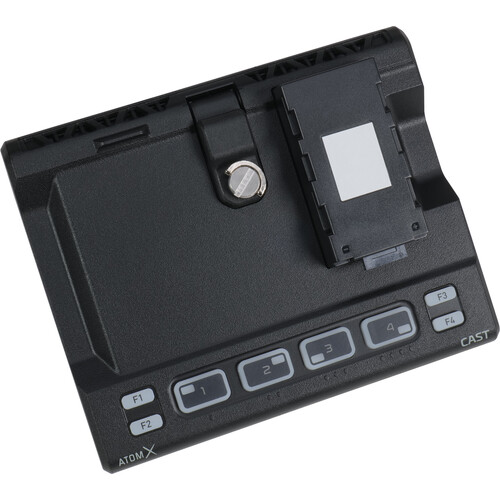
The flexible control options allow you to use either the touch screen or the physical buttons to "switch" between sources when deciding what to broadcast. The illuminated buttons for each input and colored LED lighting for program and preview status allow you to use CAST in dimly lit environments.
Connect a full HD video source
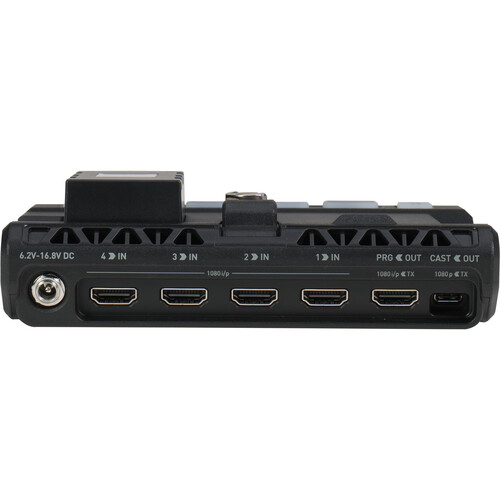
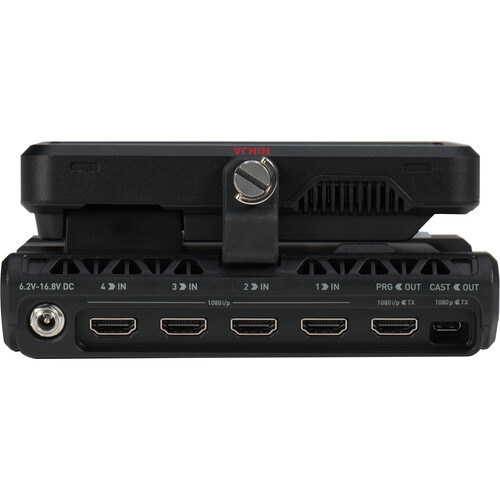
Connect mirrorless or DSLR cameras, camcorders, computers or even pre-recorded content via HDMI. You do not have to worry about synchronization, as you can mix and match frame rates up to 60p, as well as both interlaced and progressive HD sources automatically.
Integrates seamlessly
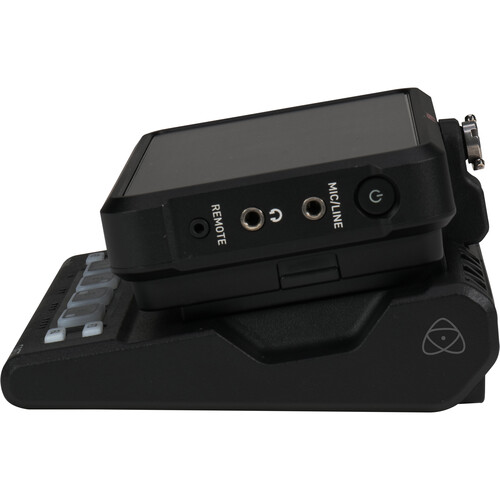
With Ninja V / V+ docked, AtomX CAST connects via USB-C to your computer and is displayed as a high quality webcam. Plug and play makes it work directly with all your video programs such as Zoom, Teams and Skype without the need to install drivers on your computer first. Add up to four camera inputs to take your presentation or meeting to the next level.
Integrated monitor
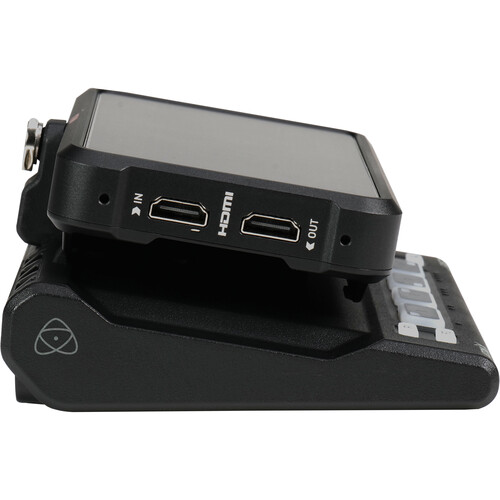
With an integrated monitor, you can see both the incoming signals and your outgoing image without having to connect an additional monitor. With Ninja V / V+ docked in AtomX CAST, you can use the high-quality 5” touch screen for installation and the display assistance tools for exposure, focus and image analysis to optimize your images. Then switch to multiview to see all four inputs simultaneously, complete with audio level monitoring.
Improve Your Brand
Sophisticated features such as logos, graphics and lowerthirds will make your productions look incredible, and the dedicated controls for these features make them easy to use.
Picture In Picture
One of the advantages of using CAST with multiple camera configurations is that you can use the Picture in Picture function to display two inputs simultaneously. Any of the four HDMI inputs can be used for a picture-in-picture effect, and there are controls for the size and location of the superimposed picture. You can display a close-up of a product on your desktop and view your face as a picture in picture at the same time, while talking about the product.
Configurable and Customizable
Because AtomX CAST is so compact and versatile, users can easily work alone or with a team to improve their productions. Solo operators can transport Ninja CAST in a small backpack and then use it discreetly with compact cameras for productions of all sizes. For larger settings, the Ninja V / V+ HDMI output can be used as a secondary output that can be configured as a duplicate program, preview of the crew or talent, or to connect to a larger multiview screen.
Advanced workflow ready
AtomX CAST, connected to a Ninja V / V+, is a fully functional standalone switcher, but you can also use it with a computer for more advanced video work. In this mode, AtomX CAST and Ninja V / V+ do the heavy lifting, remove the load from your computer and reduce the likelihood of software crashes with dedicated external video processing. Just add AtomX CAST as the media source in OBS, X-Split and VMix to use the software's additional graphics and scene configuration while using CAST to change video input.
Transmission Quality Switching and Recording
With professional 10bit / 4:2:2 inputs, you get high image quality on transmission, as well as the ability to record in transmission quality codecs such as Apple ProRes or Avid DNx.