
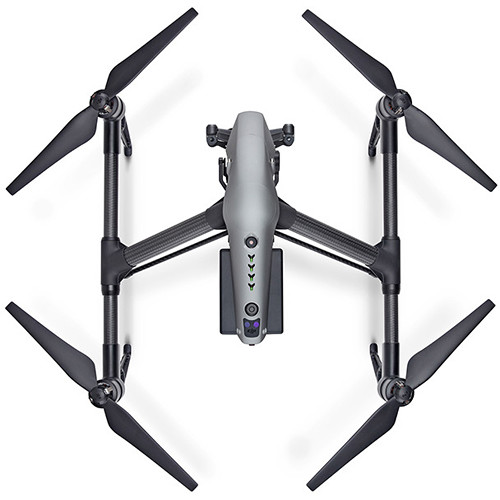
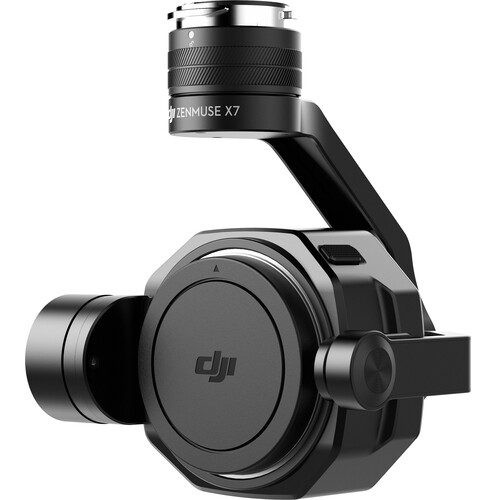
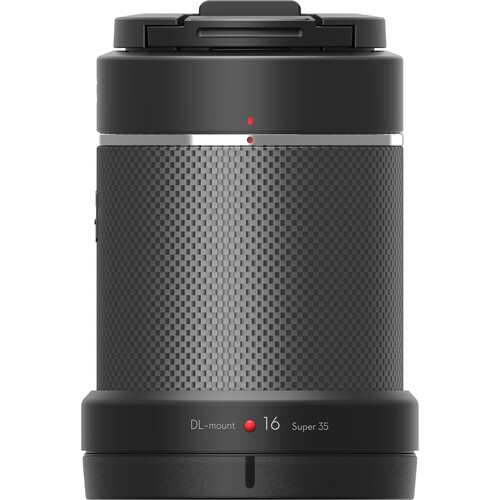
DJI Inspire 2 Advanced Kit - Zenmuse X7 Gimbal & 16mm/2.8 ASPH ND Lens
€10 787,50
- VAT free purchase available at checkout.
Descrição
Artigo n.: 3368
DJI Inspire 2 Advanced Kit - Zenmuse X7 Gimbal & 16mm / 2.8 ASPH ND Lens
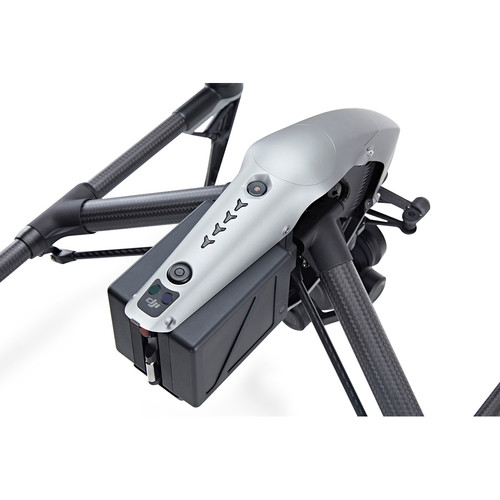
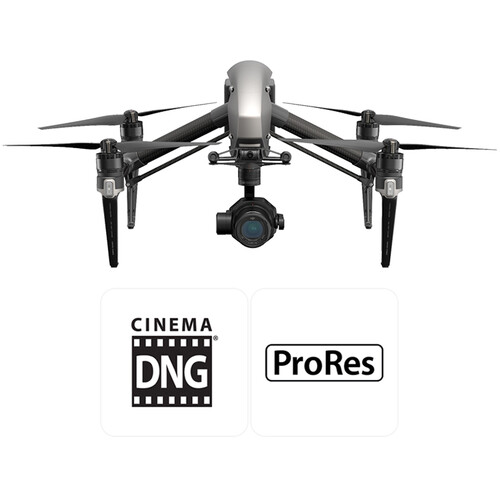
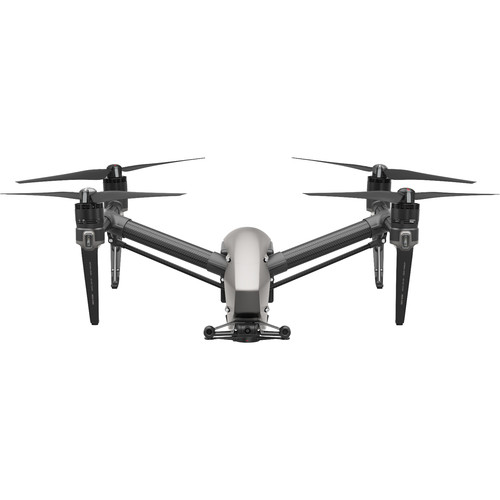
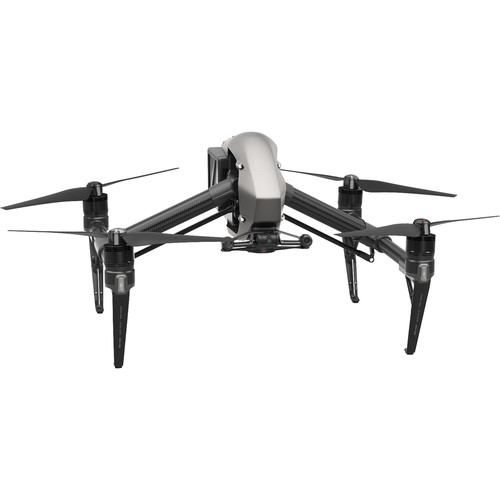
With the Inspire 2 Advanced Kit with Zenmuse X7 Gimbal & 16 mm / 2.8 ASPH ND lens from DJI, you get a complete flight video solution right out of the box. The Zenmuse X7 gimbal offers 3-axis stabilization while the camera captures video with up to 6K resolution at either 17: 9 or 16: 9 aspect ratio. In addition to 6K, the camera can record DCI 4K at 30 fps and UHD 4K at 60 fps. For still image shooting, high-resolution 24MP images can be taken and all your images can be saved on any microSD or DJI CINESSD device. The addition of 16mm ASPH ND lenses provides an open f / 2.8 aperture to compensate for low light or to reduce the depth of field for enhanced bokeh effect.DJI has also increased the flight functions in Inspire 2. To be able to accelerate to 50km / h in 4 seconds and reach a top speed of 58km / h, Inspire 2 can follow fast motives for dramatic sports and action movies. With the two included LiPo batteries on board, you can charge up to 27 minutes of flight time.
Advanced obstacle avoidance has also arrived at Inspire 2. Built into DJI's FlightAutonomy system, objects in front of, below and above the drone can be detected and avoided automatically. Inspire 2 can even remember flight paths in the event of an emergency access from home without GPS enabled. In addition, the pilot can navigate the Inspire 2 with the built-in 2-axis stabilized FPV camera without being limited to the gimbal camera's field of view.
Advanced Obstacle Detection
Forward and downward visibility systems enable the Inspire 2 to detect obstacles up to 30m ahead, enabling protected flight up to 34km / h at a controllable setting angle of 25 °. Upward-facing infrared sensors scan obstacles 5m above and provide protection when flying in enclosed spaces. Obstacle detection systems are active during normal flight, RTH and all intelligent flight modes.Spotlight Pro
Spotlight Pro is a powerful tracking mode that allows even single pilots to capture complex, dramatic images. It uses advanced visual tracking algorithms to capture a subject in flight, regardless of the direction in which the Inspire 2 is flying, creating images that would once have required a dedicated camera operator. If the gimbal comes close to reaching its rotational limits, the Inspire 2 itself will rotate in the same direction without affecting flight control or capturing the image to release gimbal motion.Spotlight Pro has two modes: Fast and Composition. In quick mode, select an item to start tracking. In composition mode, select the item and the tracking position. When the subject enters the preset tracking position, press the shortcut to start tracking. The gimbal can be moved during filming for composition adjustments. Spotlight Pro is available in all intelligent flight modes including ActiveTrack, TapFly, Waypoint and Point of Interest.TapFly
The 2-axis FPV camera on board separates the flight view from the main view, giving the Inspire 2 a dedicated tap-to-fly camera. Tap a point on the screen in the FPV view to set a flight path and Inspire 2 will automatically fly along that route, allowing the pilot to focus on gimbal motion.
ActiveTrack
ActiveTrack mode allows the Inspire 2 to recognize a range of objects, from people to bicycles to cars to boats. Tracking profiles that can be adjusted based on the subject being tracked mean greater tracking precision."Smart Return Home"
Forward and downward vision systems enable the Inspire 2 to create a real-time map of its flight path as it flies. If the signal of the video transmission system is lost and Smart Return Home is activated, it can fly home along its original route and switch to a straight line when it regains a signal. When it returns, it will use the primary camera to identify obstacles as far as 200m ahead, so that it can plan a safe way home. It can also reconnect faster after the connection is lost.Video transmission system
Inspire 2 features DJI's Lightbridge technology. This iteration has an effective transmission distance of up to 7km (under ideal conditions) and can deliver both 1080p and 720p video, as well as the FPV view to the pilot and camera operator. Users can also switch between 2.4 GHz and 5.8 GHz control frequencies to avoid interference for increased signal stability.Master and slave settings are also supported. The main controller can send an HD video signal to the slave controller up to 90m away without loss of image quality.