
Description
Article no.: 1556
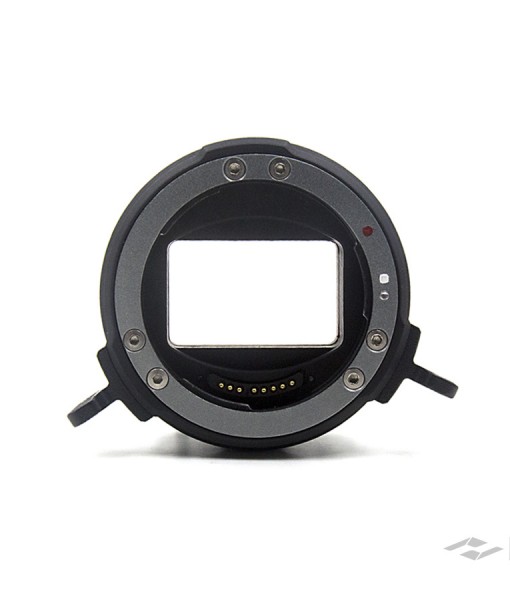
Kinefinity EF Mounting Adapter II
Newly designed EF mounting adapter for the TERRA with KineMOUNT, supports most EF lenses on the TERRA. Cordless, lightweight and electronic protection are the main features, making the new adapter superior to the previous versions.How to attach the EF lens to the lock-style EF mount:
Rotate locking ring of the EF mount clockwise until stop;
Take off all the caps or covers from the camera and lens mounts;
Align red dot on lens, white line on locking ring and dot on mount. And make sure that the pin on the mount matches the whole of the lens;
Rotate locking ring (NOT lens) counter-clockwise until fastened firmly.
Note: When removing the lens, please hold it, this prevents it from falling off accidentally when you're loosening the locking ring.