
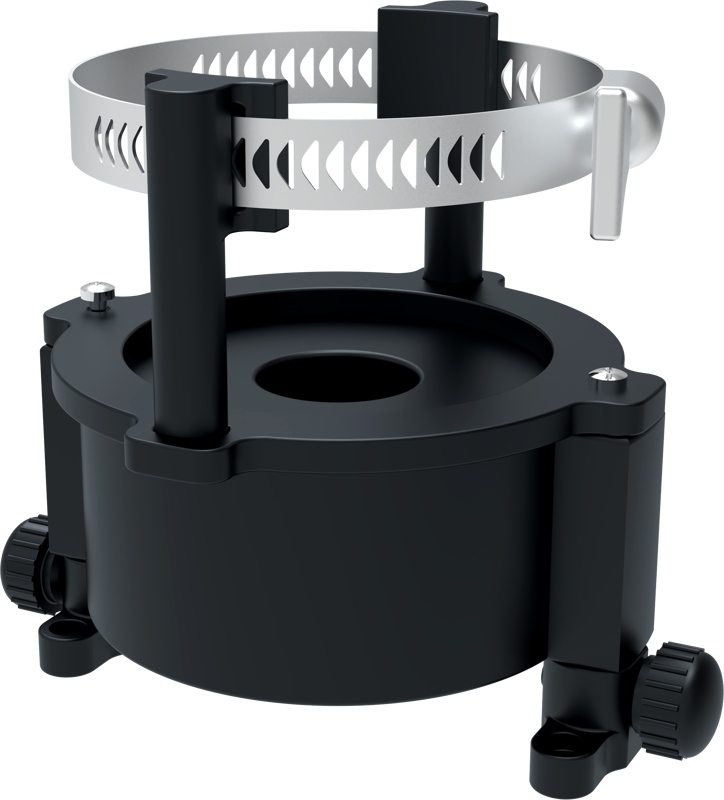
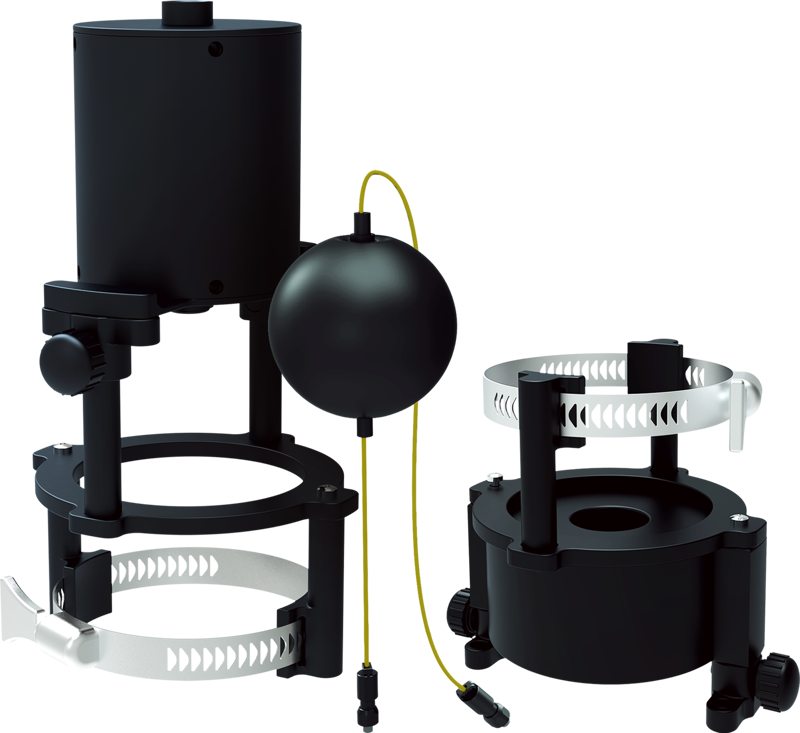
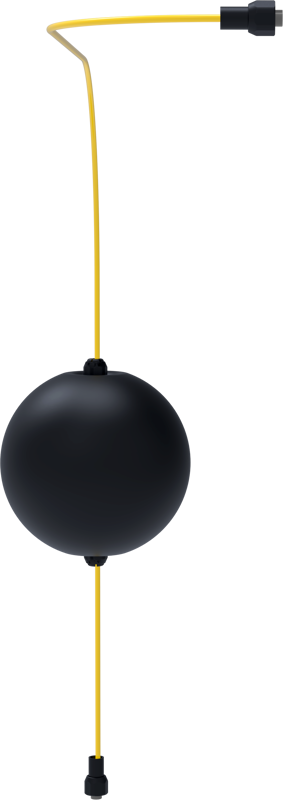
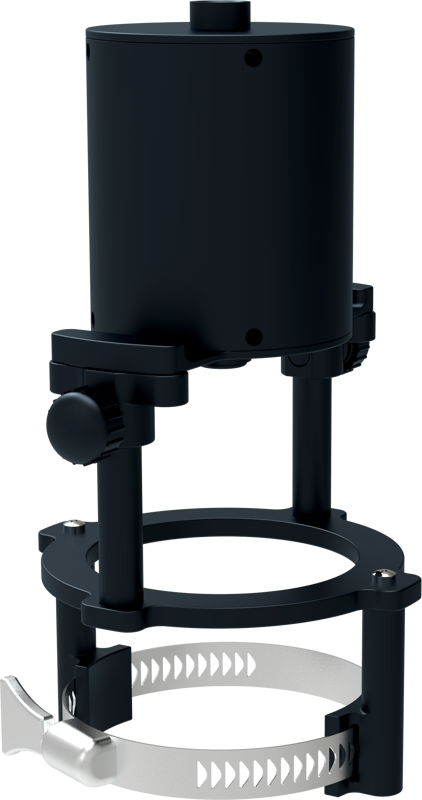
Chasing M2 Pro/M2 Pro Max Cerulean USBL Sonar Mounting Kit (MarkII)
- VAT free purchase available at checkout.
- BrandChasing
Description
Article no.: 24704
Chasing M2 Pro/M2 Pro Max Cerulean USBL Sonar Mounting Kit (MarkII) – Mounts Cerulean USBL Sonar to M2 Pro and M2 Pro Max
Chasing Cerulean USBL Sonar Mounting Kit (MarkII) is required to attach the Cerulean USBL sonar to Chasing M2 Pro and M2 Pro Max ROVs. The kit provides the proper mounting solution for integrating the USBL sonar with these models.
Compatibility and important note
The mounting kit fits both the M2 Pro and the M2 Pro Max. However, if you use the kit with an M2 Pro Max, you must also install the dedicated M2 Pro Max bracket.
NB: M2 Pro Max also requires the M2 Pro Max bracket:
121130 Chasing M2 Pro Max USBL Quick Mounting Bracket
Required software and firmware updates
Before using the USBL sonar, please upgrade to the latest versions of the APP, ROV, and Dock firmware. These updates ensure compatibility and include recent fixes and new features related to the USBL functionality.
What the updates include
- Fixed issues reported in the APP version 4.9.9.
- New: USBL Trajectory Recording and Import.
- New: USBL Interest Point Marking & Split-Screen Map/Video Transmission Display.
- New: Automatic Storage of Water Quality Sensor Data to ROV Memory Card.
- New: Two ROV Operating Modes.
- New: Mechanical Arm/Water Quality Sampler Control Method - Short Press Right Shoulder Button to Open/Close, Long Press for Right Dial Control.
- New: Manual Configuration Mode for Accessory Dock.
How these updates help
First, the fixes noted in APP version 4.9.9 address reported issues to improve stability. Next, the USBL trajectory recording and import feature enables you to save and bring back trajectory data for later review. In addition, interest point marking and split-screen map/video display let you view position data alongside live video. Moreover, automatic storage of water quality sensor data simplifies data collection by writing it directly to the ROV memory card. Finally, two ROV operating modes and updated accessory controls offer more flexible operation, while the manual configuration mode gives you direct control over the accessory dock.
Quick checklist before installation
- Verify you have the Chasing Cerulean USBL Sonar Mounting Kit (MarkII).
- If using an M2 Pro Max, obtain the 121130 M2 Pro Max USBL Quick Mounting Bracket.
- Update the APP, ROV, and Dock firmware to their latest versions.
FAQ
Question: Is this Mounting Kit required to use the Cerulean USBL sonar with my Chasing ROV?
Answer: Yes. The MarkII mounting kit is required to mount the Cerulean USBL sonar to the M2 Pro and M2 Pro Max.
Question: Do I need any extra parts for the M2 Pro Max?
Answer: Yes. The M2 Pro Max also requires the 121130 Chasing M2 Pro Max USBL Quick Mounting Bracket in addition to this MarkII kit.
Question: What updates should I install before using the USBL sonar?
Answer: Upgrade your APP, ROV, and Dock firmware to the latest versions. The updates include fixes and new USBL-related features such as trajectory recording, interest point marking, split-screen map/video display, automatic water quality data storage, two ROV modes, revised accessory controls, and a manual configuration mode for the accessory dock.
Question: Will firmware updates affect data collection from water quality sensors?
Answer: The updates introduce automatic storage of water quality sensor data to the ROV memory card, which streamlines keeping sensor data alongside mission footage and USBL data.