
Chasing M2/M2 Pro/M2 Pro Max Auxiliary Camera
- VAT free purchase available at checkout.
- BrandChasing
Description
Article no.: 24688
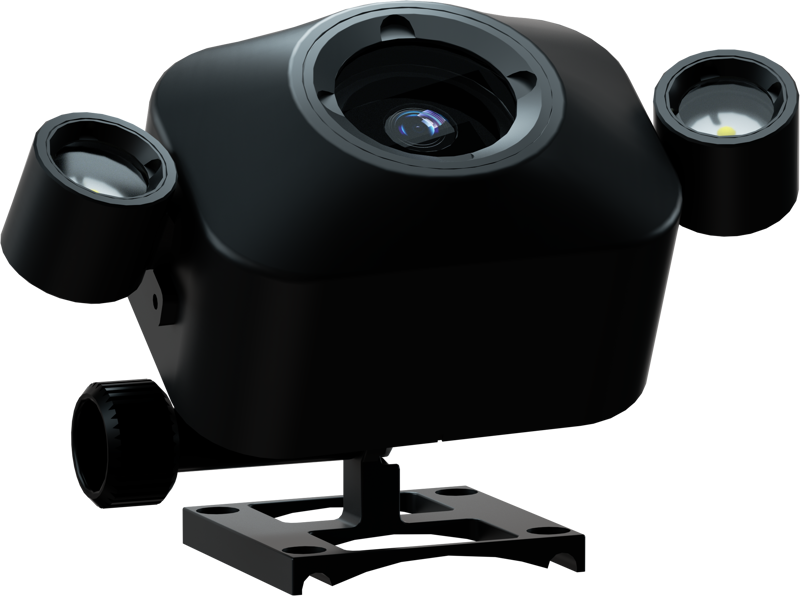
Chasing Auxiliary Camera for M2/M2 Pro/M2 Pro Max – 1080p F/1.6 with 2×1200 lm Fill Lights
Designed for Chasing M2 Pro and M2 Pro Max via the docking station
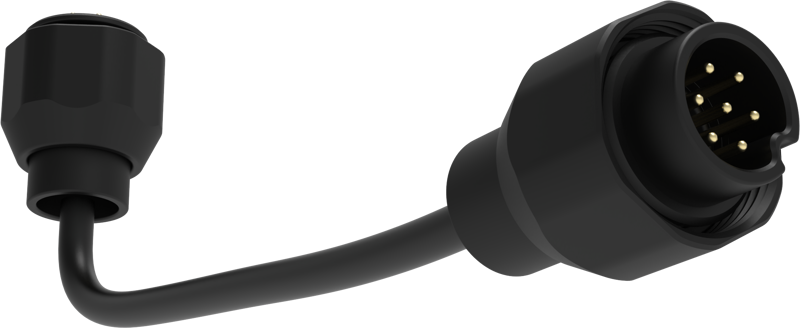
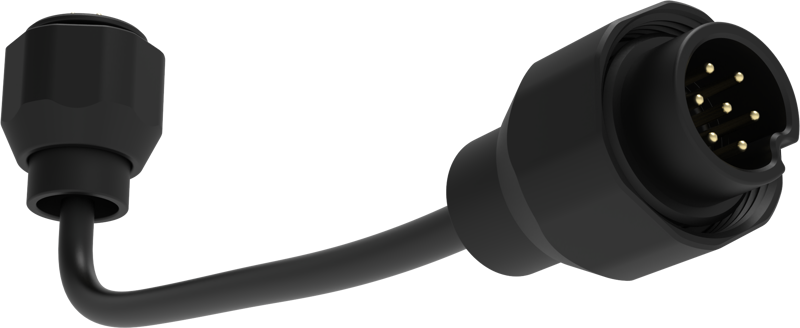
This Auxiliary Camera is specially designed to work with Chasing M2 Pro and M2 Pro Max ROVs using the docking station. It connects to the ROV system so you can add an extra viewpoint without altering the main camera setup.
App integration and control
Use the CHASING GO1 App to control the Auxiliary Camera. Through the app, you can view the live feed in real time on your mobile device and trigger both photo and video functions remotely. This allows direct control from your phone or tablet while the camera is mounted to the ROV.
Second-angle shooting and simultaneous operation
The Auxiliary Camera can operate at the same time as the ROV's main camera. As a result, you can capture a second angle while the primary camera continues its recording, expanding your coverage options during a single deployment.
Optics, sensor and lighting
- 1080p resolution with an F/1.6 aperture for low-light performance.
- Uses a 1/2.8 inch CMOS depth sensor and delivers 12 megapixels for still images.
- Includes two 1200-lumen fill lights to increase scene illumination when needed.
Mounting flexibility and adjustable angle
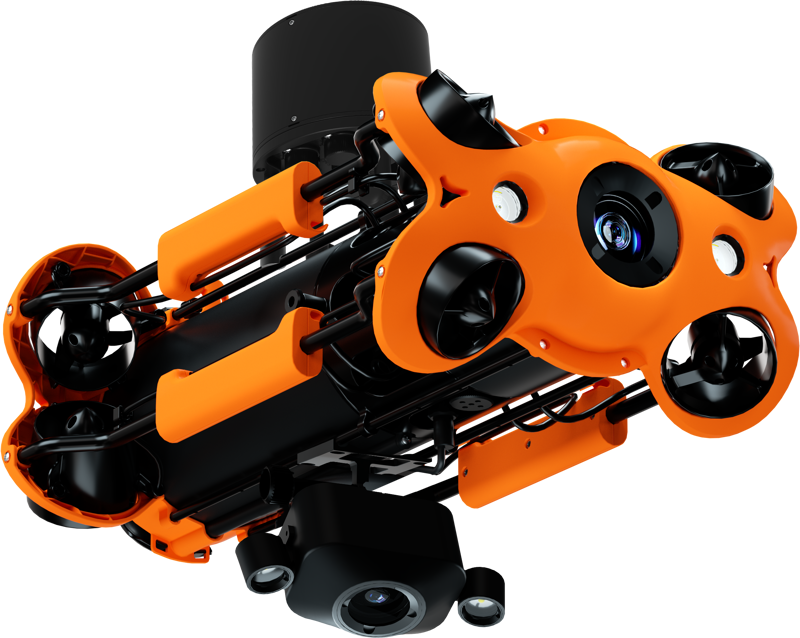
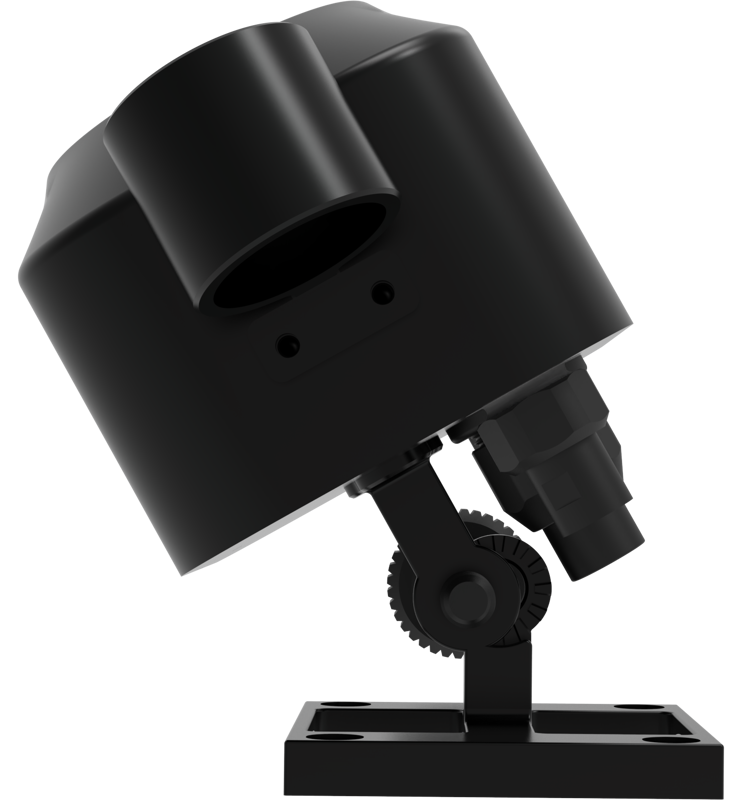
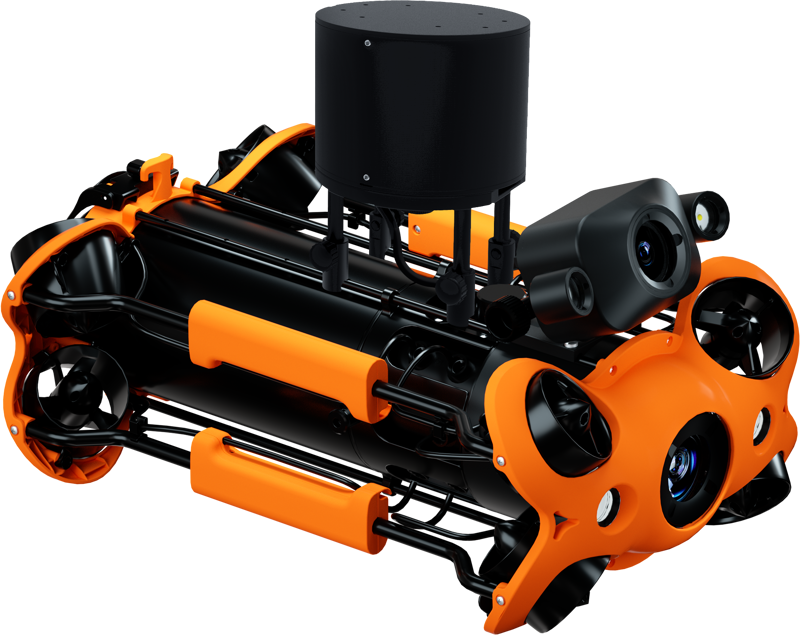
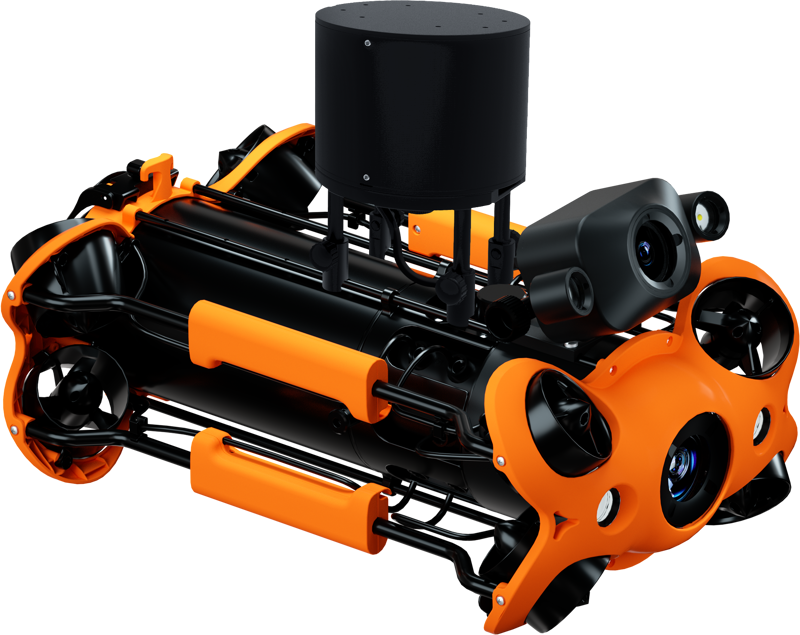
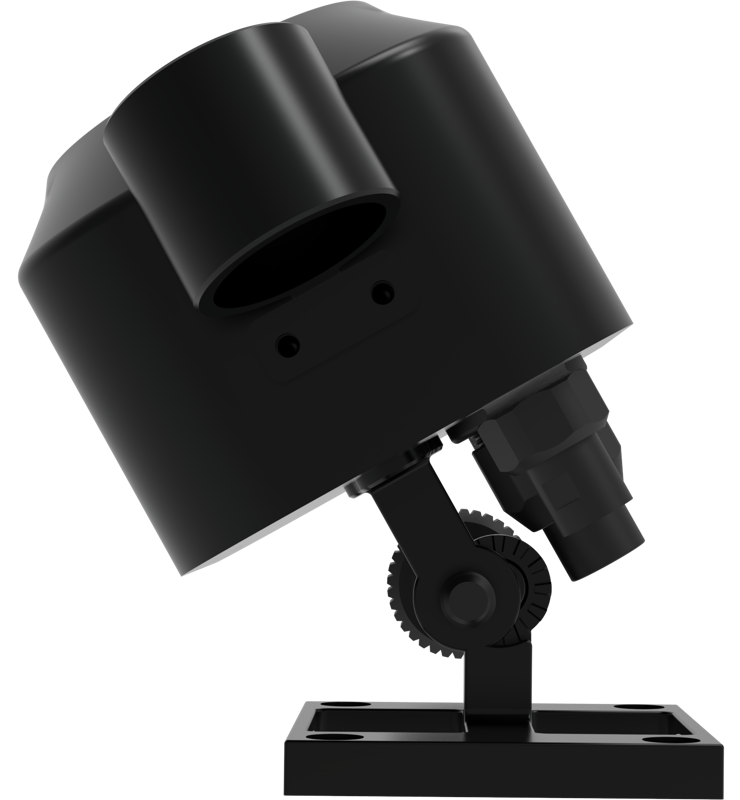
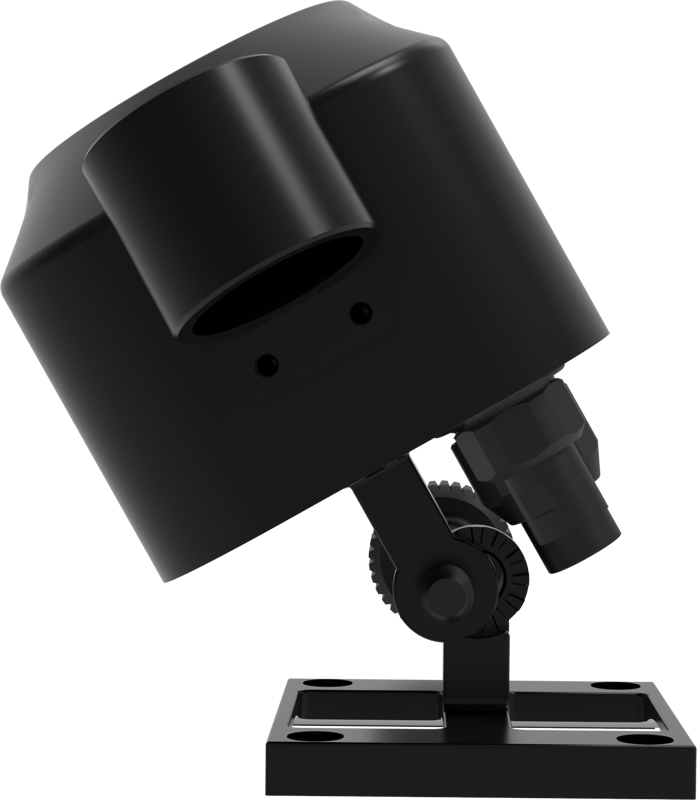
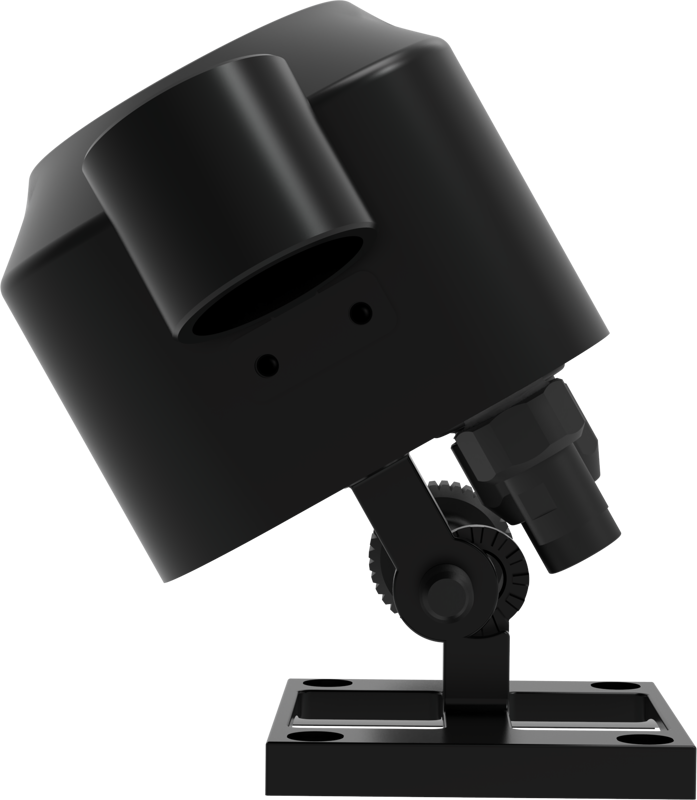
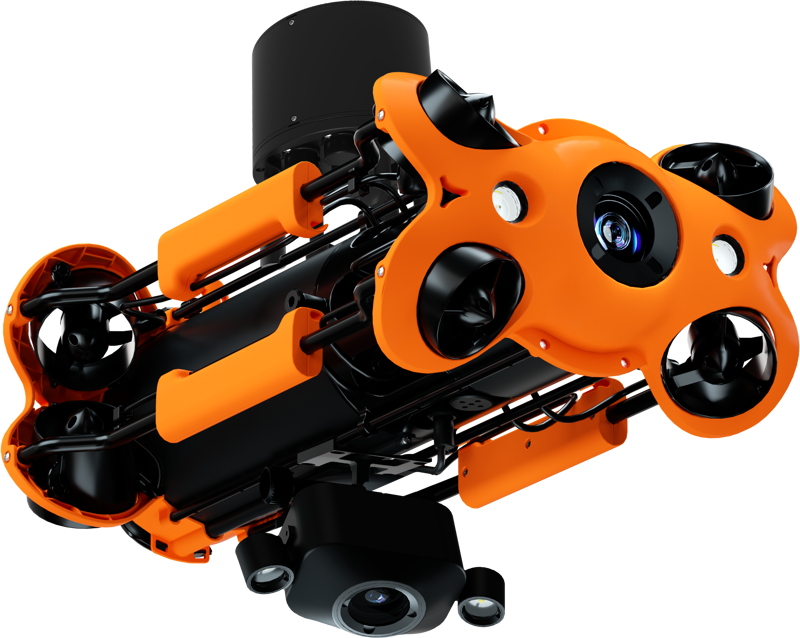
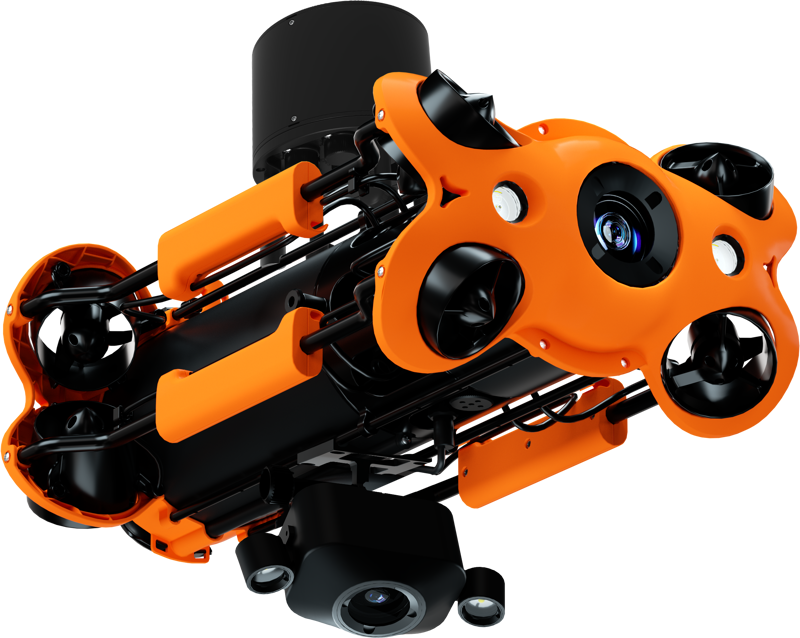
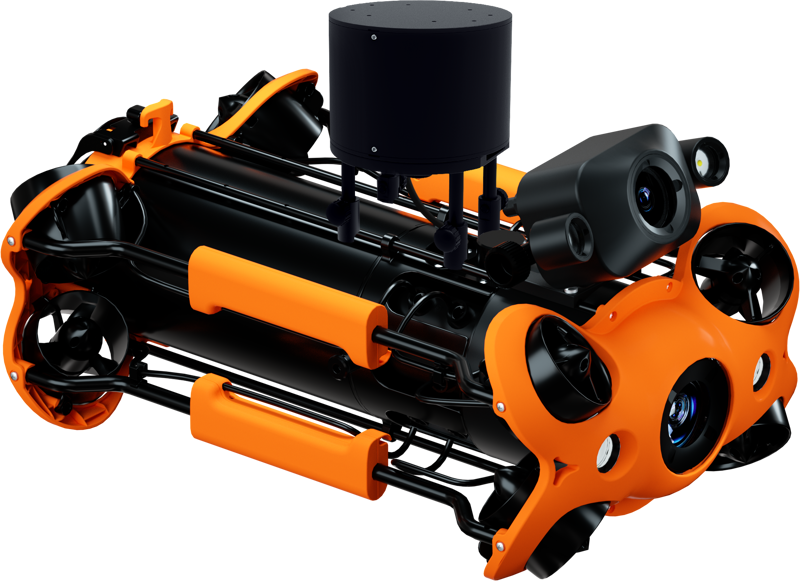
The Auxiliary Camera mounts onto the ROV either on the top or the bottom, depending on your desired viewpoint. Additionally, you can adjust the camera angle between 0 and 90 degrees, allowing you to set the shooting angle precisely for different framing needs.
Product specifications
| Specification | Detail |
|---|---|
| Compatibility | Chasing M2 Pro / M2 Pro Max (via docking station) |
| App | CHASING GO1 App (real-time viewing and shooting) |
| Video resolution | 1080p |
| Aperture | F/1.6 |
| Sensor | 1/2.8 inch CMOS depth sensor |
| Still image | 12 megapixels |
| Fill lights | 2 × 1200 lumens |
| Adjustable angle | 0–90 degrees |
| Mounting positions | Top or bottom of the ROV |
Practical use cases
Use the Auxiliary Camera when you need an alternative perspective alongside your ROV's main camera. For example, capture a downward or upward view while the primary camera keeps a forward-facing shot. Also, when lighting is limited, the built-in fill lights help illuminate the scene for clearer video and photos.
FAQ
Question: Which ROVs is this camera compatible with?
Answer: The Auxiliary Camera is designed specifically for use with Chasing M2 Pro and M2 Pro Max ROVs via the docking station.
Question: How do I view and control the camera feed?
Answer: Connect and control the camera using the CHASING GO1 App. The app provides real-time viewing and lets you shoot photos and videos from your mobile device.
Question: Can the auxiliary camera record at the same time as the ROV’s main camera?
Answer: Yes. The Auxiliary Camera can be used simultaneously with the ROV’s camera to provide a second angle while the main camera continues operating.
Question: What are the camera’s imaging and lighting specifications?
Answer: The camera records at 1080p with an F/1.6 aperture, uses a 1/2.8 inch CMOS depth sensor, offers 12 megapixel stills, and includes two 1200-lumen fill lights for added illumination.
Question: How can I position the camera on the ROV?
Answer: You can fit the camera on either the top or bottom of the ROV. The unit also adjusts from 0 to 90 degrees so you can fine-tune the shooting angle to suit your shot.