
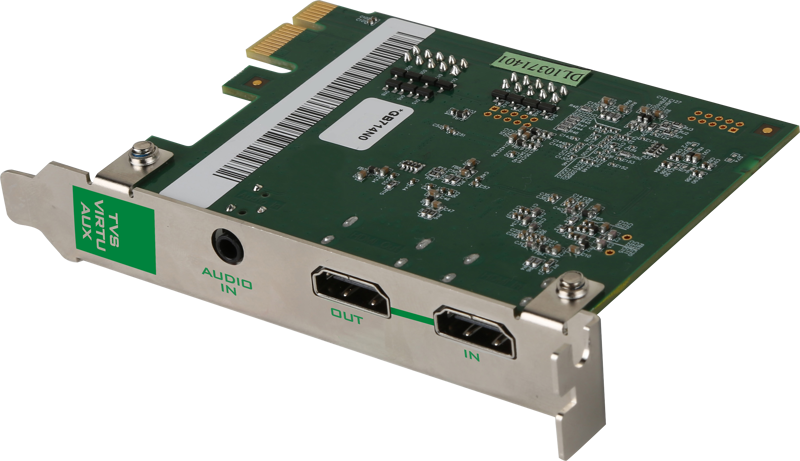
Datavideo TVS-1000A Virtual Studio System HDMI Single Ch.
- VAT free purchase available at checkout.
- BrandDatavideo
Description
Article no.: 24867
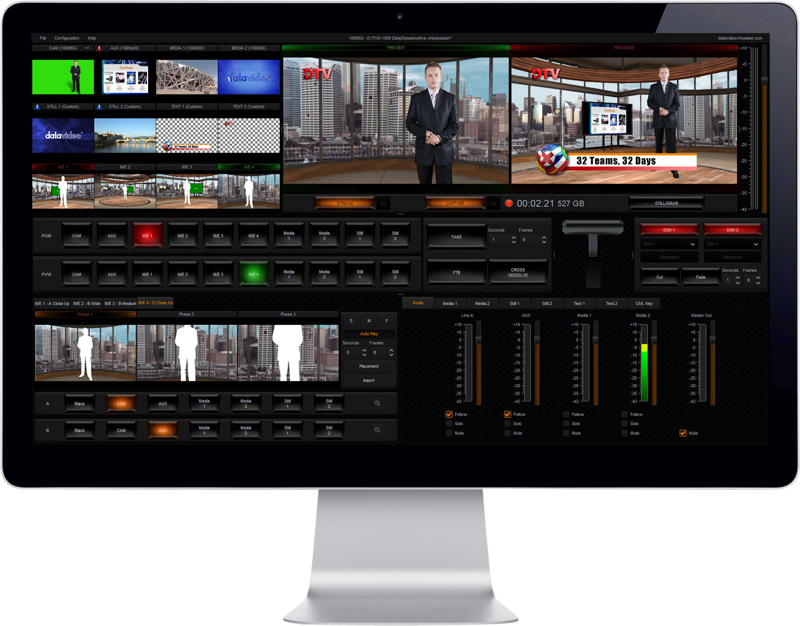
Datavideo TVS-1000A Virtual Studio System HDMI Single Ch. – Trackless Virtual Studio with One-Camera Simulation and Five-in-One Production
Trackless Virtual Technology for Realistic Camera Movement
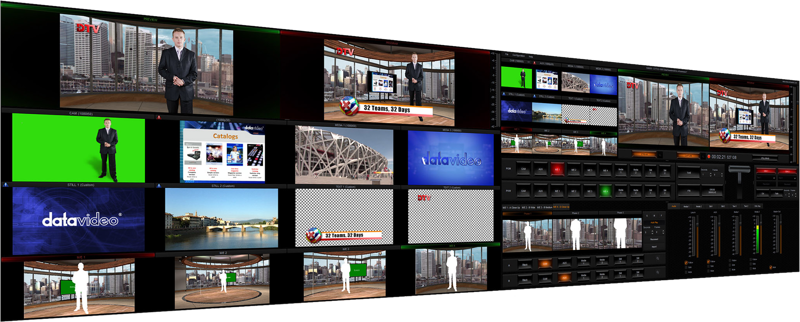
The Datavideo TVS-1000A uses trackless virtual technology to provide a real simulation virtual studio with a single button. It supports pan, tilt and zoom camera movements for dynamic effect, so productions gain the appearance of multi-camera coverage even when using a single physical camera.
Five-in-One Production Solution
The TVS-1000A combines five core functions into one system for streamlined production workflows:
- Virtual Studio
- Switcher
- Character Generator
- Recorder
- Web Streaming encoder
Because these components are integrated, you get a versatile, easy-to-use and cost-effective setup suitable for production companies, corporate producers, educational users, small studios and TV stations.
Easy Control with the RMC-220 Virtual Show Controller
The included RMC-220 control panel simplifies operation. It provides easy control of the TVS Virtual Studio System and features 10 function hot keys. You can directly trigger assigned functions by pressing the corresponding key, which allows quick insertion of animations, clips and pictures during live production.
One Camera Input That Simulates Four Camera Angles
The TVS-1000A accepts a single camera input and can simulate up to four cameras with different shooting angles. Each simulated camera has its own natural pan, tilt and zoom movements, creating a television-style viewing experience from a one-camera studio setup.
Built-in Virtual Set Maker Included
The system includes a free built-in Virtual Set Maker to build virtual sets quickly. Use the Virtualset Maker to create, edit and personalize virtual studio sets in about one minute. You can create a virtual scene from any image, import virtual elements and objects, and fully customize your studio sets on your PC.
You can download the Virtual Set Maker at: https://www.datavideo.com/product/Virtualset%20Maker
Share or sell sets via DatavideoVirtualSet.com. Free virtual sets and animations for TVS-1000A are available at:
Free virtual sets: https://www.datavideovirtualset.com/en/tvs-center/1
Free animations: https://www.datavideovirtualset.com/en/tvs-center/2
One-Click Streaming
Live streaming is simplified: click one button to go online. The TVS-1000A includes presets for common streaming services and also allows you to customize streaming service profiles to match your preferred providers.
Removable Hard Drive Recording
The system records to a removable hard drive placed in a protective enclosure. The TVS-1000A supports multiple recording quality options and common recording formats, making recorded material easy to edit using non-linear editing software.
Available quality settings:
- High quality
- Normal quality
- Low quality
- Custom Bit rate selectable from 3000kbps to 25000kbps
Recording formats: H.264 and MPEG 2, which can be easily edited in non-linear editing software.
Character Generator and Graphics
The built-in character generator (CG) helps you produce graphics and subtitles directly within the system. You can import transparent graphics and website snapshots to create enhanced visual effects.
200 Free Virtual Sets Included
TVS-1000A ships pre-installed with 200 virtual scenes. Each scene is designed with four different view angles to increase realism and flexibility. In addition, unlimited free virtual set downloads are available at DatavideoVirtualSet.com.
In the Box
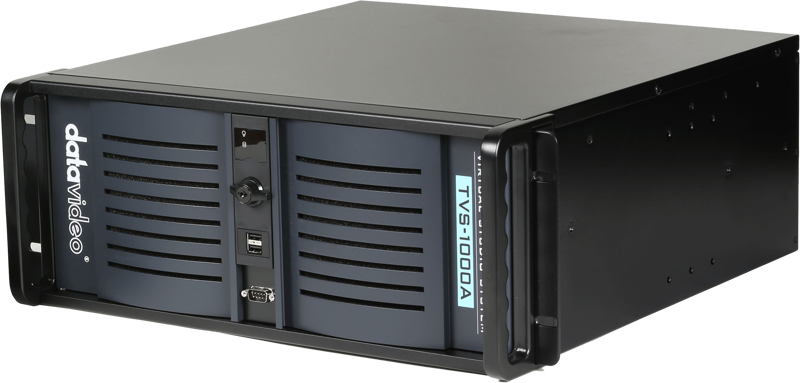
- 1 x TVS-1000A Main Unit
- 1 x Power AC Cord
- 1 x 2.5" HDD Box (with SATA to USB cable)
- 1 x USB Mouse
- 4 x Screws M3
- 1 x RMC-220 Unit (include D-Sub 9Pin Cable + DC 12V Power Adaptor)
- 2 x Labels
Technical Specifications
| Feature | Specification / Detail |
|---|---|
| System Type | Trackless Virtual Studio System |
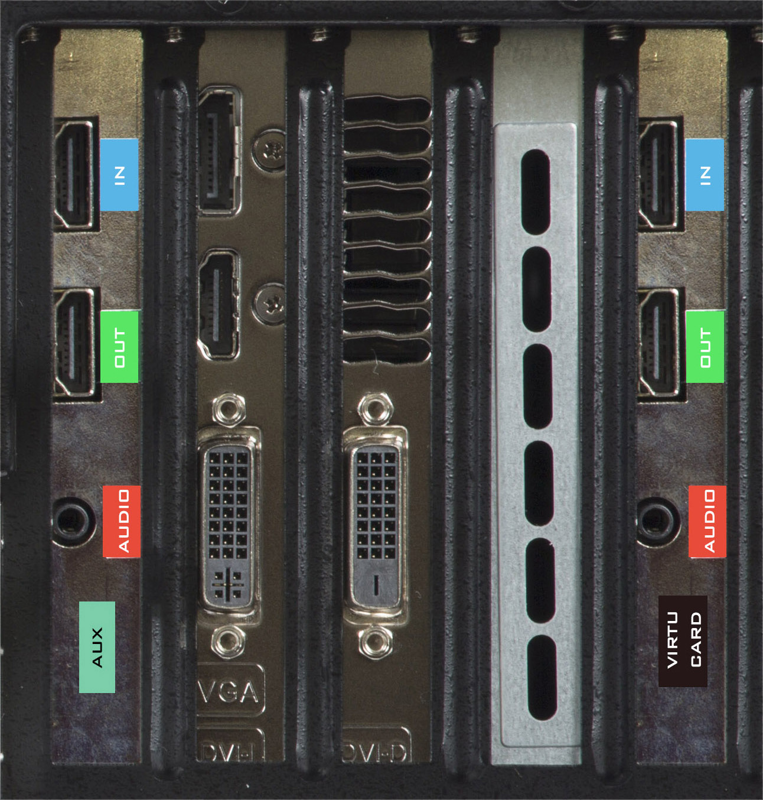
| Input | HDMI Single Channel |
| Virtual Camera | One camera input can simulate up to four cameras with pan, tilt and zoom |
| Five-in-One | Virtual Studio, Switcher, Character Generator, Recorder, Web Streaming |
| Control Panel | RMC-220 with 10 function hot keys |
| Recording Formats | H.264 and MPEG 2 |
| Recording Quality Options | High, Normal, Low, Custom bit rate 3000kbps to 25000kbps |
| Virtual Sets Included | 200 pre-installed virtual scenes (each with four view angles) |
| Removable Storage | 2.5" HDD Box (with SATA to USB cable) in protective enclosure |
FAQ
question: Who is the TVS-1000A designed for?
Answer: The TVS-1000A suits production companies, corporate producers, users in education, small studios and TV stations that need a compact trackless virtual studio solution with integrated switching, CG, recording and streaming.
question: How many cameras does the system require and how does it simulate multiple angles?
Answer: The system uses a single HDMI camera input and can simulate up to four virtual camera angles. Each virtual camera provides natural pan, tilt and zoom movements to mimic multi-camera productions.
question: Can I stream live directly from the unit?
Answer: Yes. The TVS-1000A includes a one-button live streaming workflow with presets for common streaming services and options to customize service profiles.
question: How do I record and edit footage from the TVS-1000A?
Answer: Recordings go to the removable 2.5" HDD box in a protective enclosure. The system records in H.264 and MPEG 2 formats and offers multiple quality settings, including a custom bit rate range from 3000kbps to 25000kbps, which makes the files compatible with non-linear editing software.
question: Where can I get more virtual sets or create my own?
Answer: Use the included Virtual Set Maker to create custom sets on your PC and download additional free virtual sets and animations from DatavideoVirtualSet.com. The Virtual Set Maker is available at: https://www.datavideo.com/product/Virtualset%20Maker