
Description
Article no.: 25081
Feelworld Monitor S10 – On-camera monitoring for instant visual feedback
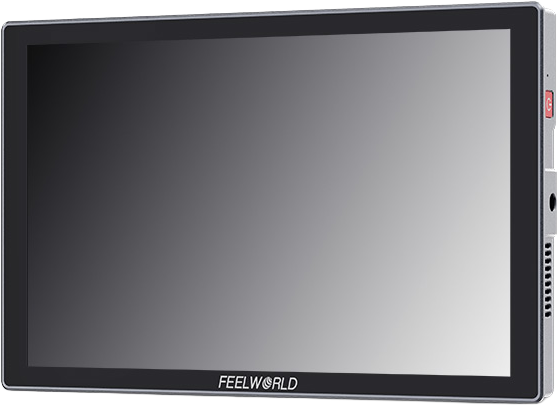
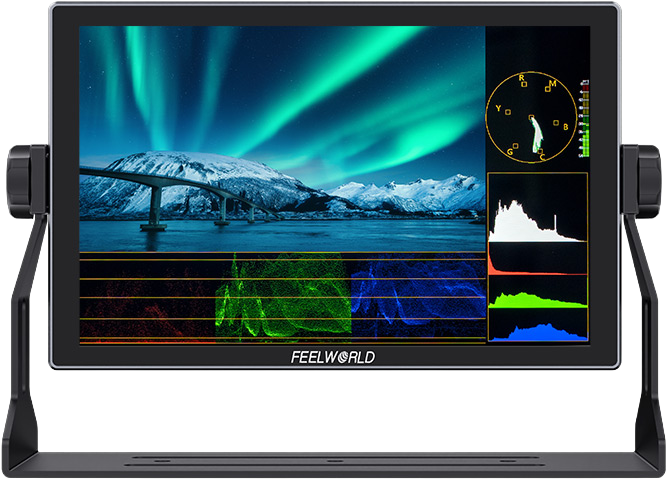
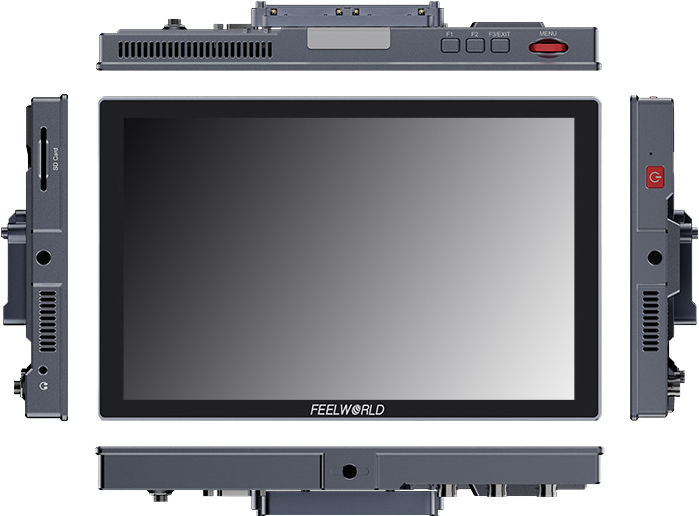
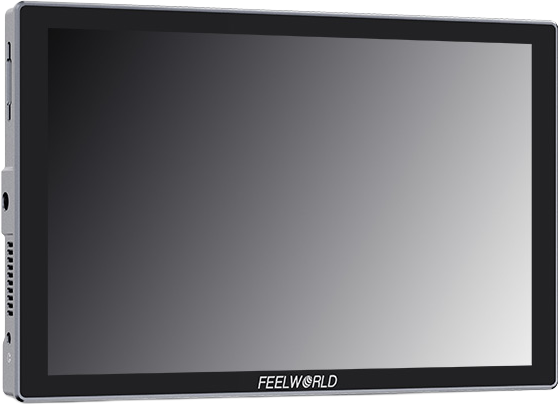
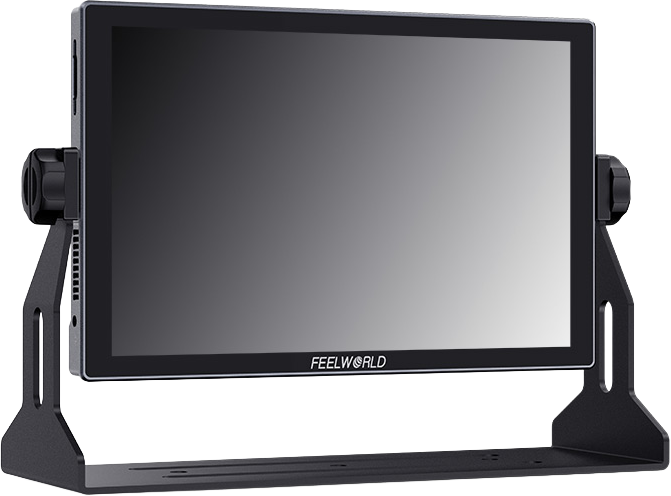
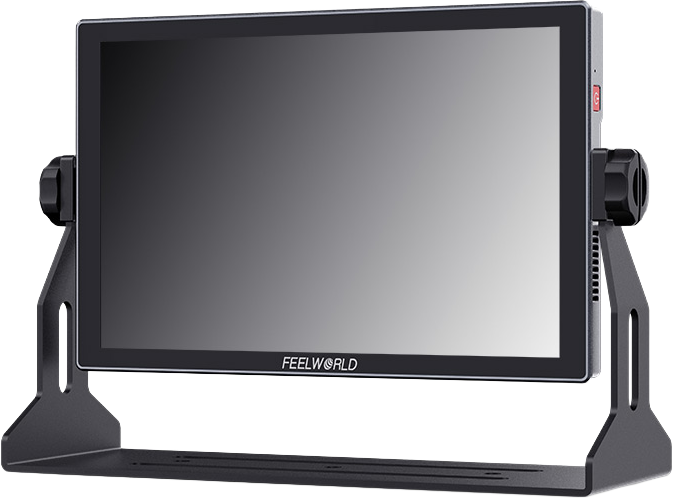
The Feelworld Monitor S10 is a dedicated monitor product from Feelworld. It provides on-camera monitoring so you can view your footage directly while shooting.
What the Feelworld Monitor S10 is
This model, the Feelworld Monitor S10, serves as an external monitor. It displays the image from your camera so you can check framing, focus, and exposure directly on a separate screen while recording or preparing shots.
How you can use it
- Use the Feelworld Monitor S10 as a viewfinder alternative when your camera’s built-in screen is too small or poorly positioned.
- Mount it on rigs or camera cages to give operators and assistants a clear real-time image of the shot.
- Use it for reviewing takes on set to confirm framing and composition before moving to the next setup.
Why it matters
External monitoring helps you make immediate decisions about focus, composition, and exposure without relying solely on a camera’s onboard display. The Feelworld Monitor S10 gives you that separate, dedicated screen for quick visual checks during production.
Buying and support
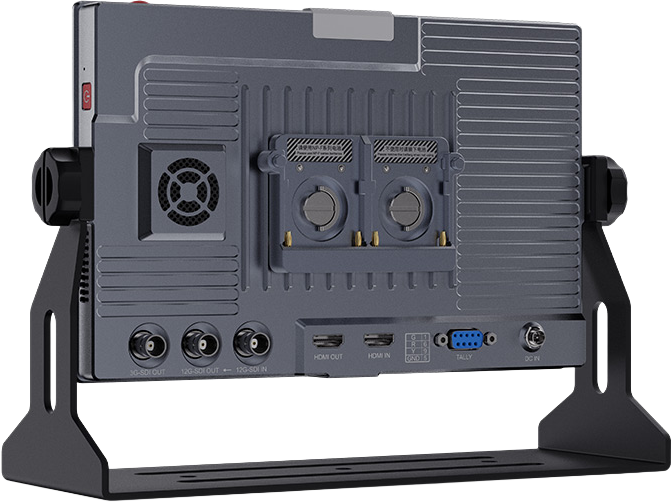
If you are considering the Feelworld Monitor S10, check the product page for accessories, mounting options, and compatibility with your camera rig. For detailed technical questions or to confirm compatibility with specific camera models, please contact our support team or consult the manufacturer’s documentation.
Care and maintenance
Keep the monitor’s screen and housing clean and protected from impacts. When storing, place it in its protective case or padded compartment to avoid scratches and damage. For power and connection guidance, refer to the official manual provided with the product.
FAQ
- question: What is the Feelworld Monitor S10 used for?
Answer: The Feelworld Monitor S10 is used as an external monitor to view your camera’s output, allowing you to check framing, focus, and exposure on a dedicated screen while shooting. - question: Will the Feelworld Monitor S10 work with my camera?
Answer: Compatibility depends on your camera’s outputs and the monitor’s inputs. Check the product specifications or contact us with your camera model so we can confirm compatibility. - question: How do I power the Feelworld Monitor S10?
Answer: Power details are provided in the product documentation. If you need specific power or battery information, please refer to the manual or contact customer support for guidance. - question: Where can I get accessories for the Feelworld Monitor S10?
Answer: Accessories such as mounts, protective cases, and cables are often available separately. Check the product listings or ask our team to help source compatible accessories for your setup.