

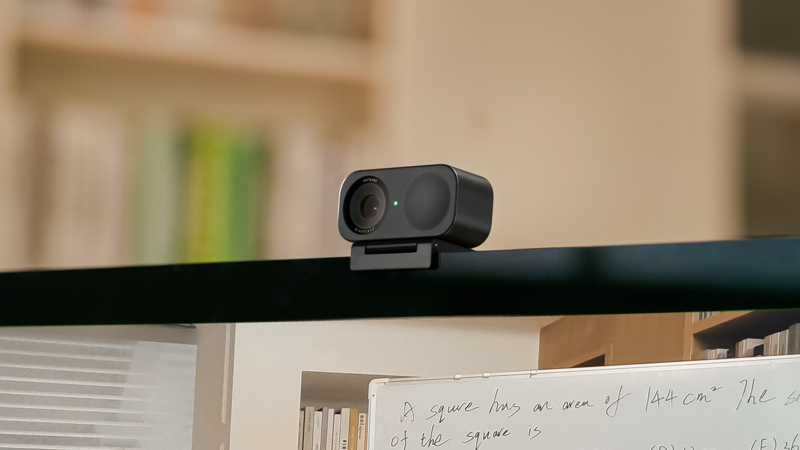
Insta360 Link 2C Standard Edition_Graphite Black
- VAT free purchase available at checkout.
- BrandInsta360
Description
Article no.: 25447
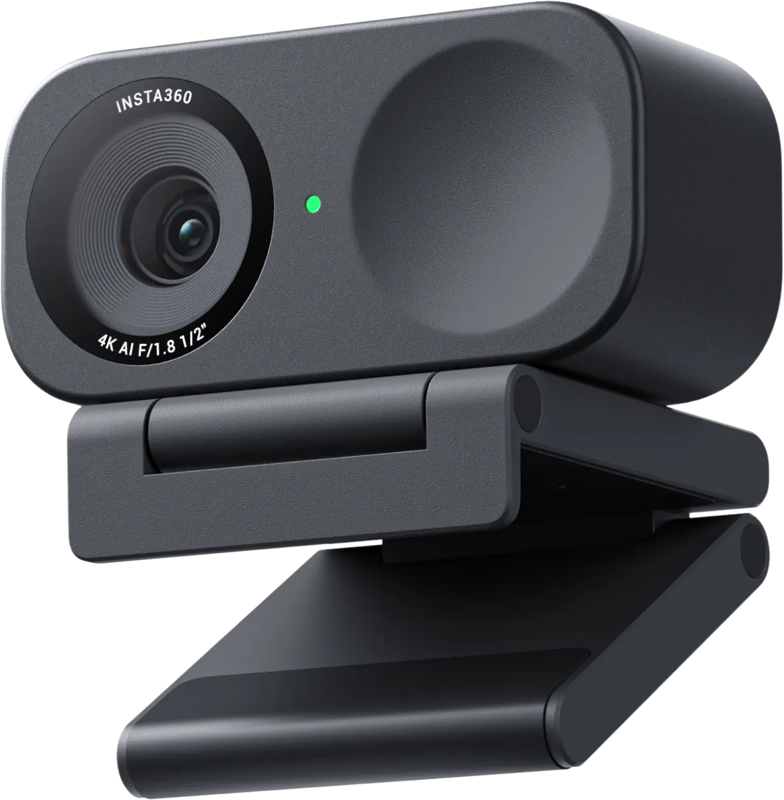
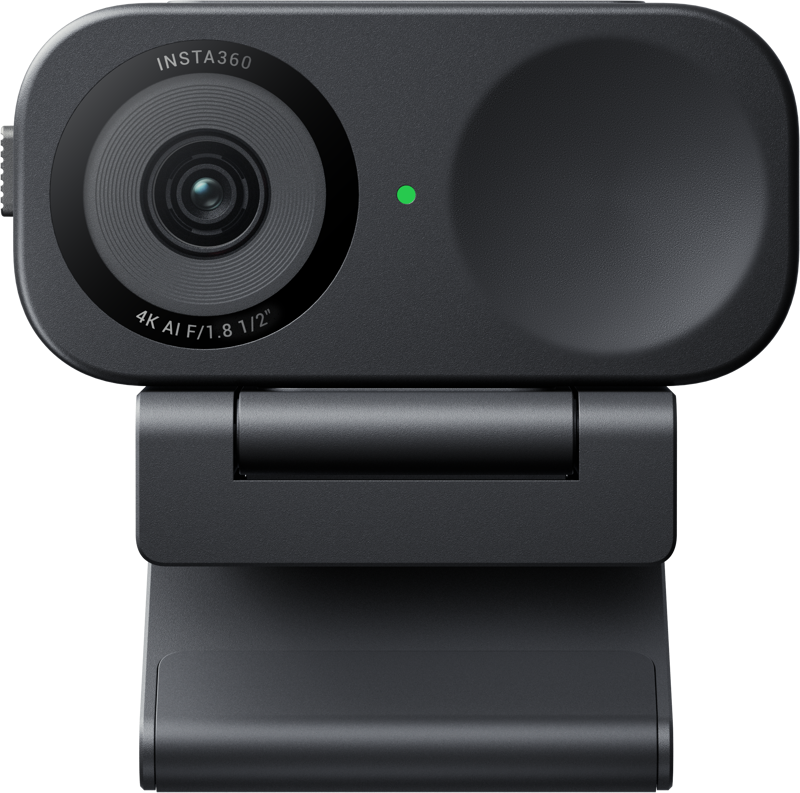
Insta360 Link 2C — 4K fixed-mount webcam with AI framing and USB-C single-cable setup
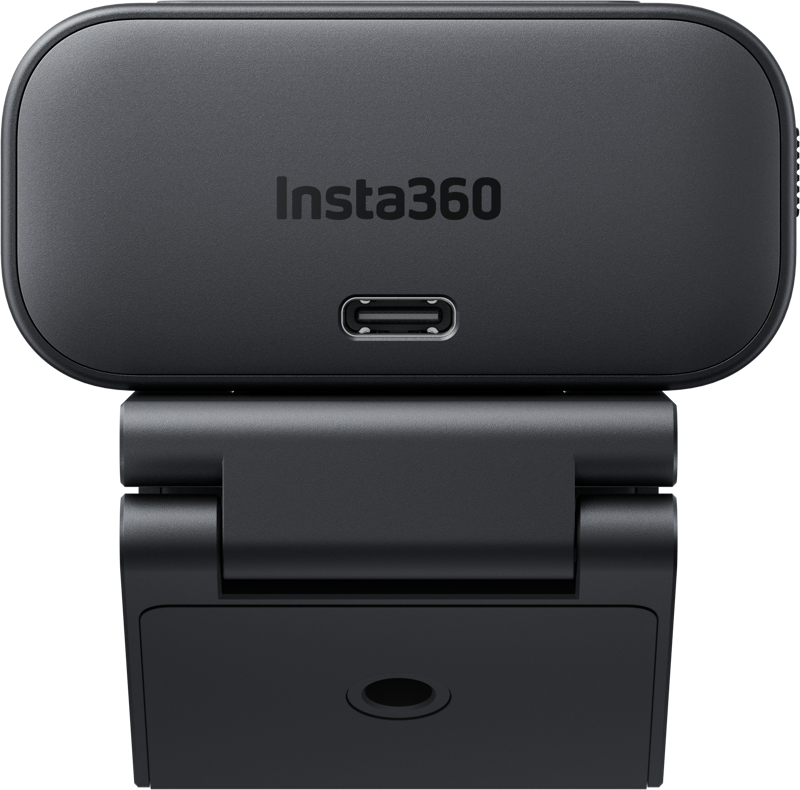
The Insta360 Link 2C is a fixed-mount 4K webcam designed for calls, classes, and live demos where consistent framing and simple control matter. It uses a 1/2-inch CMOS sensor with HDR and phase-detection autofocus to keep faces and documents clear. The camera connects via a single bus-powered USB-C 2.0 cable for a tidy desk setup and quick plug‑and‑play use on macOS or Windows.
AI framing, gesture control, and practical camera modes
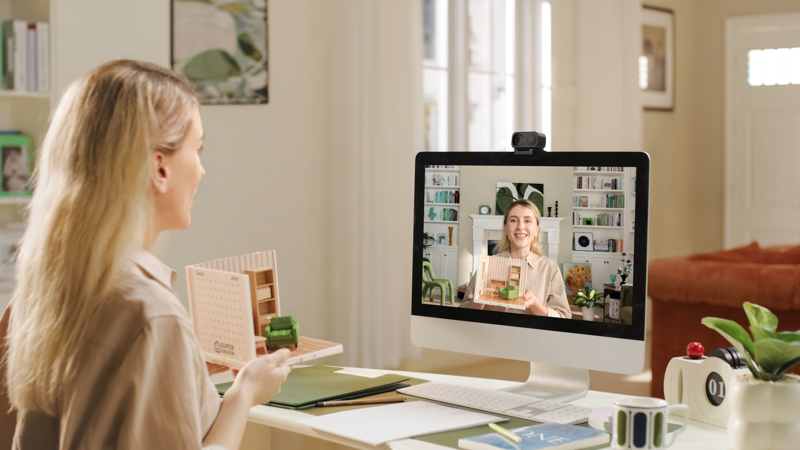
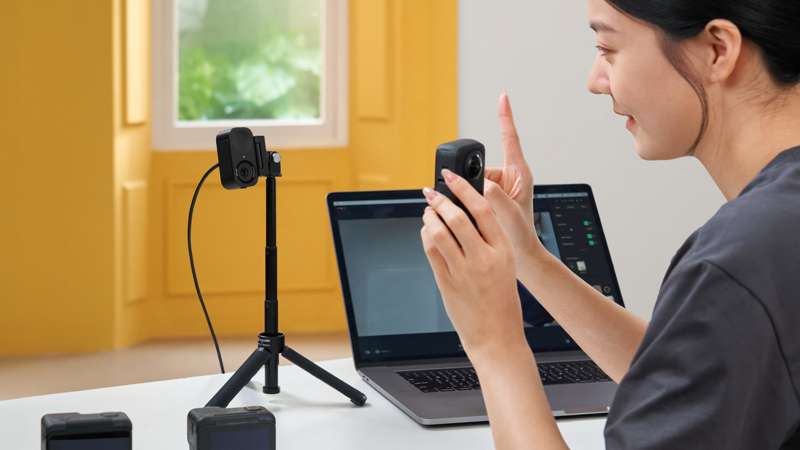
The Link 2C applies AI tools to manage framing without a motorized gimbal. For example, Auto Framing keeps one person or a small group centered during a call. Additionally, gesture controls let you trigger framing and zoom from a distance without touching your computer.
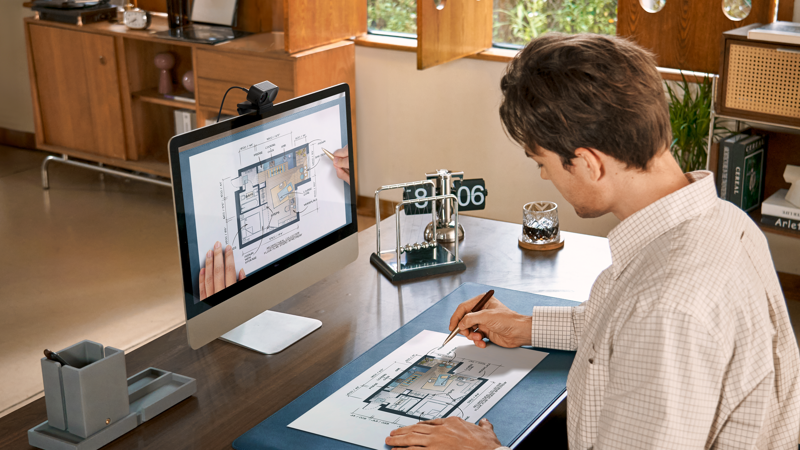
You can also define tracking fences so the camera will not reframe when subjects move into those areas. For tabletop demonstrations, DeskView shows your work surface after a quick manual tilt. When teaching, Whiteboard mode detects marked corners and squares the board for clean captures. The camera also supports a 90° rotation to produce 9:16 vertical video suitable for social platforms.
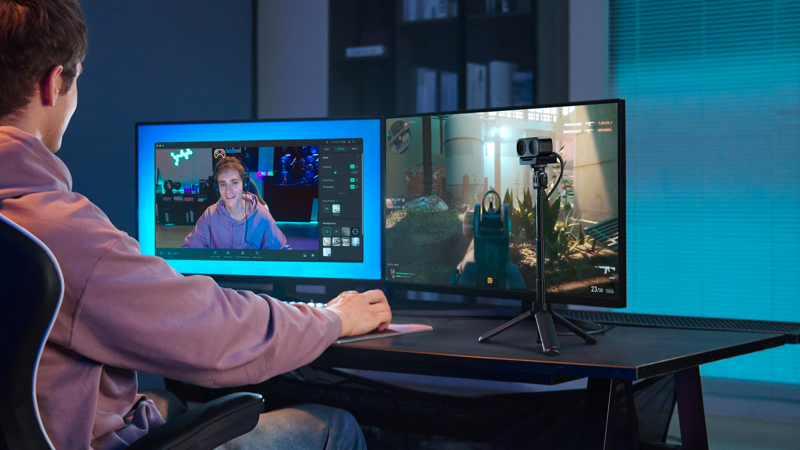
Background handling options in the control app include natural bokeh, full blur, or background replacement, giving you flexible looks for presentations or streaming.
Imaging, video formats, and audio features
The Link 2C combines a larger 1/2" CMOS sensor and HDR processing with phase-detection autofocus. This combination helps keep faces and documents sharp and well exposed. You can use up to 4× digital zoom when you need to tighten the frame.
Video formats include 4K up to 30 fps, and 1080p/720p up to 60 fps. For sound, the camera uses AI noise reduction and offers selectable audio modes: Voice Focus, Voice Suppression, and Music Balance. These modes help tailor audio for speech, noisy environments, or mixed audio content.
Key specifications
| Specification | Details |
|---|---|
| Sensor and imaging | 1/2" CMOS, HDR, phase-detection autofocus; 79.5° diagonal field of view; up to 4× digital zoom |
| Video formats | 4K up to 30 fps; 1080p/720p up to 60 fps |
| Audio | AI noise reduction with selectable modes (Voice Focus, Voice Suppression, Music Balance) |
| Control and workflow | Auto framing, gesture control, tracking fences, DeskView, Whiteboard, portrait rotation |
| Connectivity | USB-C 2.0 (bus-powered); works with common conferencing and streaming software on macOS and Windows |
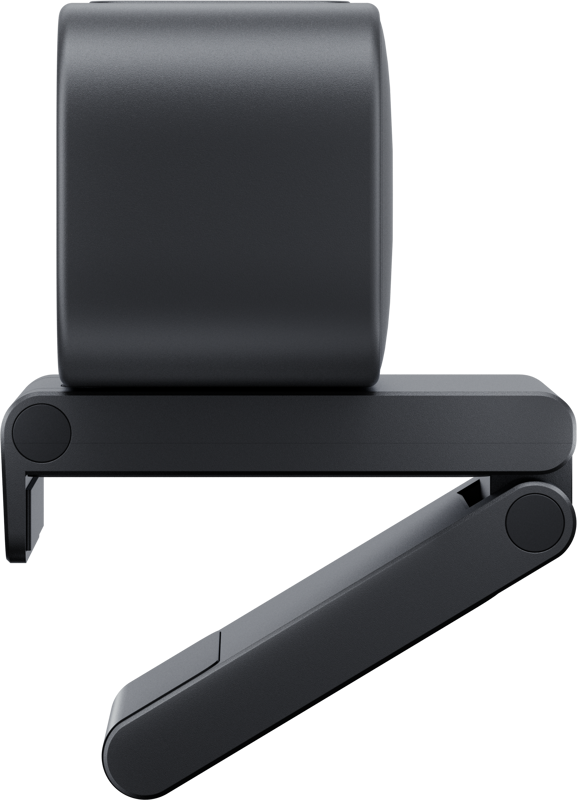
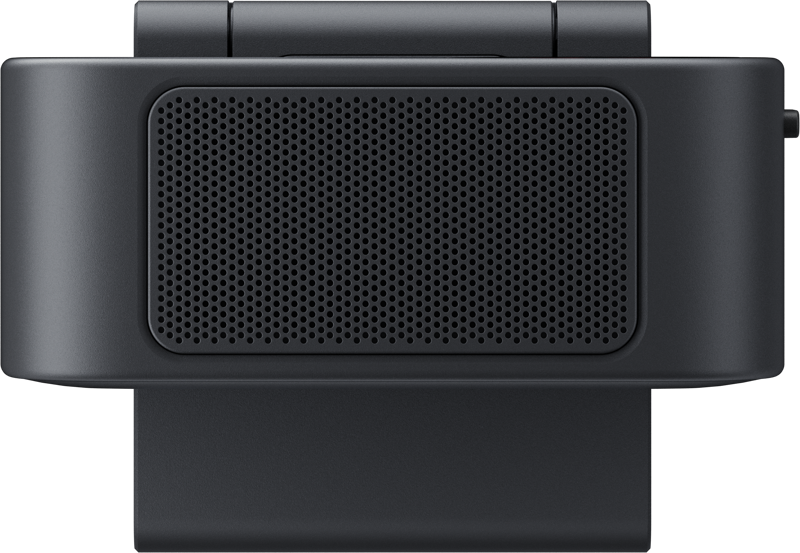
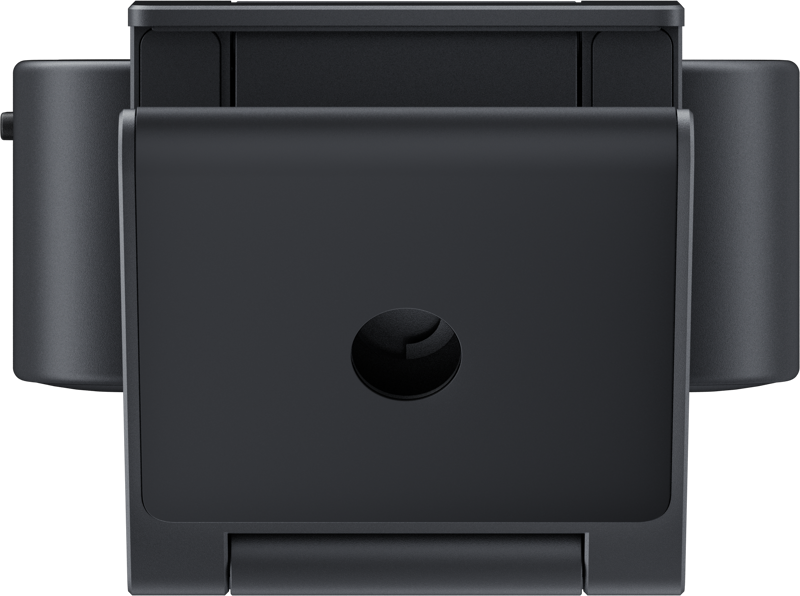
| Mounting and privacy | Magnetic monitor clip with 1/4-20 thread for tripods; quick manual tilt-down for privacy |
Setup and daily workflow
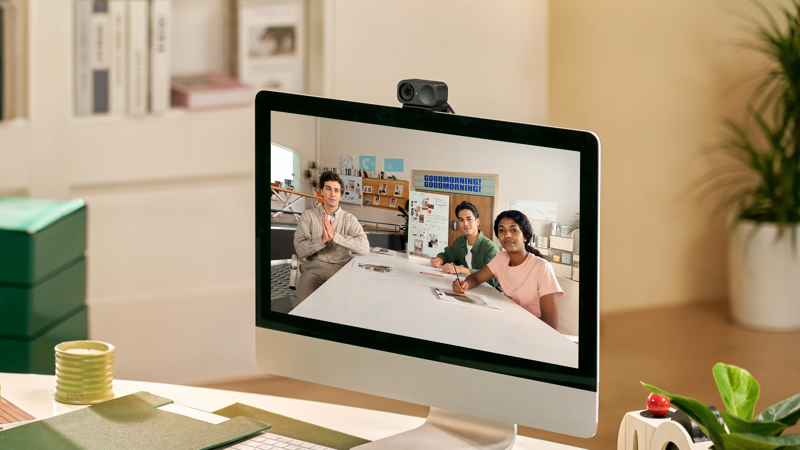
Setup is straightforward. Place the magnetic mount on your display, connect the USB-C cable, and open your preferred conferencing or streaming app. The webcam is bus-powered, so it uses a single cable for both data and power.
Next, open the control software to adjust exposure, color temperature, sharpness, and background mode. You can save presets for different rooms or times of day, which speeds up repeat setups and ensures consistent image quality.
For teaching or training, place the included recognition markers on the whiteboard corners to enable clean, squared-off captures. When you need to show notes or product details on the table, switch to DeskView after a quick manual tilt to reveal the tabletop area.
Mounting, privacy and what’s in the box
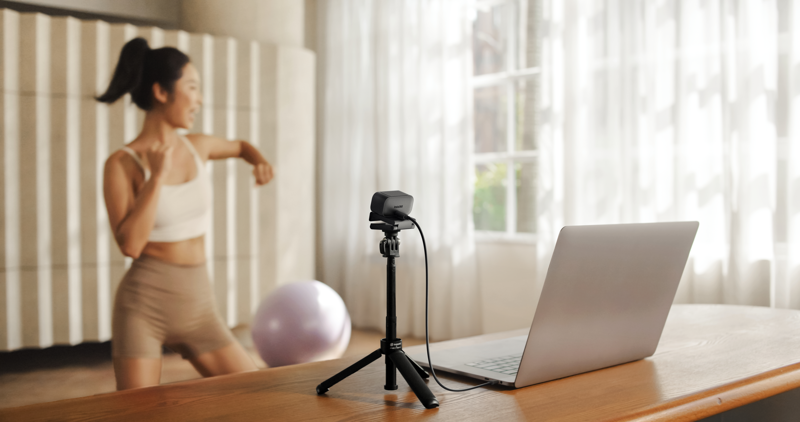
The magnetic monitor clip keeps the camera stable on most displays. If you prefer a tripod, use the built-in 1/4‑20 thread. When you need privacy, tilt the camera down manually for a quick mechanical cover.
- Insta360 Link 2C
- Magnetic mount
- Four recognition markers
- USB-C cable
- USB-C to USB-A adapter
FAQ
Question: Will the Link 2C work with my conferencing apps on macOS or Windows?
Answer: Yes. The Link 2C connects via USB-C 2.0 and works with common conferencing and streaming software on both macOS and Windows.
Question: How does Auto Framing work without a motorized gimbal?
Answer: The camera uses AI framing tools to keep one person or a small group centered. Gesture controls and tracking fences let you refine when and how the camera reframes.
Question: Can I use the camera for showing a whiteboard or tabletop demonstrations?
Answer: Yes. Whiteboard mode detects marked corners and squares the board for clean captures, and DeskView shows your tabletop after a quick manual tilt.
Question: What audio options are available for noisy environments or music?
Answer: The Link 2C includes AI noise reduction with selectable modes: Voice Focus, Voice Suppression, and Music Balance, so you can choose the best setting for speech or mixed audio.
Question: How do I protect privacy when the camera is not in use?
Answer: You can tilt the camera down manually for a quick privacy cover. Additionally, the magnetic mount and 1/4-20 tripod thread let you position the camera where it fits your workspace best.