
Kupo KS-710 Side Mount Bracket
- VAT free purchase available at checkout.
- BrandKupo
Description
Article no.: 26069
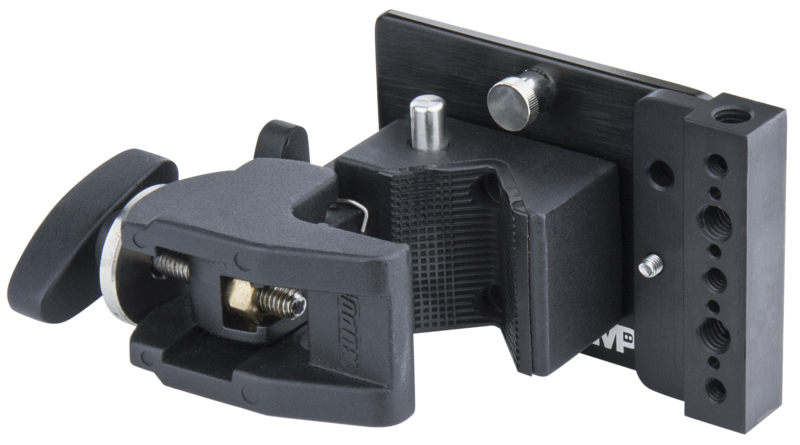
Kupo KS-710 Side Mount Bracket – CNC Aluminum with Black Coated Finish
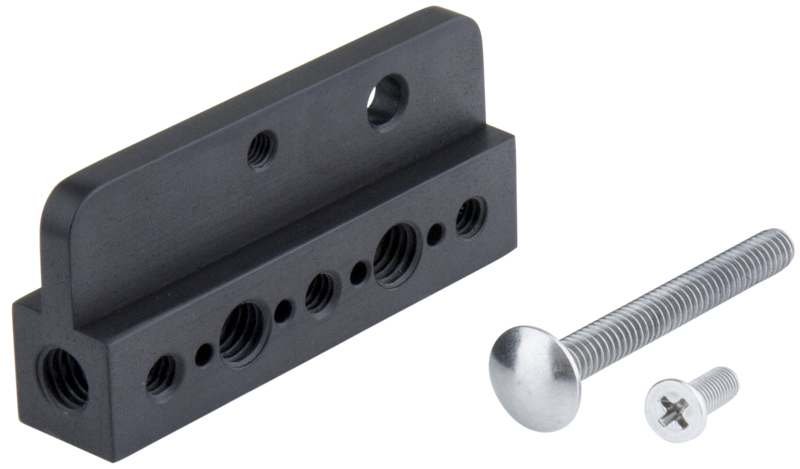
The Kupo KS-710 Side Mount Bracket is a purpose-built mounting accessory made from CNC-machined aluminum with a black coated finish. It attaches securely using the supplied screws and lets you mount monitors, accessories or lights whenever the receiving equipment has compatible female threads.
Designed Compatibility and Purpose
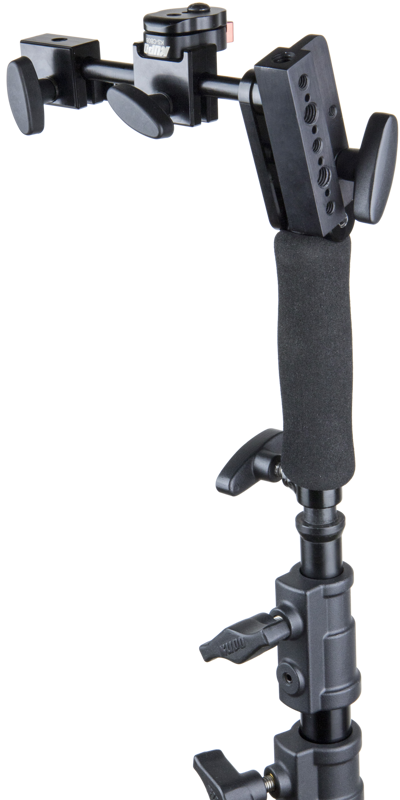
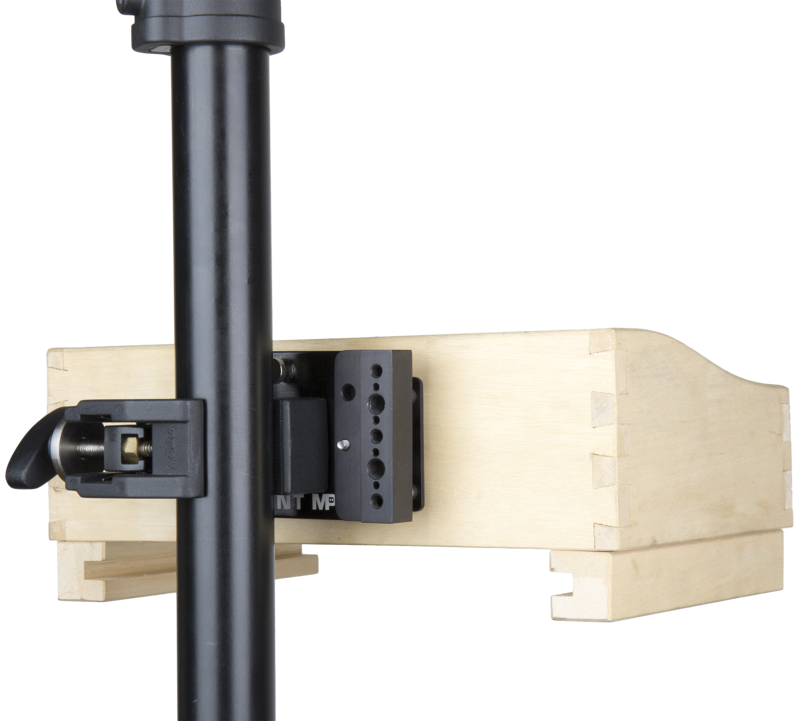
This bracket is primarily designed to attach to the Front Box Bracket (KCP-700FBP) or the ARRI WCU4 Monitor Mount and Docking Bracket (KS-706). In addition, it allows mounting on any video or lighting equipment that features 1/4”-20 or 3/8”-16 female threaded holes.
Key Benefits and Use Cases
- Reliable connection to Front Box Bracket (KCP-700FBP) and ARRI WCU4 Monitor Mount (KS-706) using the supplied screws.
- Flexible mounting option for video and lighting gear that has 1/4”-20 or 3/8”-16 female threaded holes.
- Durable CNC aluminum construction with a black coated finish for professional applications.
Quick Installation Tips
- Align the KS-710 with the threaded holes on the KCP-700FBP or KS-706.
- Use the supplied screws to secure the bracket to the chosen mount.
- Attach your accessory to the bracket using a matching 1/4”-20 or 3/8”-16 male screw, depending on the equipment.
| Specification | Details |
|---|---|
| Product | Kupo KS-710 Side Mount Bracket |
| Material / Finish | CNC aluminum, black coated finish |
| Primary Compatibility | Front Box Bracket (KCP-700FBP), ARRI WCU4 Monitor Mount and Docking Bracket (KS-706) |
| Thread Sizes Supported | Accepts mounting to equipment with 1/4”-20 or 3/8”-16 female threaded holes |
| Weight | 80g |
| Included Hardware | Supplied screws |
Smart FAQ
Question: How do I attach the KS-710 to my monitor mount?
Answer: Align the KS-710 with the threaded holes on the KCP-700FBP or the ARRI WCU4 (KS-706) and use the supplied screws to secure it. Then mount your monitor or accessory using a matching male screw into the bracket’s mounting point.
Question: Can I use this bracket with other camera or lighting equipment?
Answer: Yes. The KS-710 allows mounting on any video or lighting equipment that provides 1/4”-20 or 3/8”-16 female threaded holes, making it a versatile side mount solution.
Question: What is the bracket made of and how heavy is it?
Answer: The bracket is machined from CNC aluminum and finished with a black coating. Its weight is 80g, which keeps it lightweight while providing solid support for accessories.