
Kupo PSU for DF-500 Digi fan
- VAT free purchase available at checkout.
- BrandKupo
Description
Article no.: 26126
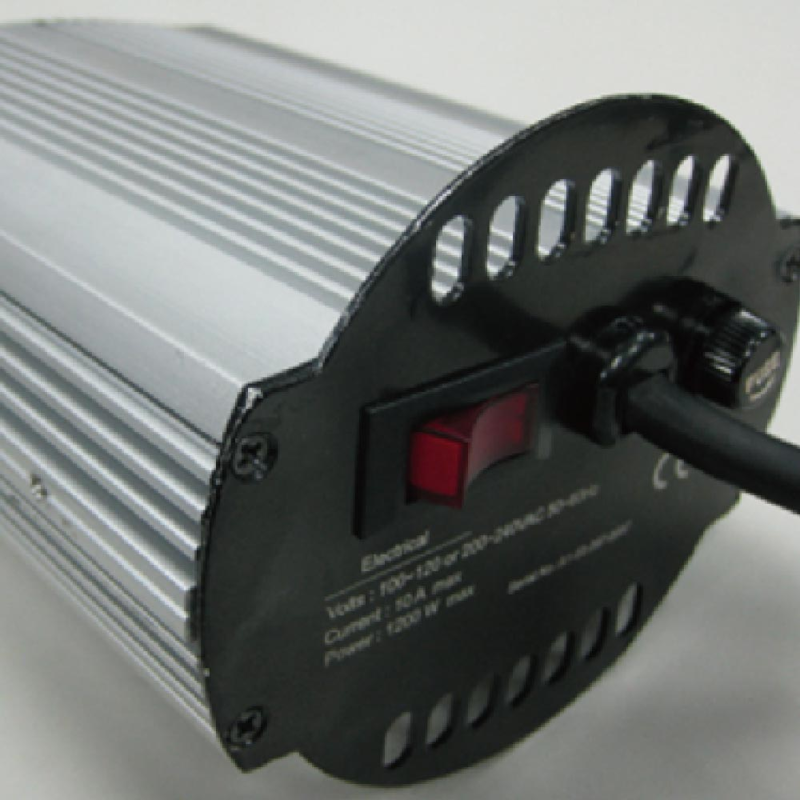
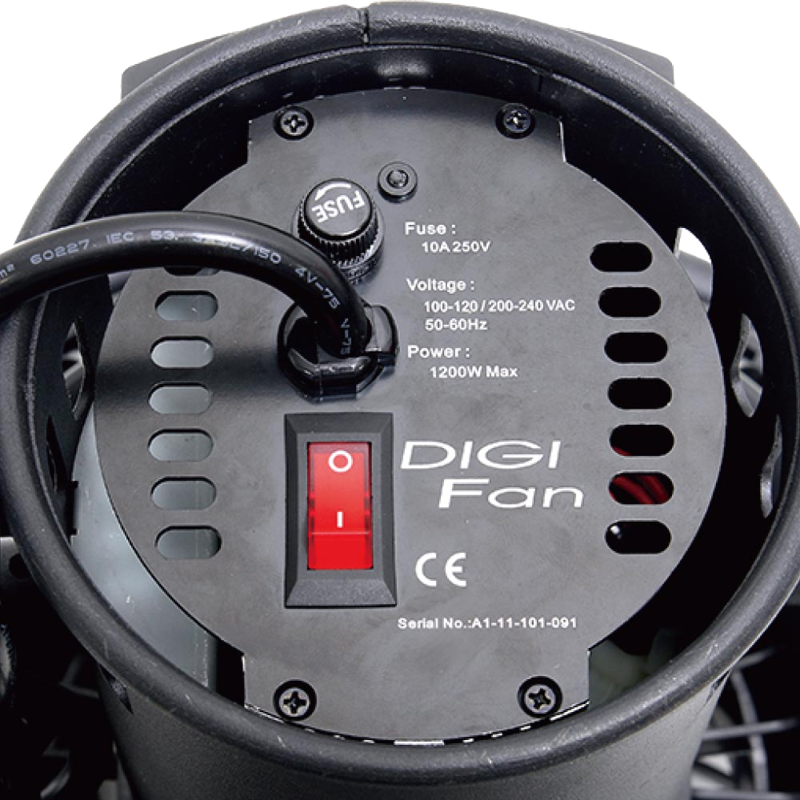
Kupo PSU for DF-500 Digi fan – Power supply designed for the DF-500 Digi fan
The Kupo PSU for DF-500 Digi fan is a dedicated power supply unit (PSU) intended to provide power to the DF-500 Digi fan. It is made by Kupo and specifically associated with the DF-500 Digi fan model.
What this product is for
This PSU supplies the electrical power required by the DF-500 Digi fan. Use it when you need a compatible power source for that fan model, for on-set work or studio setups where the DF-500 Digi fan is in use.
Key points
- Product type: Power supply unit (PSU)
- Brand: Kupo
- Compatibility: DF-500 Digi fan
Quick usage notes
Install the PSU according to the DF-500 Digi fan's instructions and ensure connections are secure before powering on. If you replace an existing PSU, confirm compatibility with the DF-500 Digi fan prior to use.
FAQ
Question: What does the Kupo PSU for DF-500 Digi fan do?
Answer: It provides the power supply required for the DF-500 Digi fan so the fan can operate as intended.
Question: Is this PSU compatible with other fan models?
Answer: This product is specified for the DF-500 Digi fan. For use with other models, check compatibility with the fan manufacturer or retailer before connecting.
Question: How do I install the PSU for the DF-500 Digi fan?
Answer: Follow the installation and safety instructions provided with the DF-500 Digi fan and the PSU. Ensure all connections are secure and follow any grounding or handling guidance from the manufacturer.
Question: Where can I get help if I have questions about the Kupo PSU?
Answer: For assistance, contact the retailer where you purchased the unit or reach out to the manufacturer for product-specific guidance and support.