
Lexar Jumpdrive D300 Dual Type-C and Type-A Flash Drive, R130 (USB 3.2) 128GB
- VAT free purchase available at checkout.
- BrandNanlite
Description
Article no.: 27695
Lexar Jumpdrive D300 — Dual Type-C and Type-A Flash Drive with USB 3.2 R130, 128GB
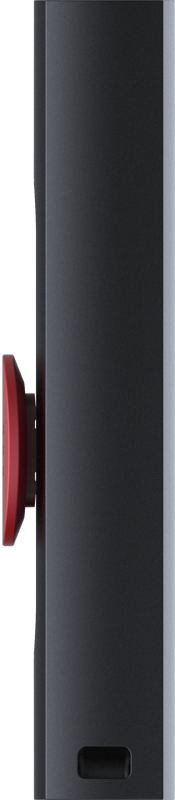
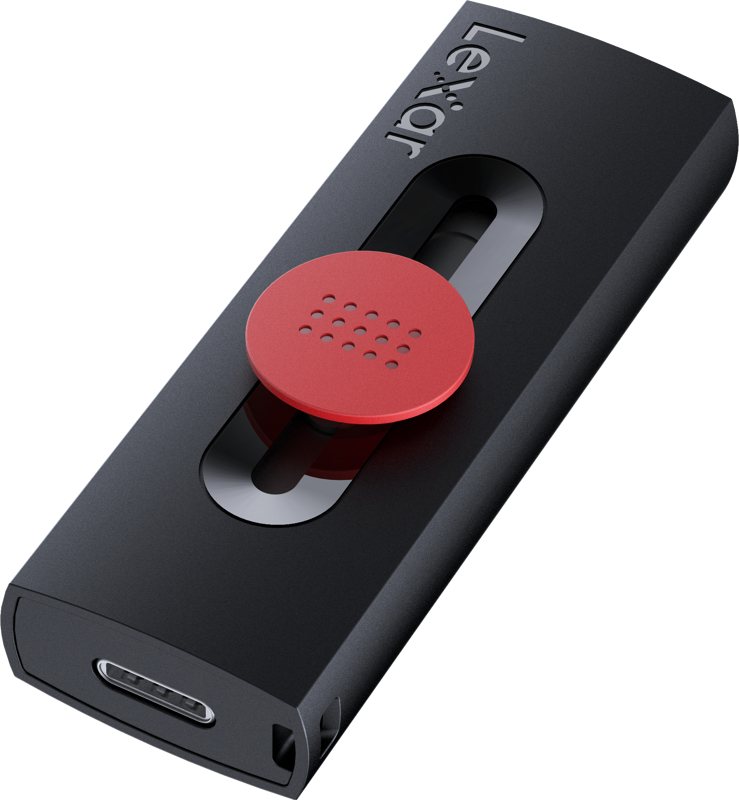
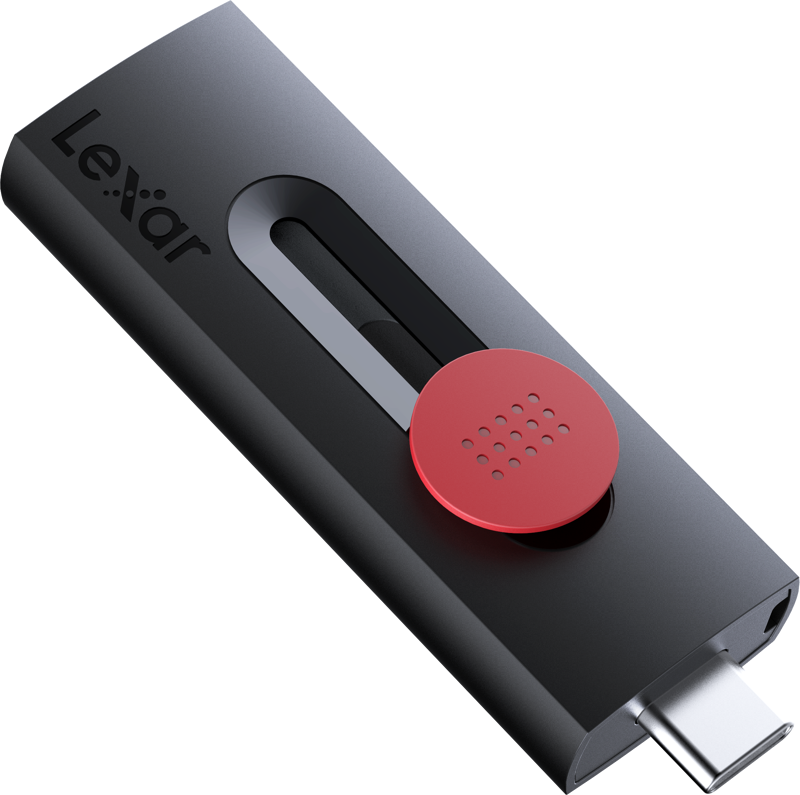
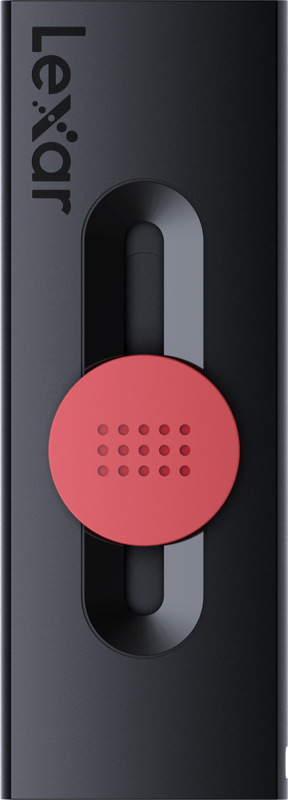
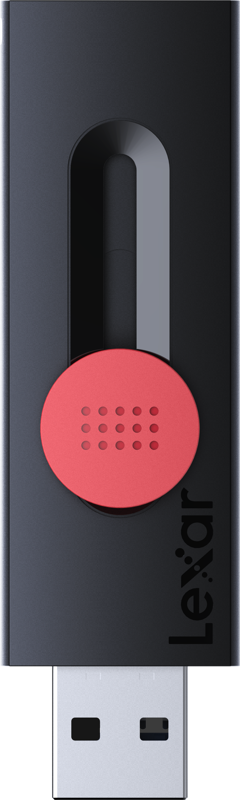
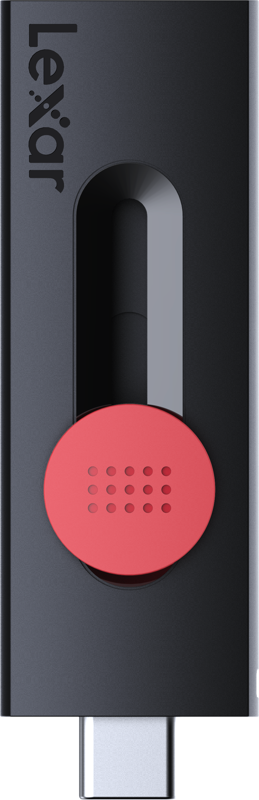
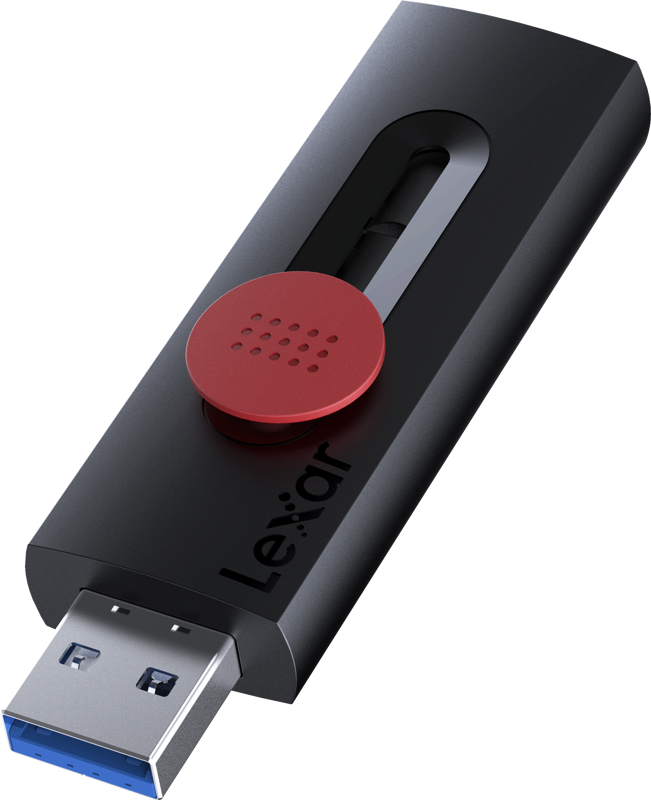
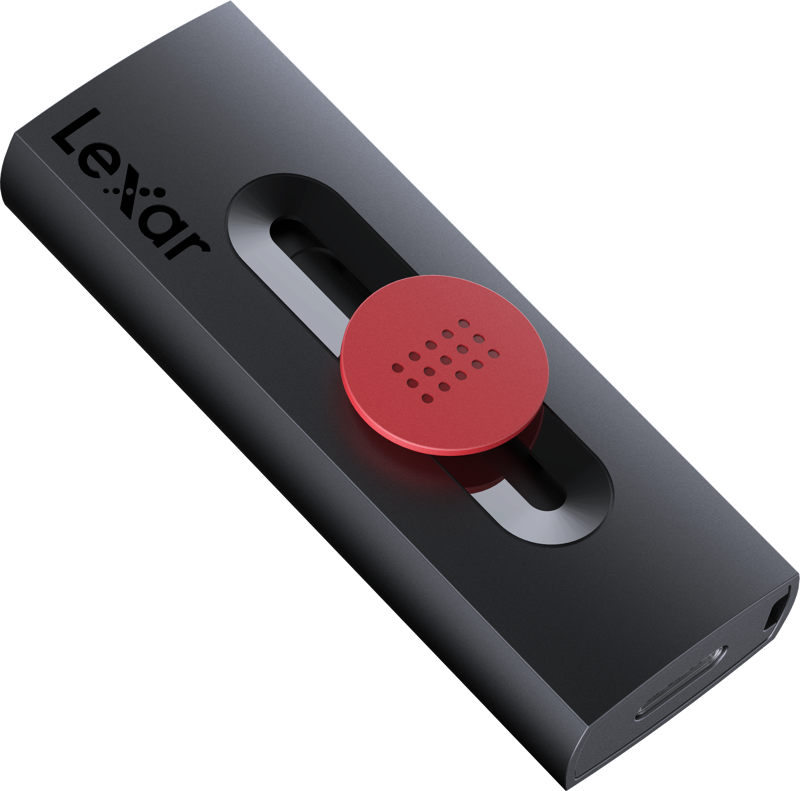
The Lexar Jumpdrive D300 combines dual connectors and a 128GB capacity to move and store files between modern and legacy devices. It features both Type-C and Type-A connectors and uses the R130 (USB 3.2) interface for connectivity.
Key features
- Dual connectors: includes both Type-C and Type-A to connect directly to a wide range of devices.
- Interface: R130 (USB 3.2) for connection to hosts that support the USB 3.2 standard.
- Capacity: 128GB of onboard storage for documents, media files, and project data.
Who this drive is for
This drive suits users who need a single, portable solution to transfer files between devices with Type-C ports and devices with Type-A ports. For example, use it to move footage, photos, or documents from a camera-equipped computer to a newer laptop with Type-C.
How to use
- Choose the connector that matches your device: use the Type-C connector for compatible ports or the Type-A connector for legacy USB ports.
- Insert the drive into the device’s USB port.
- Access files directly from the drive or copy files to and from your device as needed.
Technical specifications
| Specification | Detail |
|---|---|
| Product | Lexar Jumpdrive D300 |
| Connectors | Dual Type-C and Type-A |
| Interface | R130 (USB 3.2) |
| Capacity | 128GB |
FAQ
Question: Which ports does the Lexar Jumpdrive D300 connect to?
Answer: It connects to devices with Type-C ports and devices with Type-A ports using the two built-in connectors.
Question: What storage capacity does this drive offer?
Answer: This model provides 128GB of storage for your files and media.
Question: What does R130 (USB 3.2) mean for compatibility?
Answer: The drive uses the R130 (USB 3.2) interface, so it connects via USB 3.2-capable hosts; actual performance and compatibility depend on the host device and its supported USB standards.
Question: Can I use the drive between a modern laptop and an older computer?
Answer: Yes. Because it includes both Type-C and Type-A connectors, you can connect it directly to many modern laptops and older computers without adapters.
Question: Is the Lexar Jumpdrive D300 suitable for transferring large files?
Answer: The 128GB capacity supports storing and transferring large files; transfer speed will depend on the host device’s USB support and the R130 (USB 3.2) interface.