
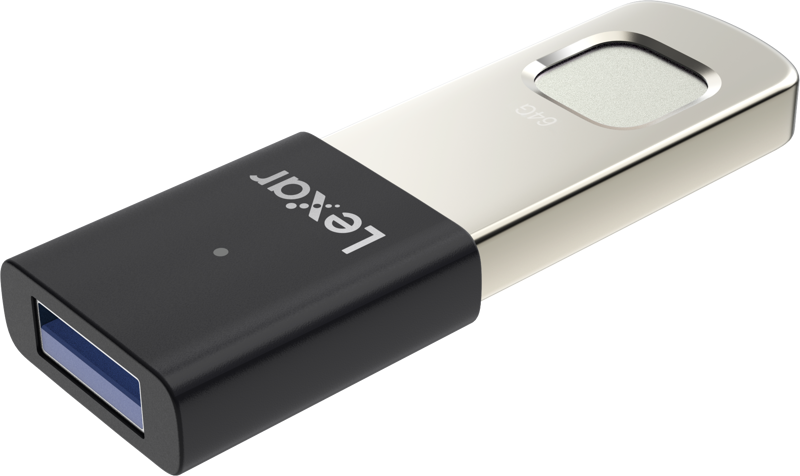
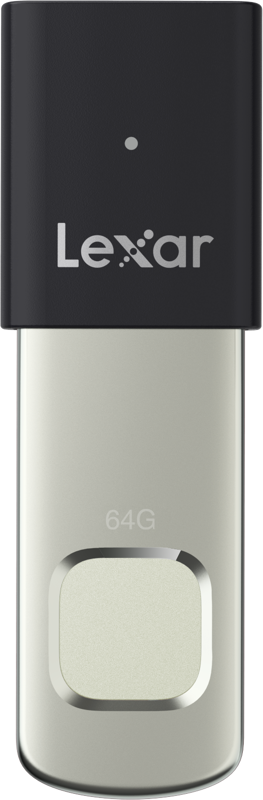
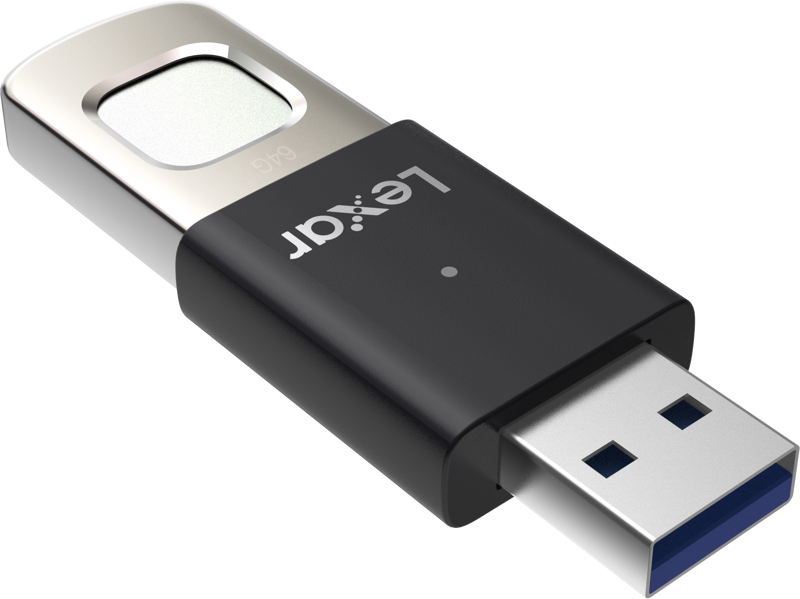
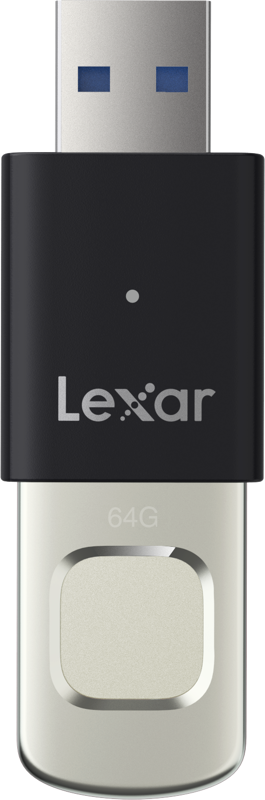
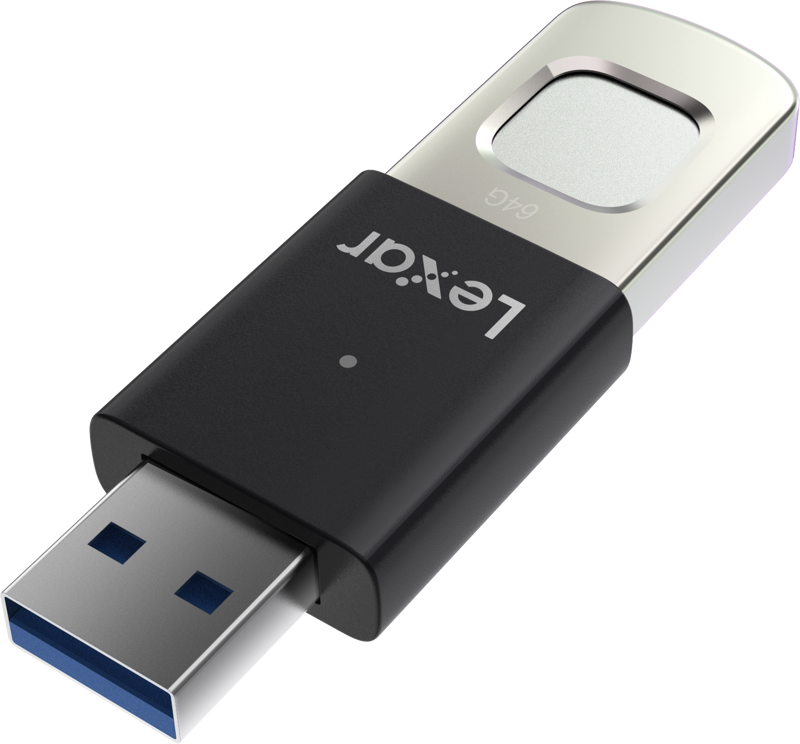
Lexar JumpDrive Fingerprint F35pro USB 3.2 Gen1, up to R300/W60, 64GB
- VAT free purchase available at checkout.
- BrandNanlite
Description
Article no.: 27651
Lexar JumpDrive Fingerprint F35 Pro USB 3.2 Gen1 – Secure fingerprint access with 64GB storage
The Lexar JumpDrive Fingerprint F35 Pro combines fingerprint authentication with portable storage. It offers secure, fast access to files and room for collaborators by supporting multiple fingerprints. The drive uses USB 3.2 Gen1 and provides high transfer performance for everyday file transfers.
Key security features
The drive uses fingerprint authentication to control access. In practice, you unlock files by touching the sensor rather than entering passwords or codes. This approach simplifies access while keeping files protected.
- Fingerprint authentication: Access files with your fingerprint instead of a password.
- Save up to ten fingerprint IDs: Add family members, partners, or business collaborators so they can access the drive when needed.
- 256-bit AES encryption: The drive includes AES encryption to protect critical files on the device.
Performance and speed
The JumpDrive Fingerprint F35 Pro offers fast read and write performance to speed up transfers. The product listing includes multiple performance figures; the drive lists high read/write speeds in the product description, and the title includes additional rate numbers.
- Read speeds: Product content lists up to 400MB/s. The title also lists read up to R300.
- Write speeds: Product content lists up to 350MB/s. The title also lists write up to W60.
These speed figures indicate the drive is designed for quick transfers when you need to move files promptly.
Design and usability
The drive features a metal design and a built-in protective slider. Together, these elements protect the connector and the contents when you carry the drive. The metal construction also contributes to a durable, practical device for everyday use.
- Metal design: Provides a sturdy exterior.
- Protective slider: Keeps the connector and contents safe when not in use.
- Fast fingerprint recognition: The drive recognizes fingerprint IDs in less than 1 second for almost instant access.
How it supports collaboration
The JumpDrive Fingerprint F35 Pro supports multiple users by storing several fingerprint IDs. This makes it straightforward to share secure access with a small group without sharing passwords or unlocking codes.
- Register up to ten fingerprints on the drive.
- Each registered fingerprint can unlock stored files quickly.
- Use this to grant trusted family, partners, or colleagues secure access.
Product specifications
| Specification | Details |
|---|---|
| Product | Lexar JumpDrive Fingerprint F35 Pro |
| Capacity | 64GB |
| Interface | USB 3.2 Gen1 |
| Read speed | Up to 400MB/s (title also lists up to R300) |
| Write speed | Up to 350MB/s (title also lists up to W60) |
| Fingerprint IDs | Up to 10 |
| Encryption | 256-bit AES |
| Fingerprint recognition time | Less than 1 second |
| Design | Metal body with protective slider |
Smart FAQ
Question: How do I unlock files on the Lexar JumpDrive Fingerprint F35 Pro?
Answer: You unlock files by using fingerprint authentication. The drive recognizes registered fingerprints in less than 1 second, removing the need to enter passwords or codes.
Question: How many people can I give access to?
Answer: You can save up to ten different fingerprint IDs on the drive, which allows trusted family members, partners, or business collaborators to access the files without sharing passwords.
Question: Does the drive protect my files if it is lost or stolen?
Answer: Yes. The drive uses 256-bit AES encryption in addition to fingerprint authentication to protect critical files stored on the device.
Question: What performance can I expect for file transfers?
Answer: The product description lists read speeds up to 400MB/s and write speeds up to 350MB/s. The product title also lists speeds as up to R300 and W60. These figures indicate the drive is intended to provide fast file transfers for routine use.
Question: How is the drive protected physically?
Answer: The Lexar JumpDrive Fingerprint F35 Pro features a metal design and a protective slider that helps keep the connector and the contents safe when you carry the drive.