
NiSi Cine Filter Allure Streak Orange 2mm 4x5.65""""
- VAT free purchase available at checkout.
- BrandNiSi
Description
Article no.: 28818
NiSi Cine Filter Allure Streak Orange 2mm 4x5.65" – Creates elongated orange horizontal streaks from point light sources
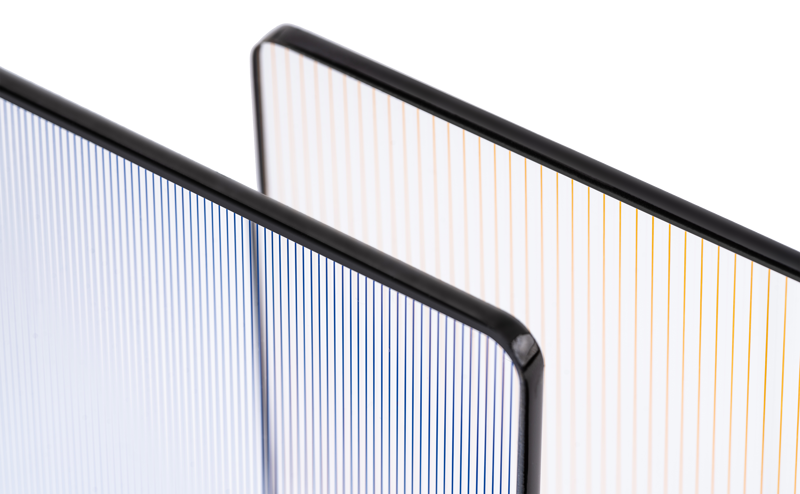
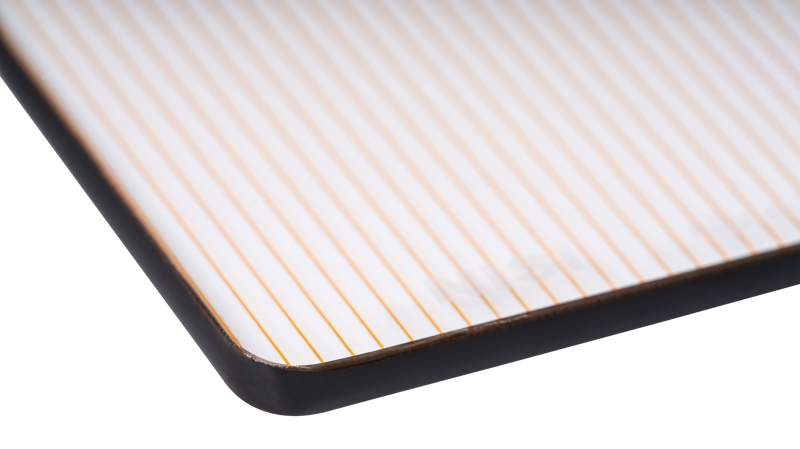
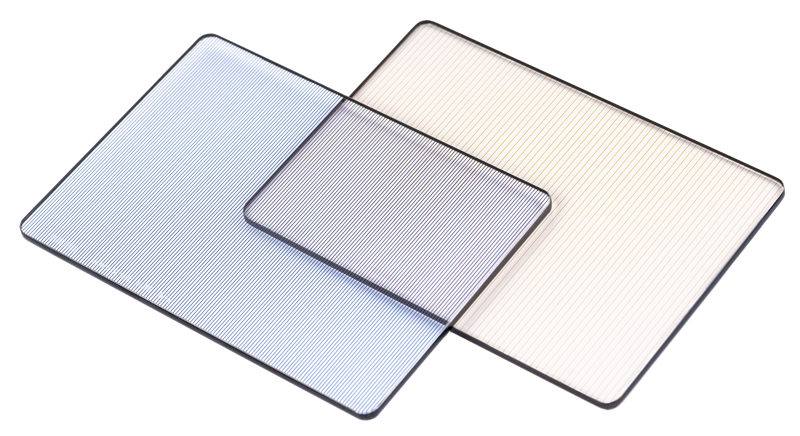
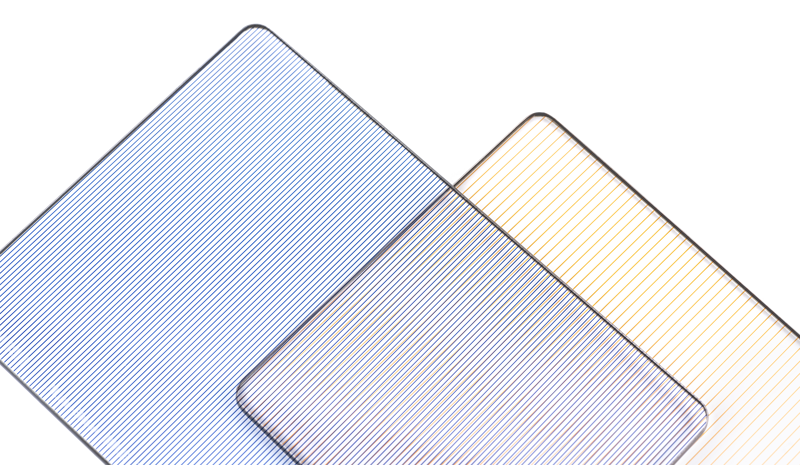
The NiSi Cine Filter Allure Streak Orange produces prominent, horizontal orange streaks from individual point light sources. You can use it to emphasize highlights in a frame or to simulate the streaking effect commonly associated with anamorphic lenses. The filter's internal lines sit 2mm apart to form the streak pattern.
How the streak effect is created
The filter is designed to be used perpendicular to a point light source. Examples of suitable point sources include the sun, a light bulb, or a candle. When placed in front of such a light, the filter creates elongated streaks that extend symmetrically and horizontally from each bright point. This draws visual attention to specific parts of the frame or adds a distinct cinematic look to a scene.
When to use this filter
Use the Allure Streak Orange filter when you need to highlight bright points of contrast in your image. It works best on highlights that have a clear contrast with the surrounding scene. Many cinematographers and photographers choose this filter to achieve an anamorphic-like highlight effect without using anamorphic lenses.
Key features
- Draws attention to a specific part of the frame, or can create a visually dramatic effect
- Allows the effect of anamorphic optics
- Creates orange-colored streaks
- Padded pouch included for storage and transport
Usage tips
Position the filter so it is perpendicular to the chosen point light source to maximize the horizontal streak effect. The filter produces the most noticeable results when the highlight contrasts strongly with the surrounding image. Because the streaks are orange, consider how that tint interacts with your scene’s color balance and overall lighting.
Technical specifications
| Specification | Value |
|---|---|
| Filter name | NiSi Cine Filter Allure Streak Orange |
| Line spacing | 2mm |
| Size | 4x5.65" |
| Streak color | Orange |
| Included accessory | Padded pouch for storage and transport |
FAQ
Question: What light sources work best with this filter?
Answer: Point light sources such as the sun, a light bulb, or a candle produce the most pronounced horizontal streaks, especially when those highlights have strong contrast against their surroundings.
Question: Will this filter replicate the look of anamorphic lenses?
Answer: Yes. The filter is intended to allow highlights to appear as if recorded with an anamorphic lens by producing elongated, symmetric horizontal streaks, enabling that look without using anamorphic optics.
Question: What color are the streaks and how will they affect the image?
Answer: The filter creates orange-colored streaks. You should consider how the orange tint interacts with your scene’s color palette and adjust white balance or grading as needed to integrate the effect.
Question: What comes with the filter for storage and transport?
Answer: A padded pouch is included to store and transport the filter safely.