
NiSi Cine Filter FS ND 2.1 (7 Stop) for Athena PL-Mount Lenses
- VAT free purchase available at checkout.
- BrandNiSi
Description
Article no.: 29119
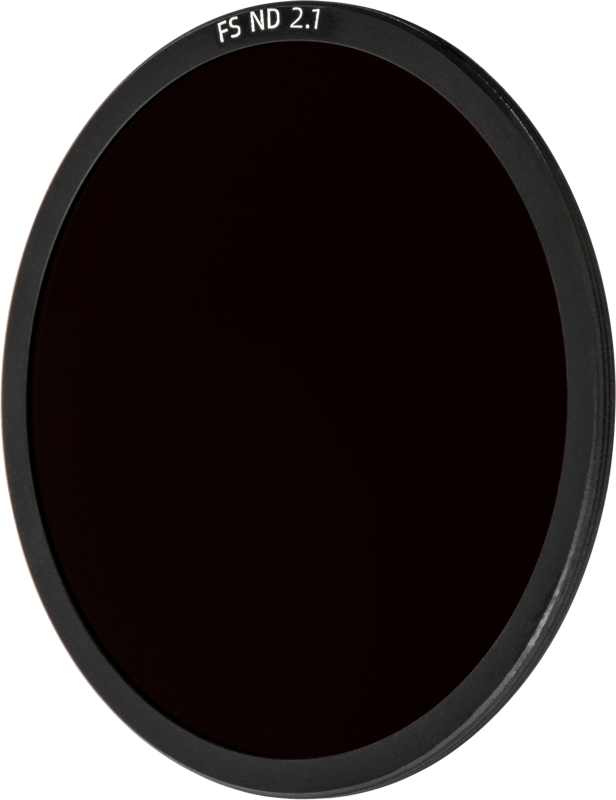
NiSi Cine Filter FS ND 2.1 (7 Stop) – Full Spectrum Rear PL Filter for ATHENA PL Lenses
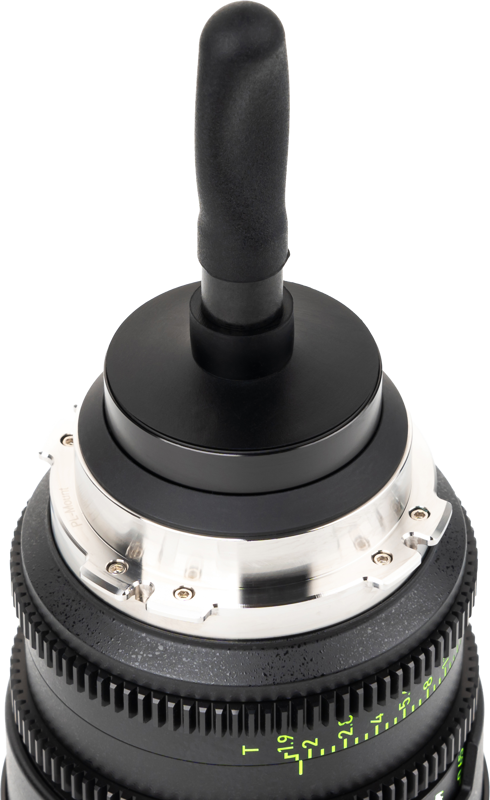
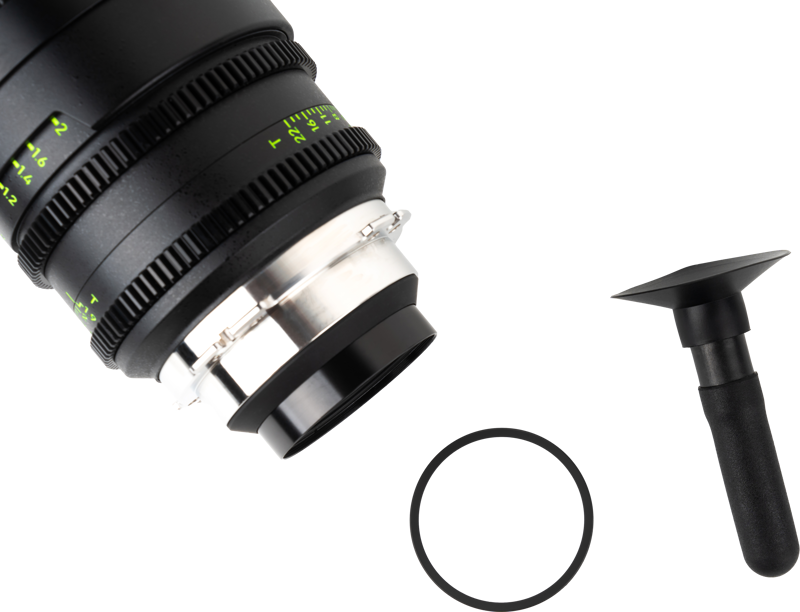
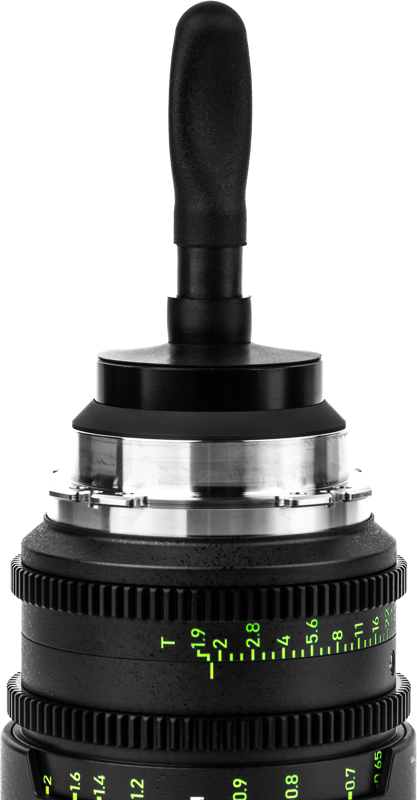
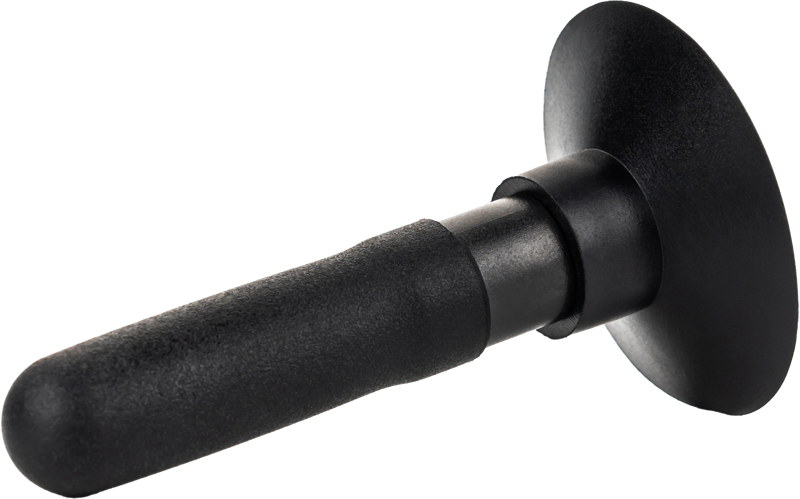
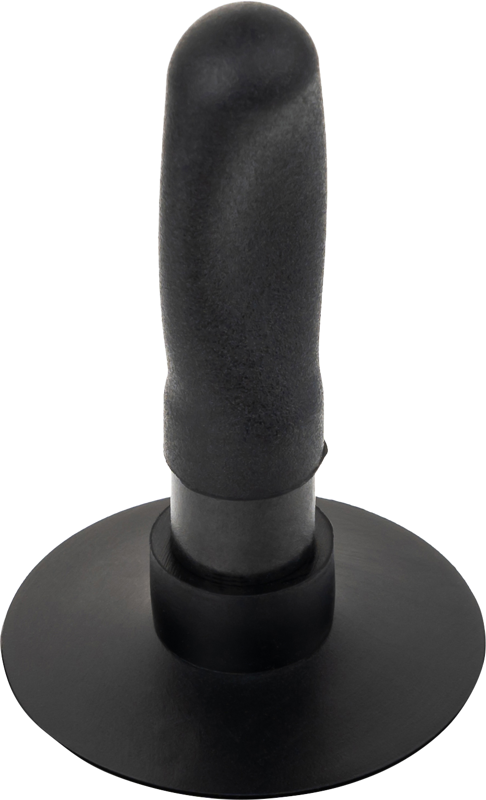
The NiSi Cine Filter FS ND 2.1 (7 Stop) is a full spectrum neutral density rear PL filter made specifically for NiSi ATHENA PL‑mount lenses. It reduces incoming light by seven stops while preserving color fidelity and allowing precise control over exposure and depth of field. The filter fits at the rear of ATHENA PL lenses and includes a suction cap tool to help you change filters quickly without leaving fingerprints.
Key features
- Superior light management: The FS ND 2.1 reduces light entering the lens by precise stops. As a result, you can use slower shutter speeds and larger apertures to achieve cinematic motion blur or increased depth of field control, even in bright conditions.
- Full spectrum capability: The filter is designed to maintain fidelity across the color spectrum, avoiding color shifts so your footage requires minimal colour correction in post.
- Custom-fit for ATHENA PL lenses: This is a rear‑mounted filter tailored specifically for NiSi ATHENA PL Mount Lenses, ensuring proper alignment and consistent image quality.
- Included suction cap tool: The filter ships with a tool that features a suction cap design. This tool lets you swap filters quickly and helps prevent fingerprints on optical surfaces during changes.
- Built to last: The filter uses premium optical materials with a Multi Ti Nano coating. Consequently, it offers low reflection and anti‑scratch resistance suitable for professional use.
Benefits and use cases
Use the NiSi FS ND 2.1 when you need to control exposure without altering aperture or shutter settings drastically. For example, filmmakers can maintain a wide aperture for shallow depth of field or select a slower shutter speed for natural motion blur while working in bright daylight. The full spectrum design preserves accurate colors, which reduces time spent on color correction.
What’s included
- The NiSi ATHENA Full Spectrum FS ND Rear PL Filter (optical density 2.1 / 7 stops).
- Suction cap tool for quick and fingerprint‑free filter changes.
Available density versions
The NiSi FS ND series for ATHENA PL lenses is available in eight density options. Choose the density that matches your exposure needs.
| Optical Density | Stops |
|---|---|
| 0.3 | 1 stop |
| 0.6 | 2 stop |
| 0.9 | 3 stop |
| 1.2 | 4 stop |
| 1.5 | 5 stop |
| 1.8 | 6 stop |
| 2.1 | 7 stop |
| 2.4 | 8 stop |
Durability and optical quality
The NiSi FS ND filter is crafted from premium optical materials to stand up to professional use. In addition, its Multi Ti Nano coating reduces reflections and adds scratch resistance. Therefore, the filter helps preserve image quality and reduces unwanted surface artifacts during shoots.
Frequently Asked Questions
Question: Is this filter compatible with ATHENA PL‑mount lenses?
Answer: Yes. The NiSi FS ND rear PL filter is custom‑fit and designed specifically for NiSi ATHENA PL Mount Lenses to ensure proper alignment and performance.
Question: Will the filter cause color shifts in my footage?
Answer: No. The Full Spectrum design maintains color fidelity across the spectrum, helping to avoid color shifts and reducing the need for corrective grading.
Question: What is the suction cap tool used for?
Answer: The included tool features a suction cap design that enables quick and easy filter changes on the lens while minimizing fingerprints on the optical surfaces.
Question: Which density should I choose for my shoot?
Answer: The series is available in eight densities from 0.3 (1 stop) up to 2.4 (8 stop). Select the optical density that achieves the exposure control you need for shutter speed and aperture decisions.