
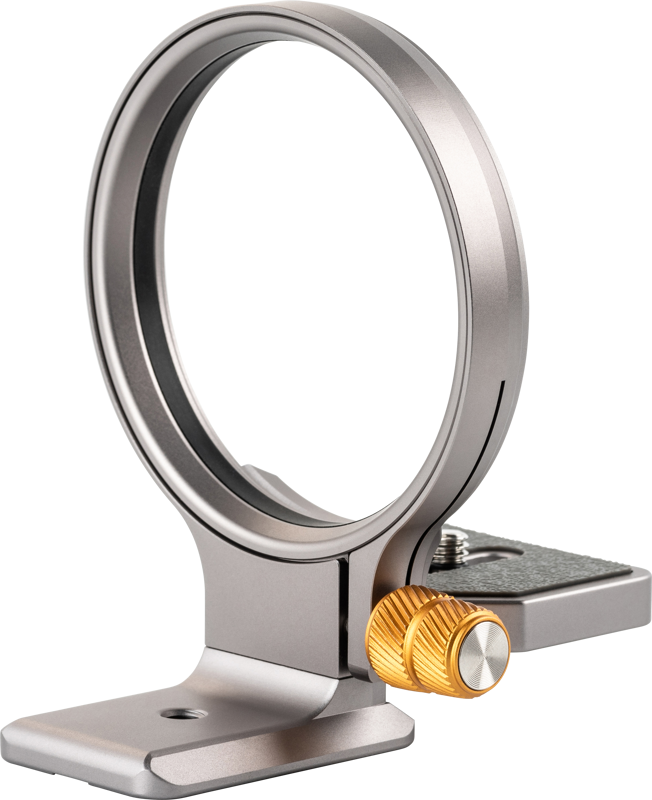
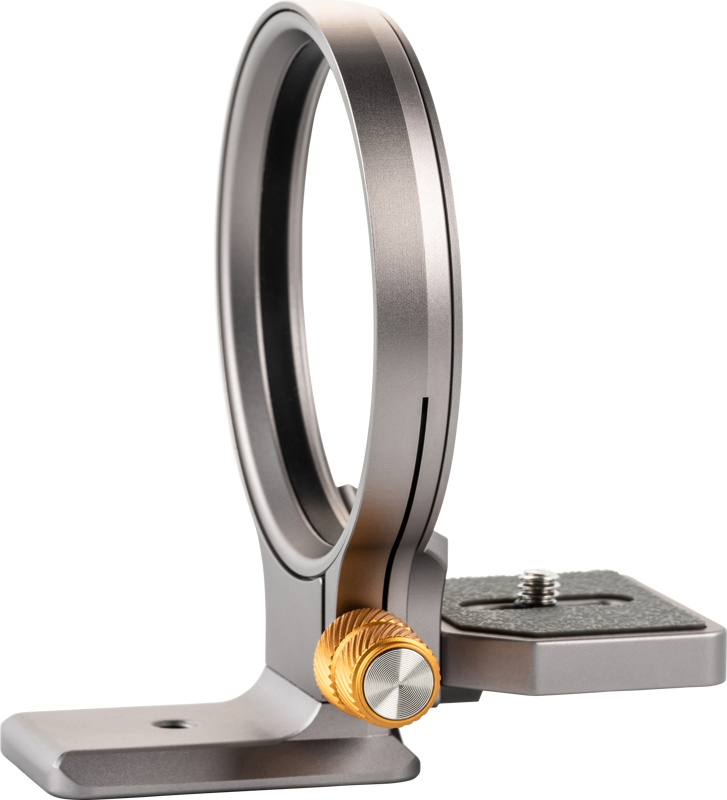
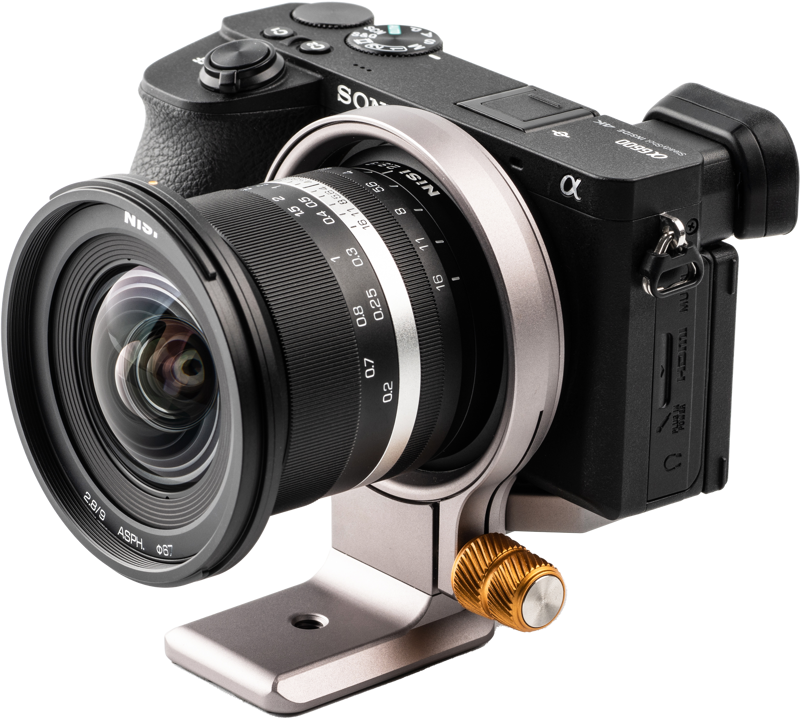
NiSi Wizard Camera Positioning Bracket W-72
- VAT free purchase available at checkout.
- BrandNiSi
Description
Article no.: 28898
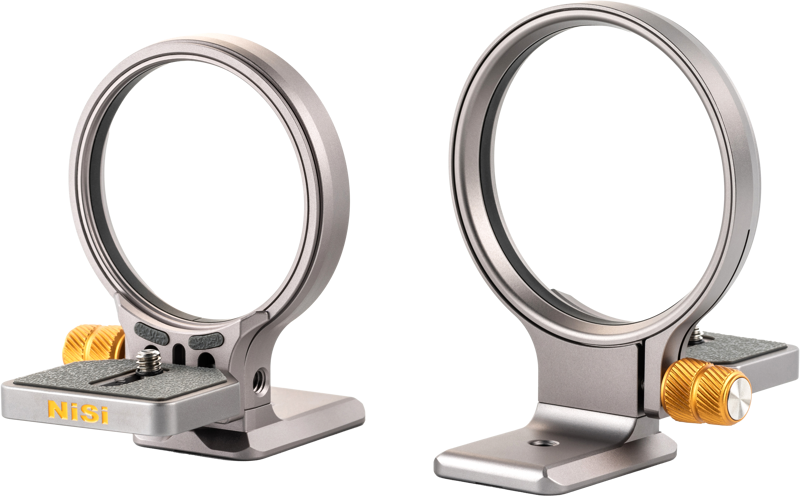
NiSi Wizard Camera Positioning Bracket W-72 – Quick switching between horizontal and vertical orientation
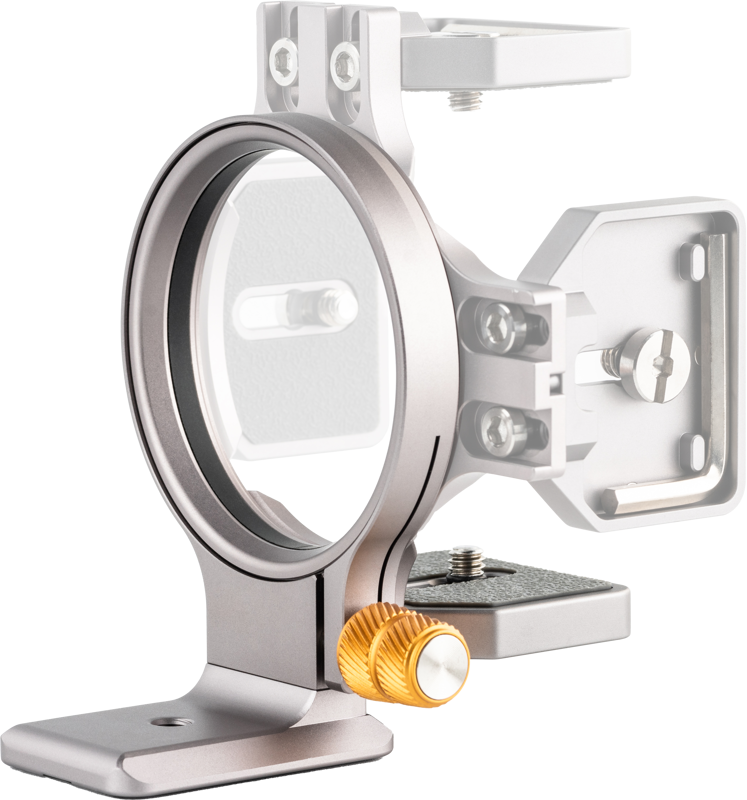
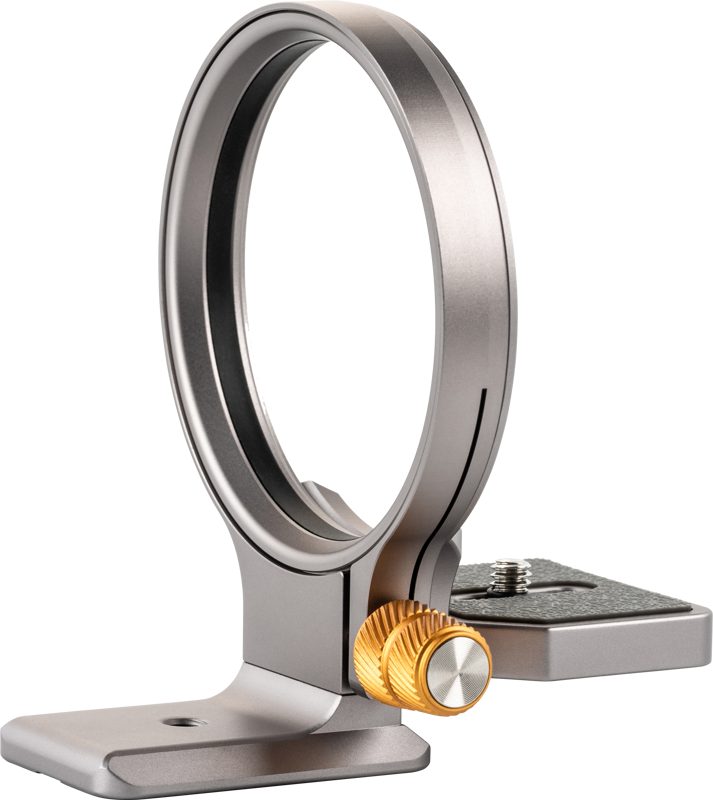
The NiSi Wizard Camera Positioning Bracket W-72 lets you switch quickly between horizontal and vertical camera orientations. It offers a faster and more flexible workflow compared with traditional L-brackets, while keeping essential mounting and protection features.
Key features
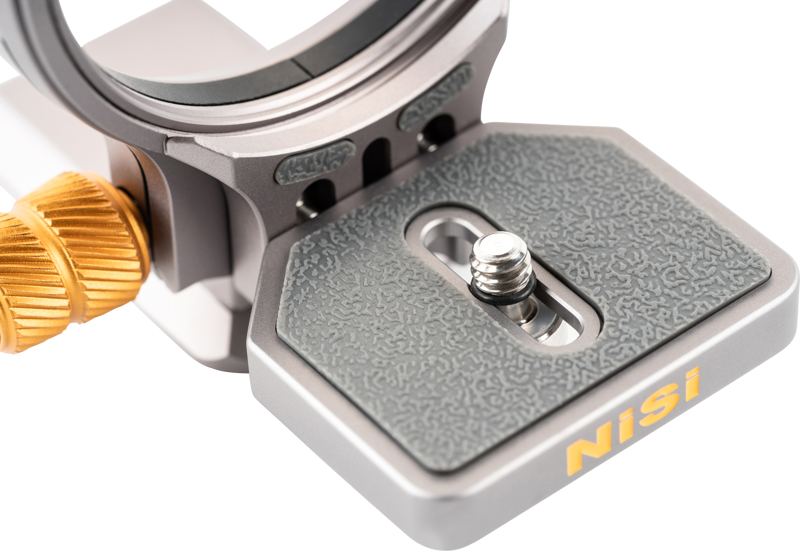
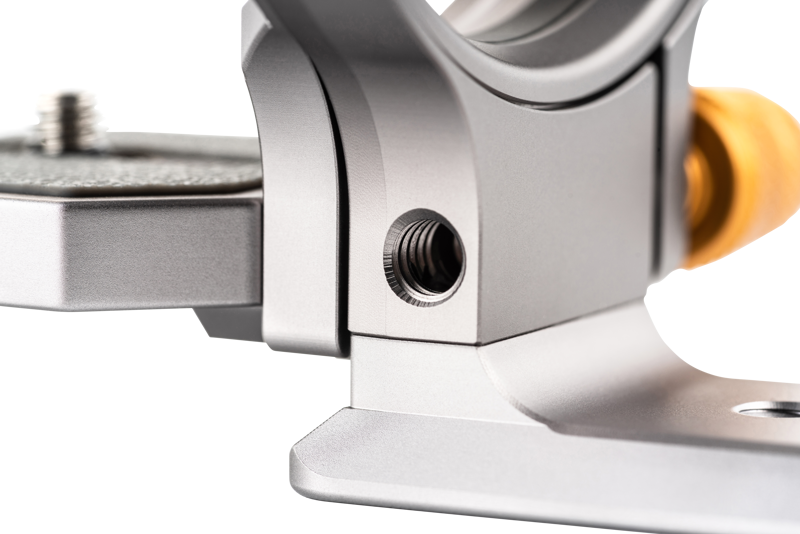
- 1/4" adjustable screw for secure camera mounting.
- Rubber on the top plate to protect your camera body during use.
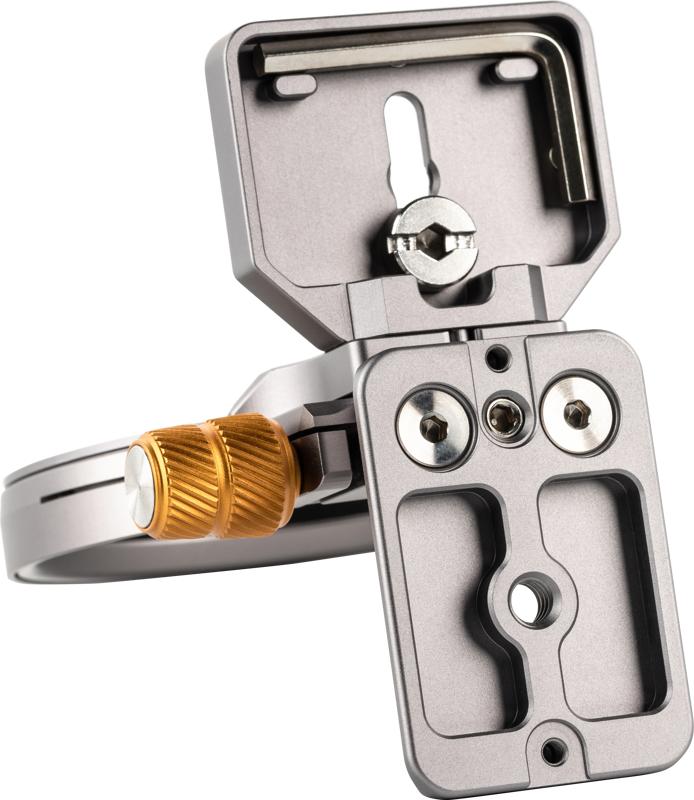
- Tripod plate in Arca‑Swiss standard, compatible with most tripod heads.
- Camera can turn 180° with three click points at 0°, 90° and 180° for repeatable positioning.
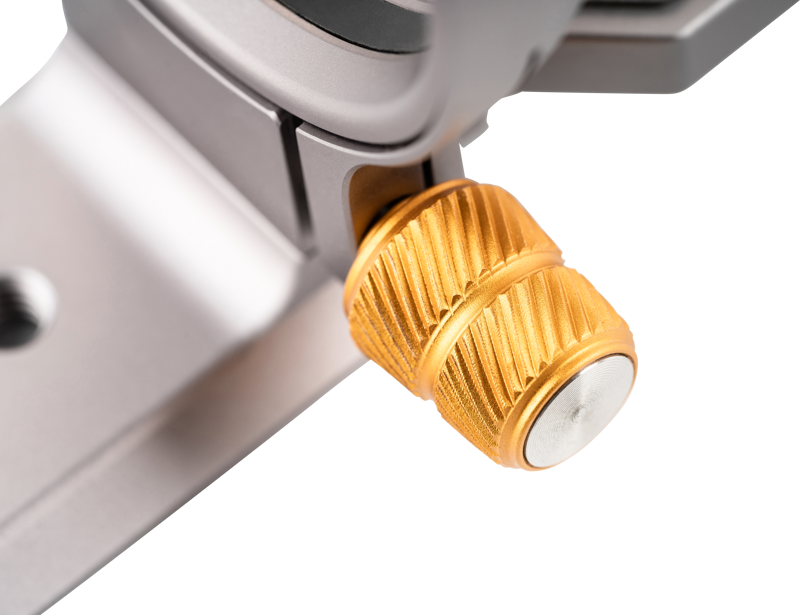
- Long adjusting locking screw with good grip for easy operation and firm locking.
How it works and typical use
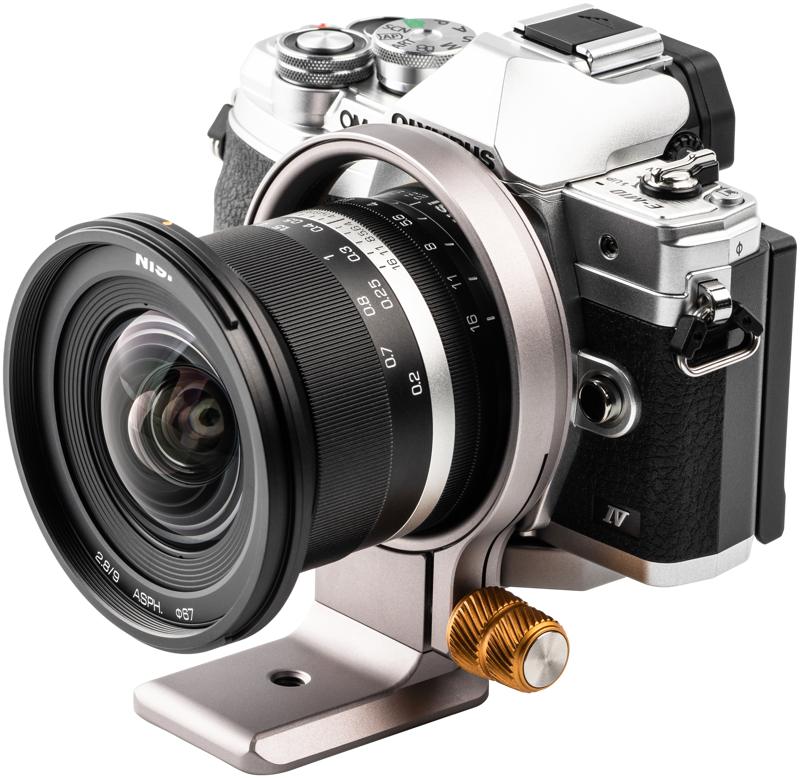
You mount your camera using the 1/4" adjustable screw. Then you rotate the camera to the desired orientation; the bracket clicks into place at 0°, 90° and 180° so you can switch reliably between horizontal and vertical framing. The Arca‑Swiss plate lets you place the bracket onto most compatible tripod heads without additional adapters. The rubber top protects the camera body where it contacts the plate, and the long locking screw gives good grip when tightening.
Compatibility and model guidance
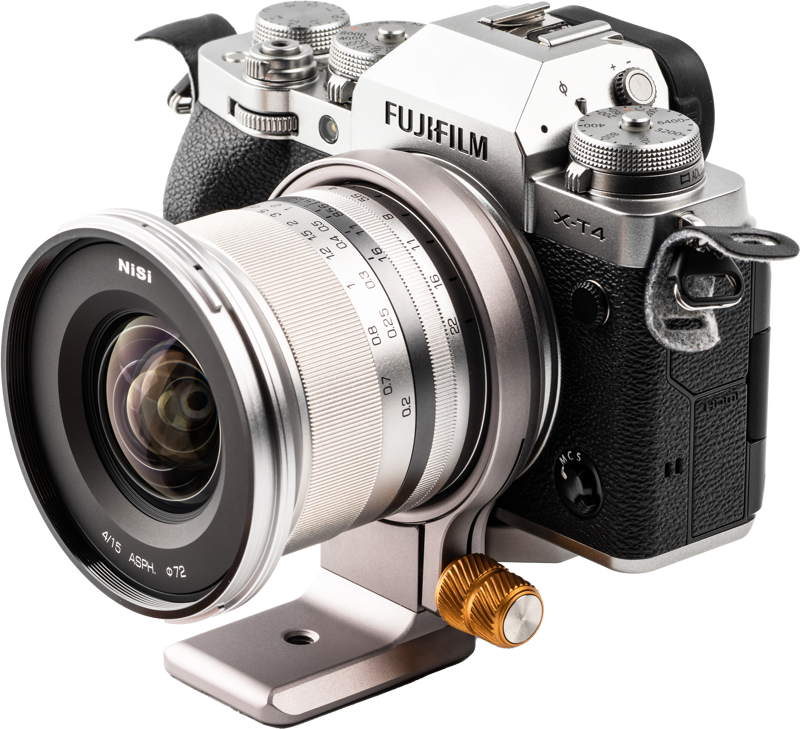
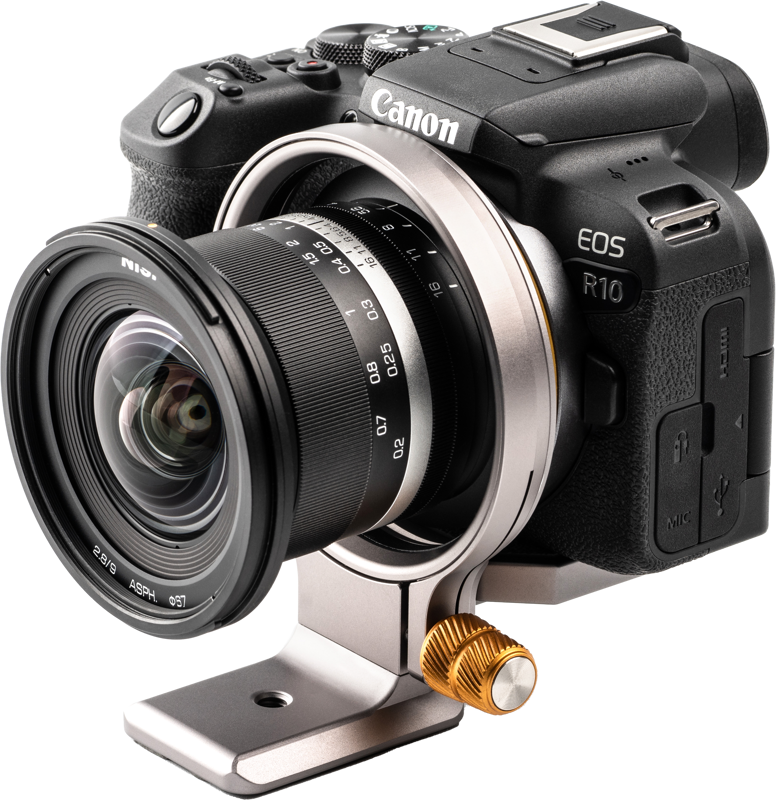
Compatibility varies by Wizard model. The W-72 is intended for Fujifilm X-Series, Nikon Z-Series and Olympus cameras. Take care that the outer diameter of your lens mount is smaller than the inner diameter of the Wizard before mounting.
- W-82D is compatible with most DSLR cameras.
- W-82M is compatible with Canon R-Series cameras.
- W-72 is compatible with Fujifilm X-Series, Nikon Z-Series and Olympus cameras.
- W-63 is compatible with Sony A-Series and Canon M-Series cameras.
Specifications
| Specification | Detail |
|---|---|
| Mount screw | 1/4" adjustable screw for camera mounting |
| Top plate | Rubber on top to protect camera |
| Tripod plate standard | Arca Swiss Standard (compatible with most tripod heads) |
| Rotation | 180° rotation with click points at 0°, 90° and 180° |
| Locking screw | Long adjusting locking screw with good grip |
| Compatibility note | Outer diameter of the lens mount must be smaller than the inner diameter of the Wizard |
Questions & Answers
Question: Will the W-72 fit my camera model?
Answer: Check the compatibility list: W-72 is specified for Fujifilm X-Series, Nikon Z-Series and Olympus cameras. Also ensure the outer diameter of your lens mount is smaller than the inner diameter of the Wizard before attempting to mount the camera.
Question: How do I switch between horizontal and vertical orientations?
Answer: Rotate the camera on the bracket; the unit has three click points at 0°, 90° and 180° so you can move between horizontal and vertical positions quickly and consistently. Use the long adjusting locking screw to tighten and secure the chosen position.
Question: Is the bracket compatible with my tripod head?
Answer: The plate uses the Arca‑Swiss standard, which is compatible with most tripod heads that accept Arca‑Swiss style plates. This allows straightforward integration without additional adapters in most setups.
Question: Will the bracket damage my camera body?
Answer: The top plate includes rubber to protect the camera where it contacts the bracket. As always, confirm proper fit and follow careful mounting procedures to avoid contact stress or excessive force.