
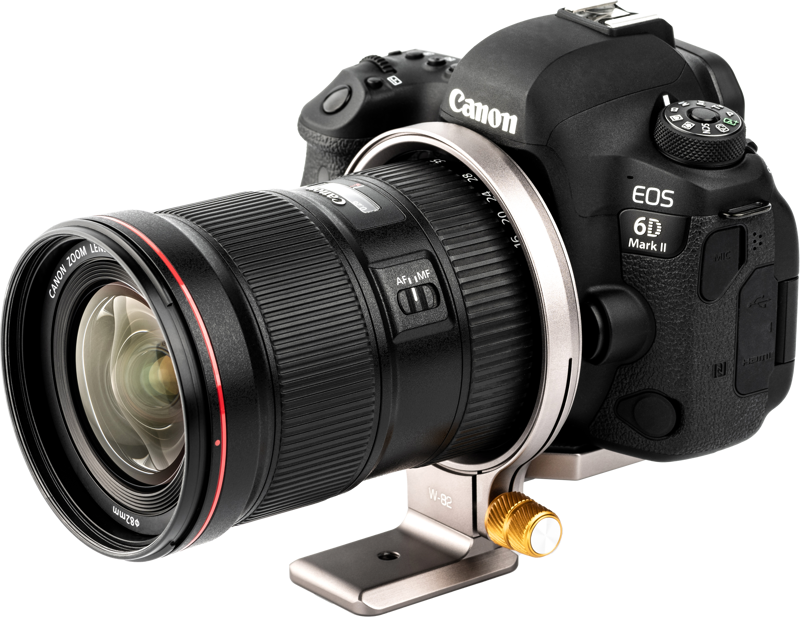
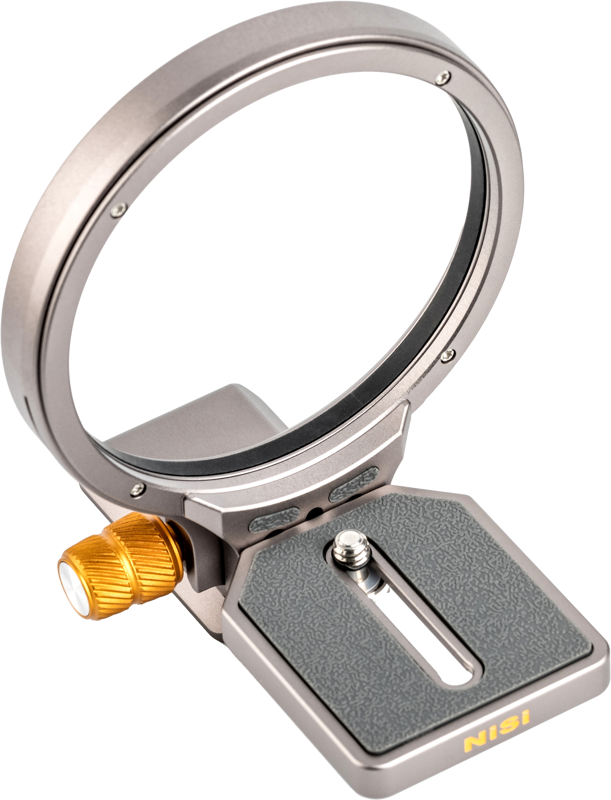
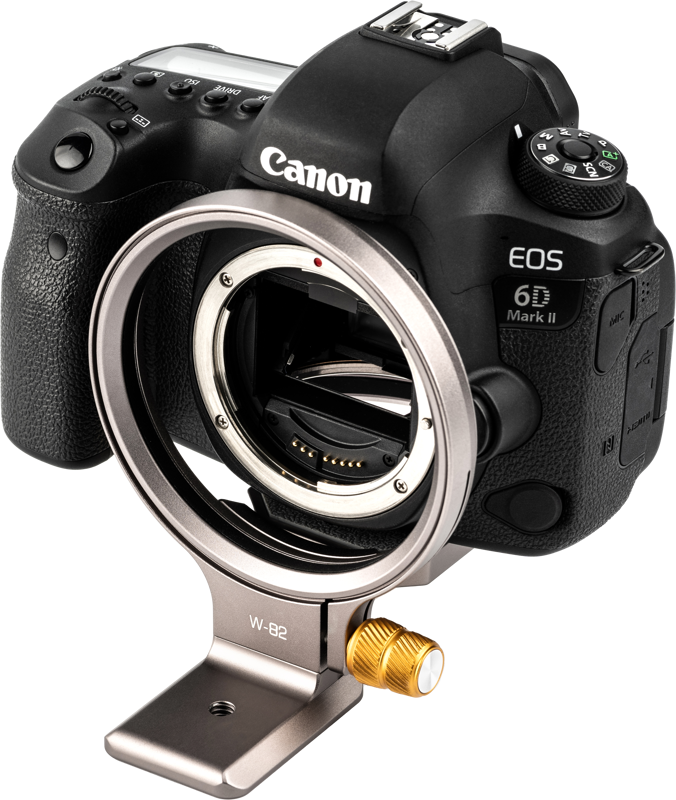
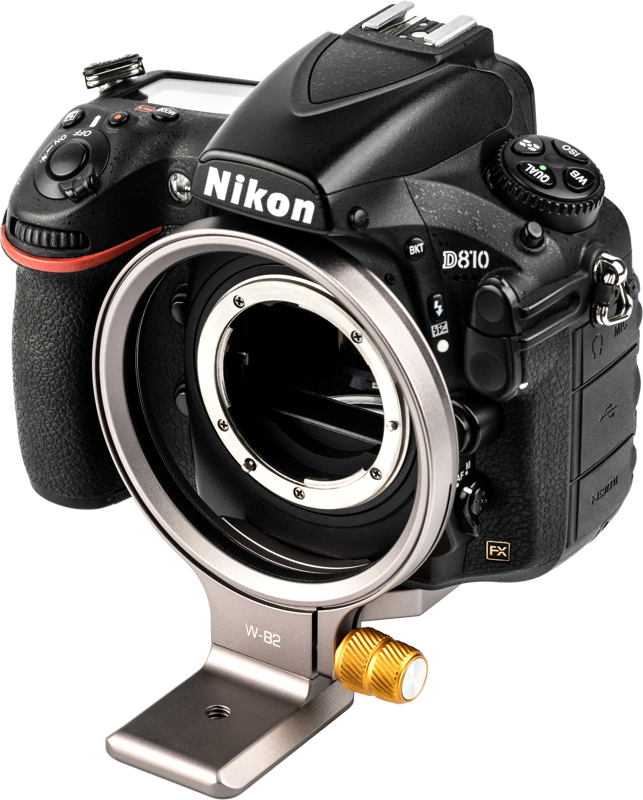
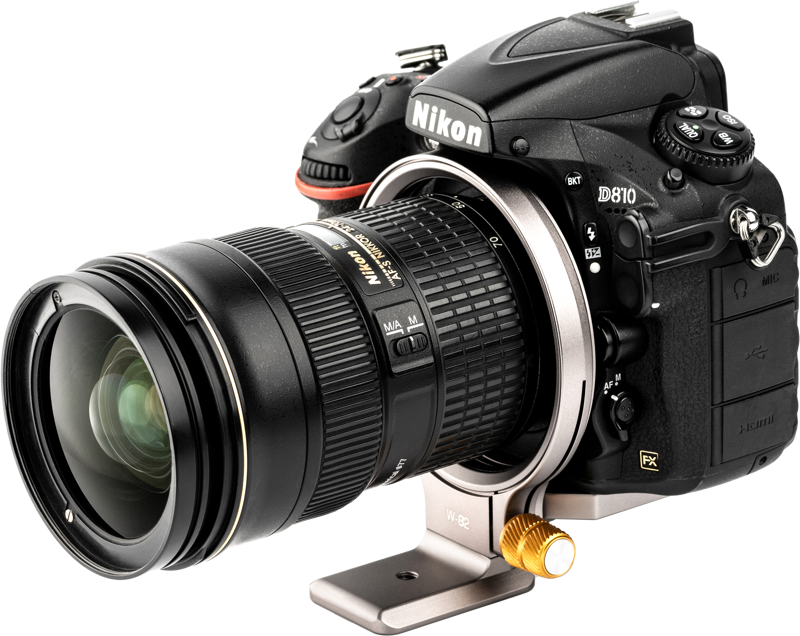
NiSi Wizard Camera Positioning Bracket W-82D
- VAT free purchase available at checkout.
- BrandNiSi
Description
Article no.: 28920
NiSi Wizard Camera Positioning Bracket W-82D – Quick switch between horizontal and vertical orientation
The NiSi Wizard Camera Positioning Bracket W-82D lets you change camera orientation quickly and reliably. It provides a faster and more flexible solution compared with traditional L-brackets, and it supports both horizontal and vertical shooting with clear click stops.
Key features and benefits
- Quick orientation change: Turn your camera 180 degrees to switch between horizontal and vertical formats.
- Defined click points: Three click positions at 0°, 90° and 180° give tactile feedback and repeatable alignment.
- Secure camera mounting: A 1/4" adjustable screw secures your camera to the plate, while rubber on top protects the camera base.
- Tripod compatibility: The plate is Arca Swiss Standard, making it compatible with most tripod heads that accept Arca-style plates.
- Easy locking: The adjusting locking screw is long, offers good grip, and is easy to operate for quick adjustments in the field.
How it works
First, mount your camera to the bracket using the 1/4" adjustable screw. The rubber top on the plate cushions the camera base and reduces slipping. Then, mount the Arca Swiss Standard plate into a compatible tripod head if needed. When you need to change orientation, rotate the camera up to 180 degrees and rely on the three click points at 0°, 90° and 180° for accurate positioning. Finally, secure the position using the long adjusting locking screw.
Compatibility and fit
The W-82D fits a wide variety of cameras, most commonly used with DSLR systems. However, the bracket requires that the outer diameter of your lens mount be smaller than the inner diameter of the Wizard unit. In other words, confirm the external dimensions of your lens mount before use to ensure a proper fit.
Model compatibility notes:
- W-82D: Compatible with most DSLR cameras.
- W-82M: Compatible with Canon R-Series cameras.
- W-72: Compatible with Fujifilm X-Series, Nikon Z-Series and Olympus cameras.
- W-63: Compatible with Sony A-Series and Canon M-Series cameras.
Specifications
| Feature | Detail |
|---|---|
| Mounting screw | 1/4" adjustable screw |
| Plate standard | Arca Swiss Standard |
| Rotation | 180° rotation with 3 click points at 0°, 90° and 180° |
| Protective surface | Rubber on top of the plate to protect camera base |
| Locking screw | Long adjusting locking screw with good grip |
Note
Make sure the outer diameter of your camera's lens mount is smaller than the inner diameter of the Wizard unit to ensure compatibility and safe use.
FAQ
-
Question: Will the W-82D fit my camera?
Answer: The W-82D is compatible with most DSLR cameras. To confirm fit, check that the outer diameter of your lens mount is smaller than the Wizard's inner diameter. If you are unsure, compare dimensions or contact the seller for guidance. -
Question: How do I mount and secure my camera to the bracket?
Answer: Mount the camera using the 1/4" adjustable screw and position it on the rubber-topped plate. Then use the long adjusting locking screw to secure the camera in place. If you attach the bracket to a tripod head, use an Arca Swiss compatible head for easy mounting. -
Question: Can I quickly switch between portrait and landscape orientations?
Answer: Yes. Rotate the camera up to 180° and use the built-in click points at 0°, 90° and 180° for quick, repeatable orientation changes. The locking screw then secures the chosen position. -
Question: My camera is mirrorless—do I need a different Wizard model?
Answer: Some mirrorless systems have dedicated Wizard models. For example, W-82M targets Canon R-Series, W-72 is for Fujifilm X-Series, Nikon Z-Series and Olympus, and W-63 fits Sony A-Series and Canon M-Series. Choose the model that matches your camera series for best compatibility.