
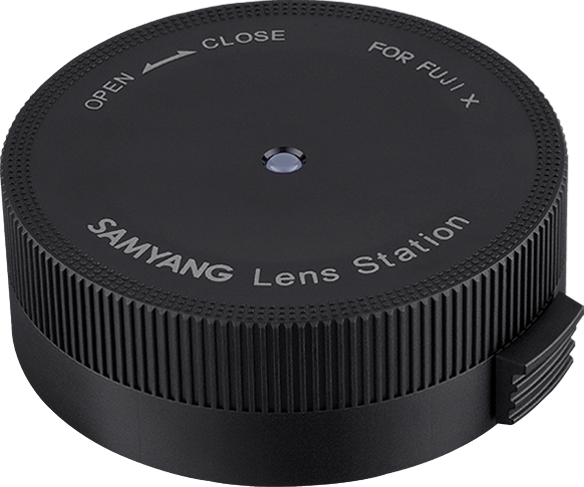
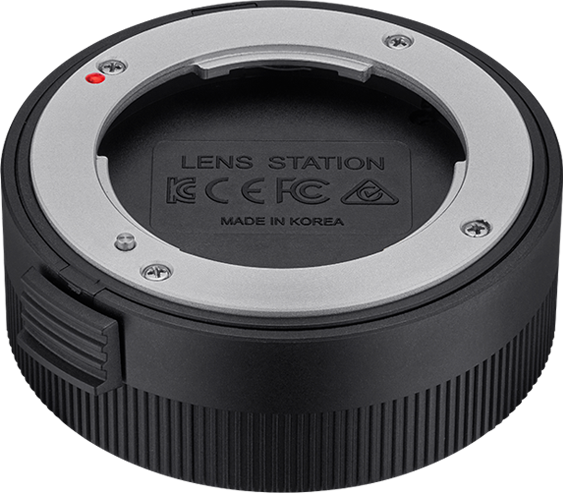
Samyang Lens Station Fuji X
- VAT free purchase available at checkout.
- BrandSamyang
Description
Article no.: 30155
Samyang Lens Station Fuji X – Update firmware and customize Samyang AF lenses
The Samyang Lens Station for Fuji X lets you update lens firmware and tailor key lens behaviors. It connects your Samyang AF lenses to a computer so you can apply firmware updates and change settings for autofocus, aperture response, and manual focus sensitivity.
Why use the Lens Station
Keeping lens firmware up to date helps ensure the best possible autofocus performance. In addition, the Lens Station gives you control over how the lens responds when you change aperture or use manual focus. You get a simple workflow to maintain and customize your Samyang AF lenses.
Functions
- Firmware Update
- AF Adjustment Setting
- Aperture Setting
- MF Sensitivity Setting
Each function allows you to modify or apply the corresponding lens behavior through the Lens Manager software on your computer. For example, firmware updates deliver improvements from Samyang, while AF adjustment and MF sensitivity let you fine-tune focus behavior to match your shooting needs.
How to use the Samyang Lens Station
- Connect the Lens Station to your computer using the supplied cable.
- Install the Lens Manager software on the computer.
- Launch Lens Manager, attach your Samyang AF lens to the Lens Station, and follow the on-screen prompts to update firmware or change settings.
These steps let you manage firmware and customize aperture and manual focus behavior directly from your computer.
Software compatibility and download
The Lens Manager software is available for both Windows and Mac OS operating systems. You must install Lens Manager on your computer to use the Lens Station. Samyang provides the software for download from its international website.
FAQ
Question: What can I do with the Samyang Lens Station?
Answer: You can update lens firmware and customize AF adjustment, aperture response, and manual focus sensitivity for Samyang AF lenses.
Question: How do I apply a firmware update?
Answer: Connect the Lens Station to a computer with Lens Manager installed, attach the lens, and follow the Lens Manager prompts to install the latest firmware from Samyang.
Question: Which operating systems support the Lens Manager software?
Answer: Lens Manager is available for both Windows and Mac OS, and you can download it from Samyang’s international website.
Question: Will updating firmware improve autofocus performance?
Answer: According to the manufacturer, installing the latest firmware helps ensure the best possible autofocus performance for compatible Samyang AF lenses.