
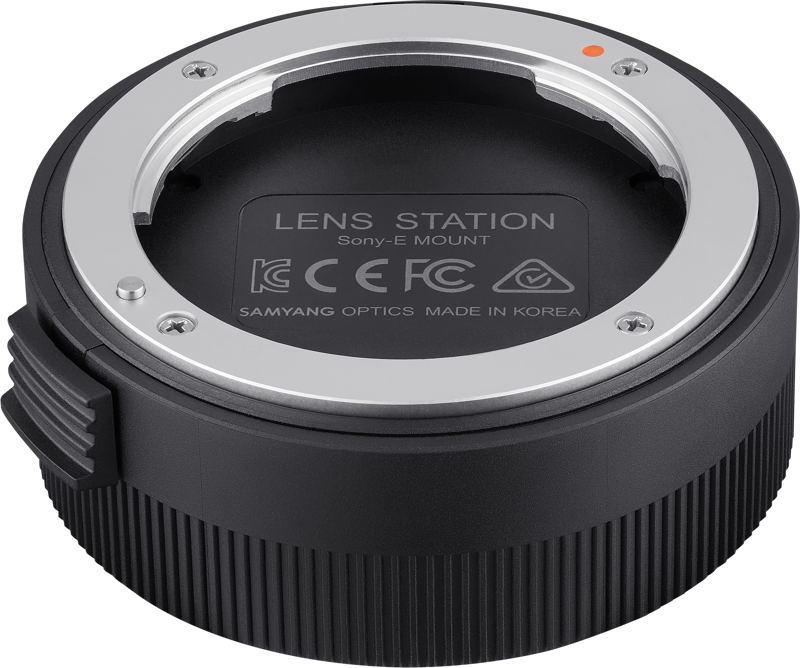
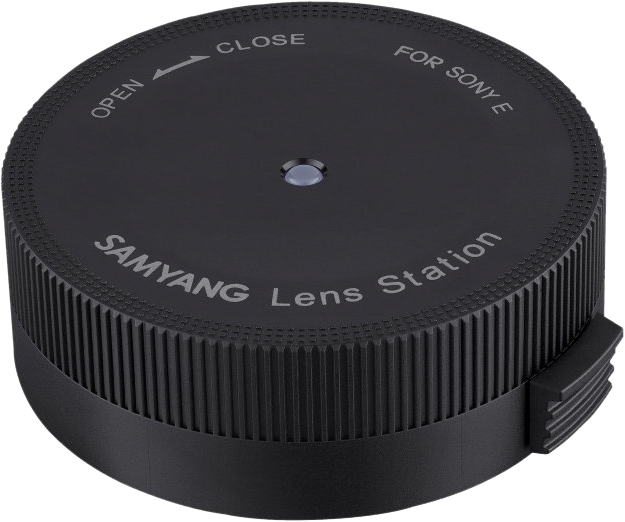
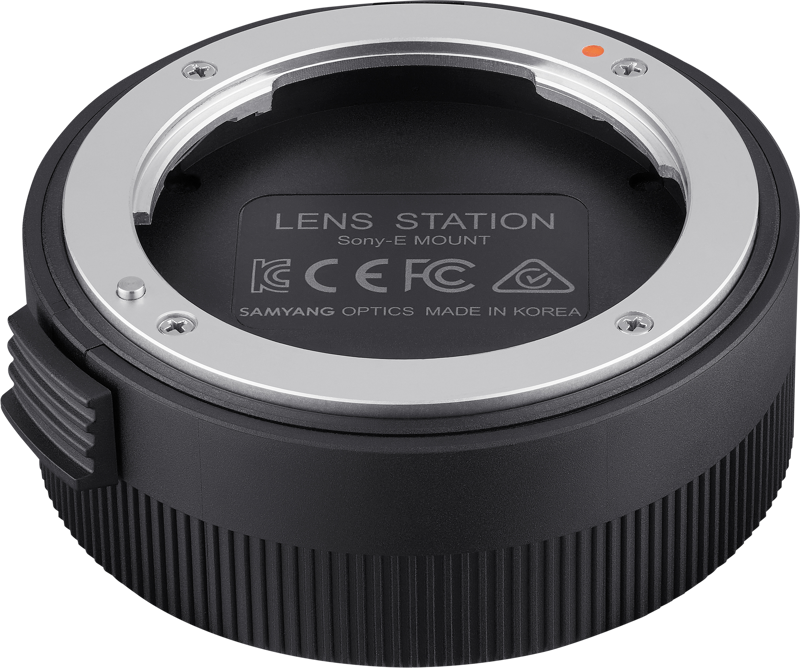
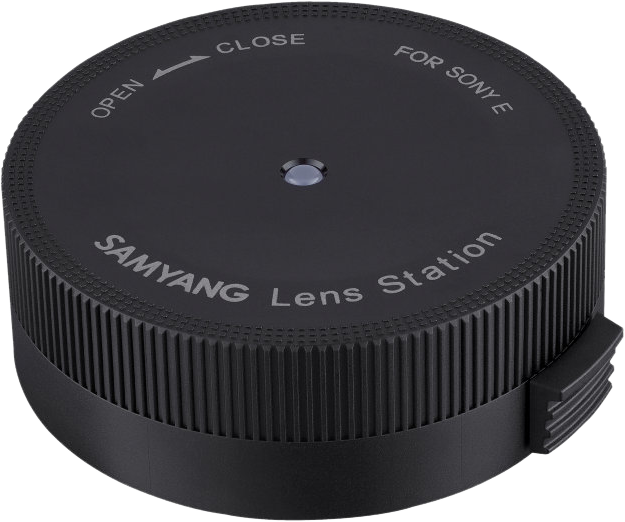
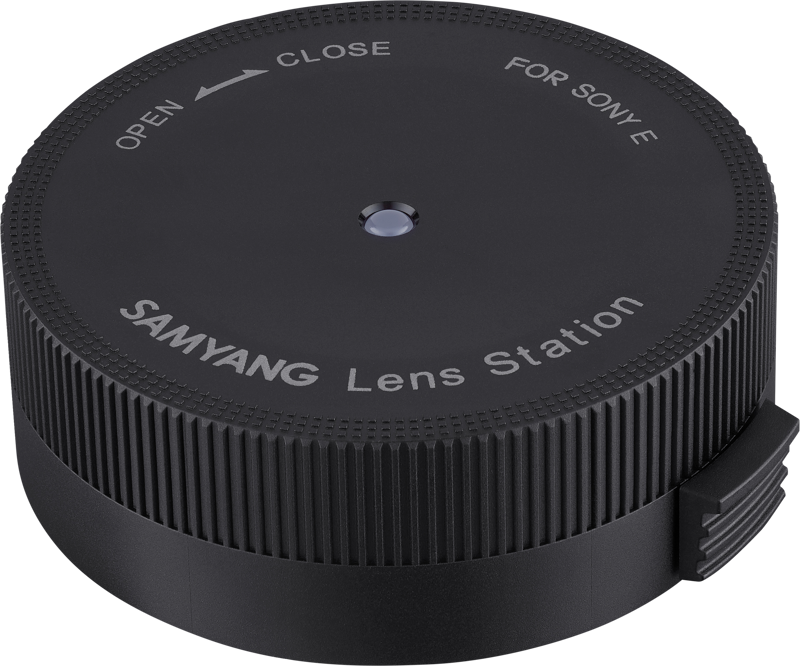
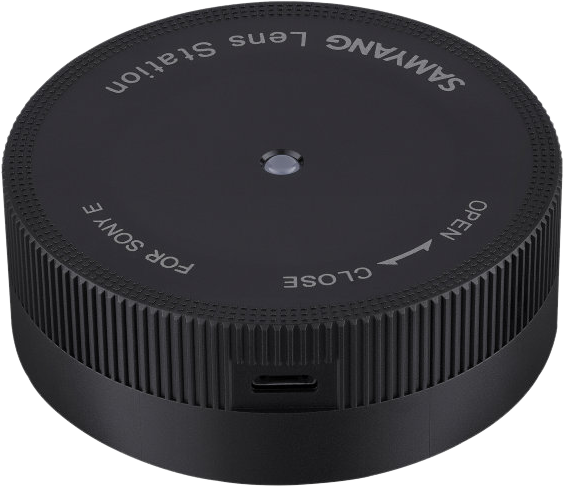
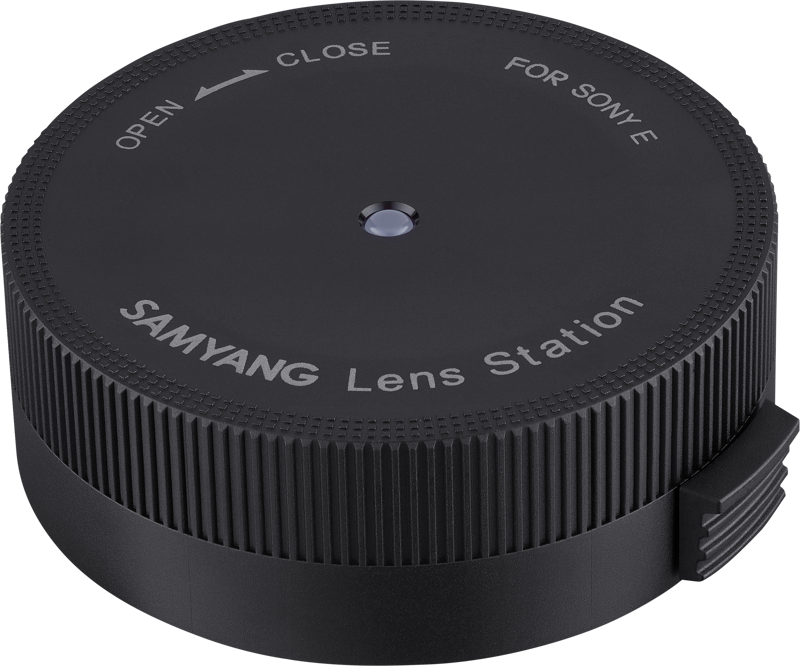
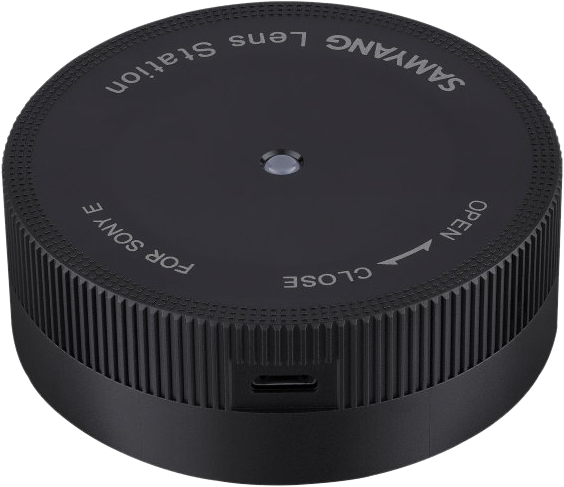
Samyang Lens Station Sony E
- VAT free purchase available at checkout.
- BrandSamyang
Description
Article no.: 30095
Samyang Lens Station Sony E – Firmware updates and AF/MF customization
The Samyang Lens Station for Sony E lets you update lens firmware and customize key autofocus and manual focus behaviors. You use it with Samyang AF lenses to ensure up-to-date performance and to modify how aperture and manual focus respond during operation.
What you can do with the Lens Station
The Lens Station gives you direct control over lens settings. By installing the latest firmware version in your lens, you ensure the best possible autofocus performance. In addition, the Station lets you tailor how aperture and manual focus behave to match your shooting needs.
- Firmware Update
- AF Adjustment Setting
- Aperture Setting
- MF Sensitivity Setting
How to use the Samyang Lens Station
To use the Lens Station, connect the device to a computer and run the Lens Manager software. That software communicates with the Lens Station to apply firmware updates and setting changes. Follow the on-screen instructions in Lens Manager to complete updates or adjust settings.
Compatibility and software
The Lens Manager software is available for both Windows and Mac OS. You can download it from Samyang’s international website. Make sure the software is installed on your computer before connecting and operating the Lens Station.
Why update firmware and adjust settings?
Regular firmware updates can improve autofocus behavior and maintain compatibility with camera bodies and new features. Meanwhile, AF adjustment, aperture setting, and MF sensitivity let you fine-tune lens response for different shooting situations, helping you achieve consistent results.
FAQ
-
Question: Which lenses work with the Samyang Lens Station Sony E?
Answer: The Lens Station is designed to be used with Samyang AF lenses. Check your lens documentation or Samyang’s website to confirm specific model support. -
Question: Where do I get the software needed to use the Lens Station?
Answer: Download the Lens Manager software from Samyang’s international website. The software is available for both Windows and Mac OS. -
Question: What settings can I change with the Lens Station?
Answer: You can update firmware and adjust AF settings, aperture behavior, and manual focus sensitivity to suit your workflow. -
Question: Do firmware updates improve autofocus performance?
Answer: Yes. Installing the latest firmware ensures you get the best possible autofocus performance available for your lens.