
Description
Article no.: 30203
Saramonic SmartRig+ UC – 2-Channel Mic & Instrument Audio Adapter for USB Type-C Devices
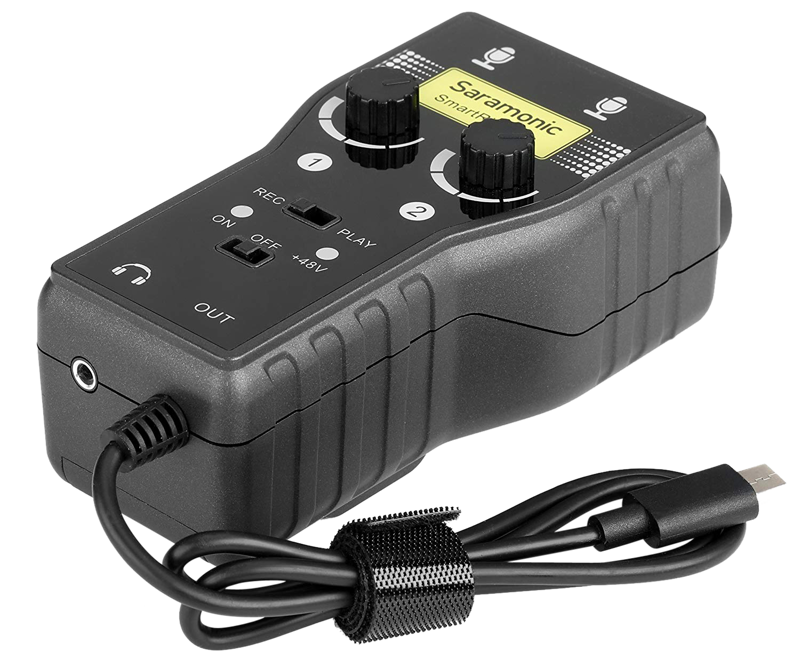
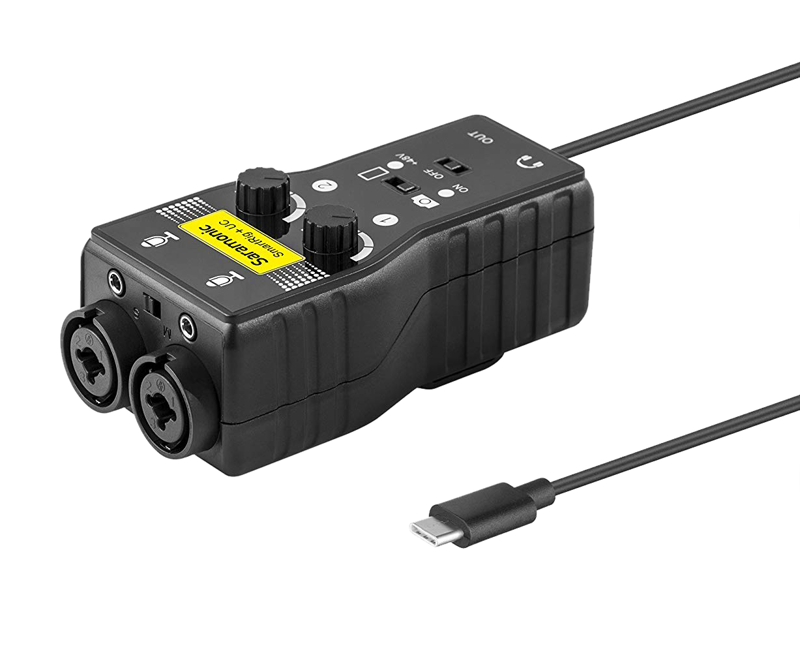
The Saramonic SmartRig+ UC is a compact two-channel audio interface that connects professional microphones and instruments to USB Type-C devices. It lets you record quality sound and create music directly with your USB Type-C compatible device.
Simple connection and monitoring
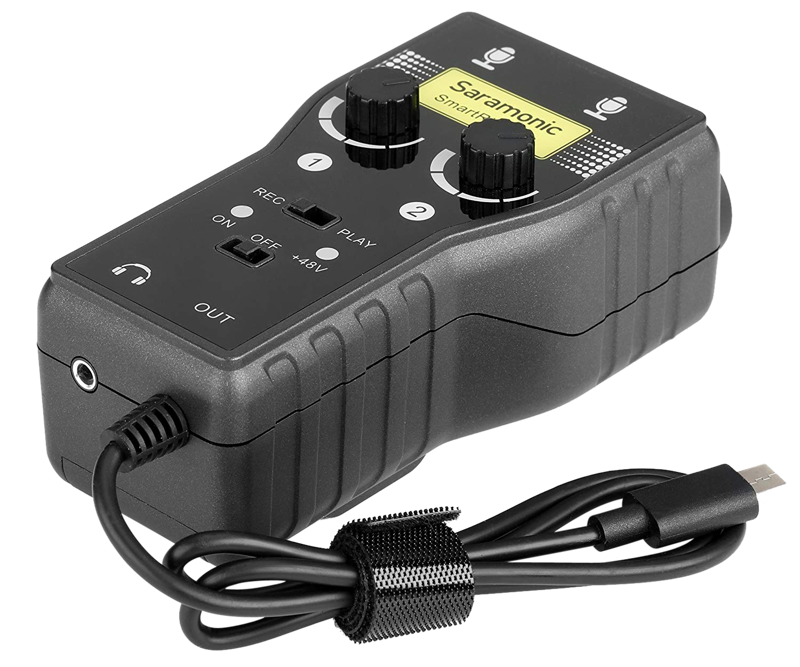
The SmartRig+ UC plugs into a USB Type-C port for digital audio output. Additionally, it offers a 3.5 mm headphone output so you can monitor audio in real time. This makes it easy to check levels and performance while you record.
Designed for microphones and instruments
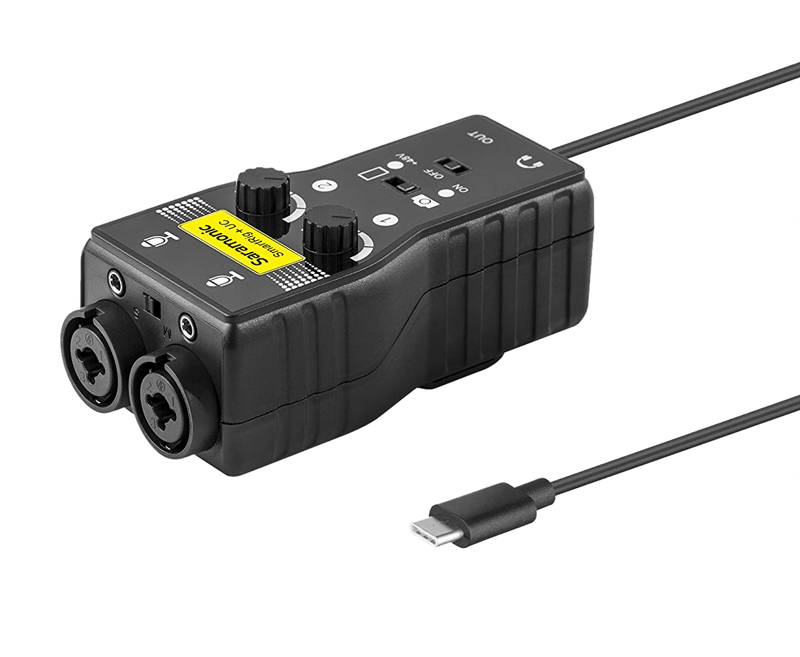
The interface supports both mic and instrument connections. It provides two XLR inputs for microphones and two 1/4" (6,35 mm) inputs for guitars or other instruments. Furthermore, it includes two 3.5 mm inputs for additional sources or line-level devices.
Essential controls and power
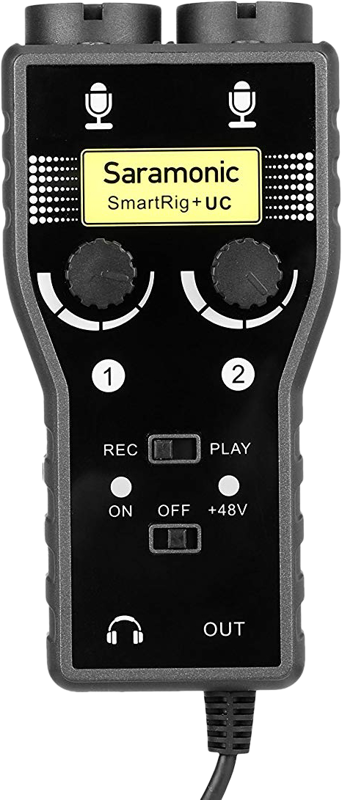
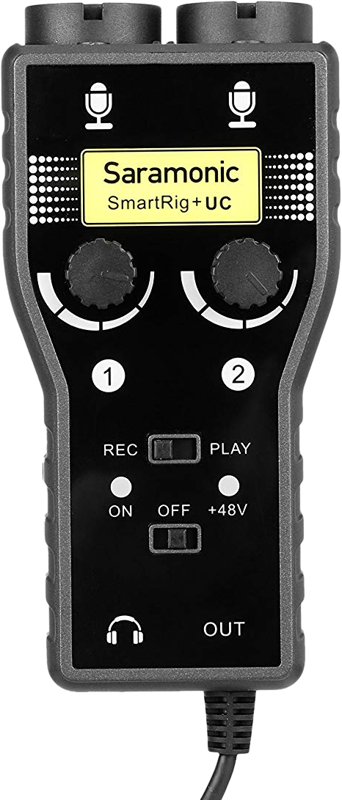
The SmartRig+ UC gives you control over recording and playback with a REC/PLAY switch. Also, you can choose mono or stereo operation using the Mono/Stereo (M/S) switch. For condenser microphones, the unit supplies +48V phantom power. Finally, two gain control thumbwheels let you adjust each channel’s input level independently.
Key features
- Two XLR mic inputs
- Two 1/4″ (6,35 mm) guitar inputs
- Two 3,5 mm inputs
- USB Type-C connector for output
- 3,5 mm headphone output for monitoring
- Mono/Stereo switch (M/S)
- REC/PLAY switch
- +48V phantom power
- Gain control
Specifications
| Feature | Detail |
|---|---|
| Channels | Two |
| Mic inputs | Two XLR |
| Guitar inputs | Two 1/4" (6,35 mm) |
| Aux inputs | Two 3,5 mm |
| Output connector | USB Type-C |
| Headphone monitoring | 3,5 mm headphone output |
| Switches | Mono/Stereo (M/S) and REC/PLAY |
| Phantom power | +48V |
| Level control | Gain control thumbwheels for each channel |
Frequently Asked Questions
Question: Can I use condenser microphones with the SmartRig+ UC?
Answer: Yes. The unit provides +48V phantom power, which supports condenser microphones that require phantom power.
Question: Can I monitor while I record?
Answer: Yes. The SmartRig+ UC includes a 3,5 mm headphone output for real-time monitoring so you can check levels and sound quality as you record.
Question: What input options are available for instruments and other devices?
Answer: You can connect instruments via the two 1/4″ (6,35 mm) guitar inputs, use the two XLR inputs for microphones, and add line-level or auxiliary sources using the two 3,5 mm inputs.
Question: How do I control channels and recording mode?
Answer: Use the two gain control thumbwheels to set levels for each channel. Then select mono or stereo with the M/S switch and toggle recording or playback with the REC/PLAY switch.