
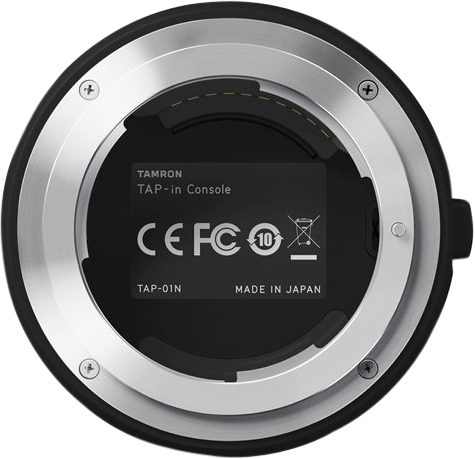
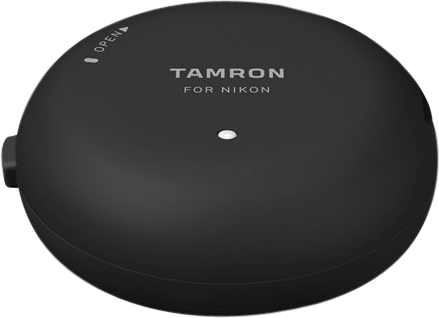
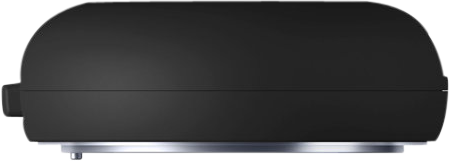
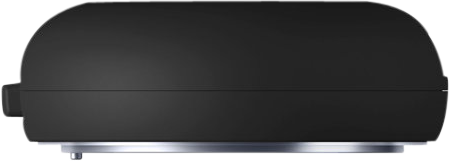
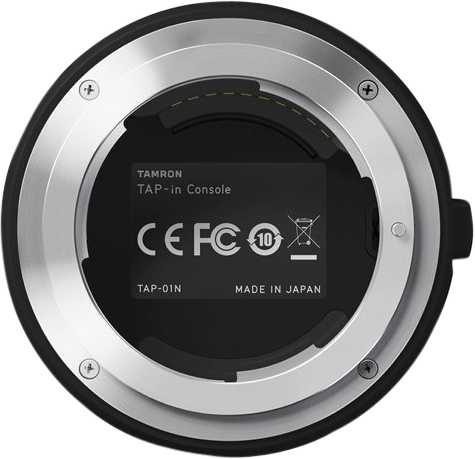
Tamron TAP-in Console Canon
- VAT free purchase available at checkout.
- BrandTamron
Description
Article no.: 30322
TAMRON TAP-in Console Canon – Update lens firmware and customize lens functions via PC or Mac
Use the TAMRON TAP-in Console together with the TAMRON TAP-in Utility on your PC or Mac to update firmware and customize settings for selected Tamron lenses. The console connects your compatible lens to a computer, letting you make adjustments and access firmware updates through Tamron’s dedicated website. This gives you control over lens behavior and helps tailor performance to your shooting style.
What you can do with the TAP-in Console
The TAP-in Console provides two primary functions: firmware updates and function customization. Both tasks run through the TAP-in Utility software on a connected PC or Mac. In addition, the TAP-in Console itself can receive firmware updates when needed.
How updates and customization work
First, attach a compatible Tamron lens to the TAP-in Console and connect the console to your computer. Second, launch the TAMRON TAP-in Utility and ensure you have an internet connection. Then, access Tamron’s dedicated update site and follow the prompts to download firmware updates or adjust settings. You can perform updates and changes anytime and anywhere that you have internet access.
Customizable lens functions
- Update firmware
- Update the firmware of compatible Tamron lenses
- Update the firmware of the TAP-in Console itself
- Customize selected lens functions
- Focus adjustment
- Focus distance limiter customization (only for lenses that have the Focus Limiter feature)
- Full-time Manual Focus override customization (only for lenses that have the Full-time Manual Focus feature)
- VC adjustment (only for lenses with VC)
- Save customized data files
Use cases and benefits
Photographers and filmmakers can use the TAP-in Console to keep lens firmware current and to fine-tune lens behavior for specific tasks. For example, you can refine focus performance or adjust vibration compensation settings on lenses with those features. Also, saving customized data files lets you preserve preferred settings and reapply them when needed.
Compatibility and requirements
The TAP-in Console works with selected Tamron lenses. It requires the TAMRON TAP-in Utility software running on a PC or Mac and an internet connection to access firmware updates and the dedicated Tamron website. Note that some customization options are available only on lenses that support the corresponding feature.
FAQ
- Question: Which lenses work with the TAP-in Console?
Answer: The TAP-in Console supports selected Tamron lenses. Check Tamron’s compatibility list or contact your dealer to confirm whether your specific lens model is supported. - Question: What do I need to use the TAP-in Console?
Answer: You need the TAP-in Console, the TAMRON TAP-in Utility installed on a PC or Mac, and an internet connection to access firmware updates and the dedicated update site. - Question: Can I update the TAP-in Console itself?
Answer: Yes. The TAP-in Console firmware can be updated through the TAP-in Utility when an update is available. - Question: Which customization options are available?
Answer: Available options include focus adjustment, focus distance limiter customization (for lenses with Focus Limiter), Full-time Manual Focus override customization (for lenses with that feature), VC adjustment (for lenses with VC), and saving customized data files. - Question: Can I save and reuse my customized lens settings?
Answer: Yes. The TAP-in Utility allows you to save customized data files so you can preserve preferred settings and apply them later through the software.