
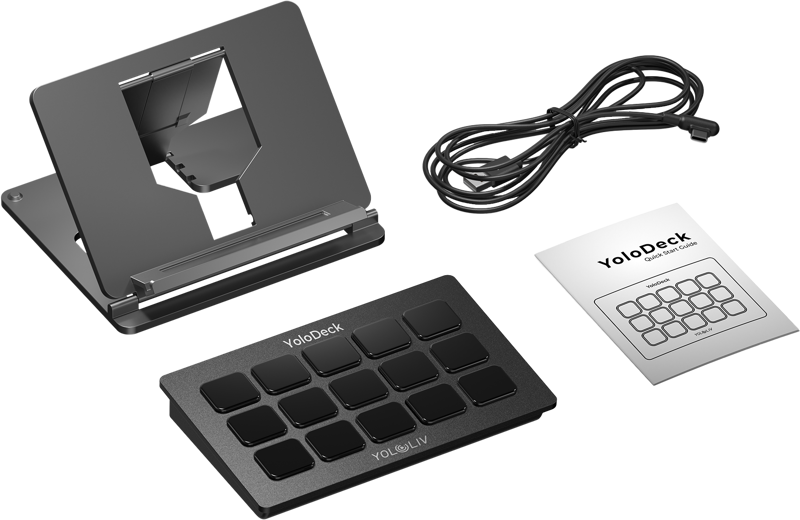

YoloLiv YoloDeck - The Ultimate Streaming Controller for YoloBox
- VAT free purchase available at checkout.
- BrandYoloLiv
Description
Article no.: 30701
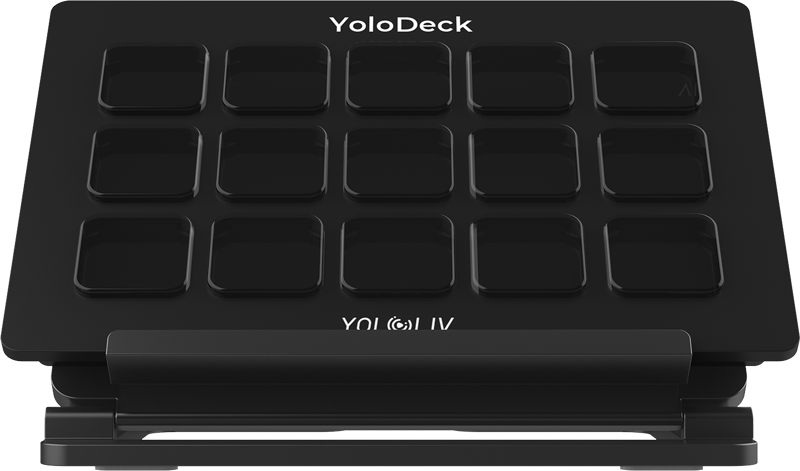
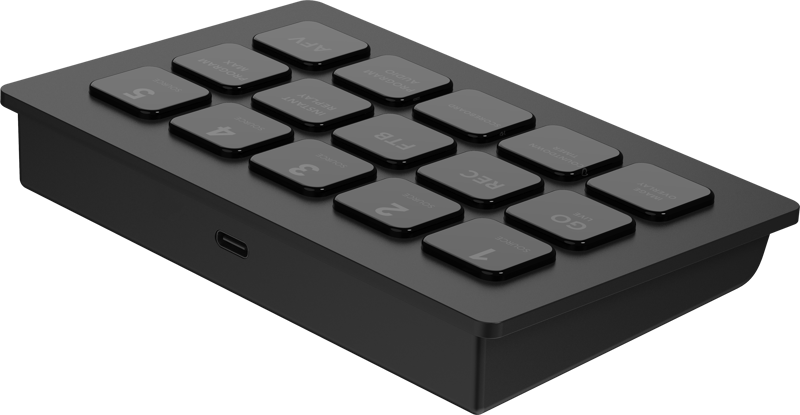
YoloLiv YoloDeck – 15 Customizable LCD Keys for Precise YoloBox Control
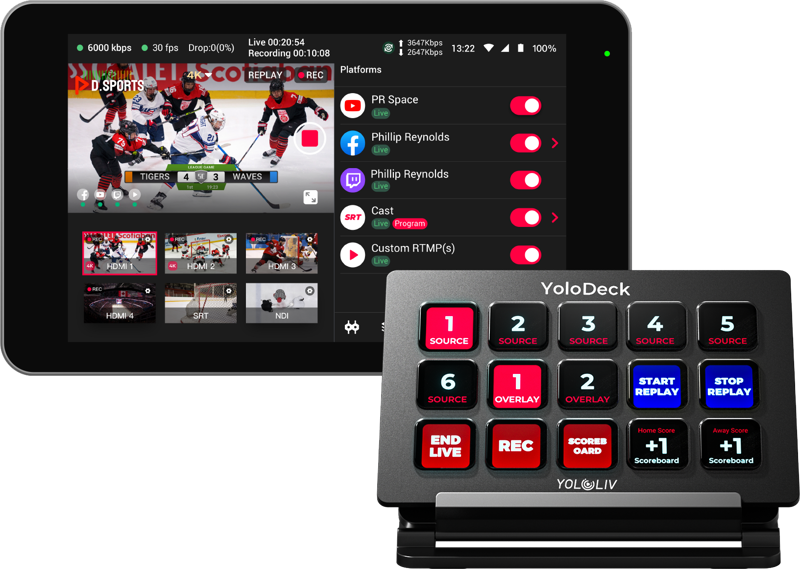
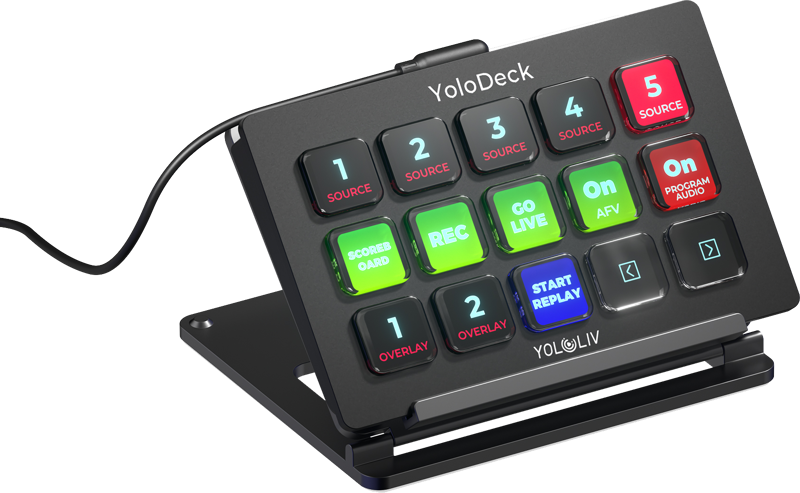
The YoloDeck is a dedicated streaming controller made to extend the control capabilities of your YoloBox. It features 15 customizable LCD keys that give you direct access to live streaming functions. Use it to start and stop streams, switch video sources, add graphics, and adjust audio with quick, tactile control.
Important note
This is an accessory to the YoloLiv YoloBox and does not work as a stand-alone product. You must connect it to a compatible YoloBox to use its functions.
What the YoloDeck does for your live productions
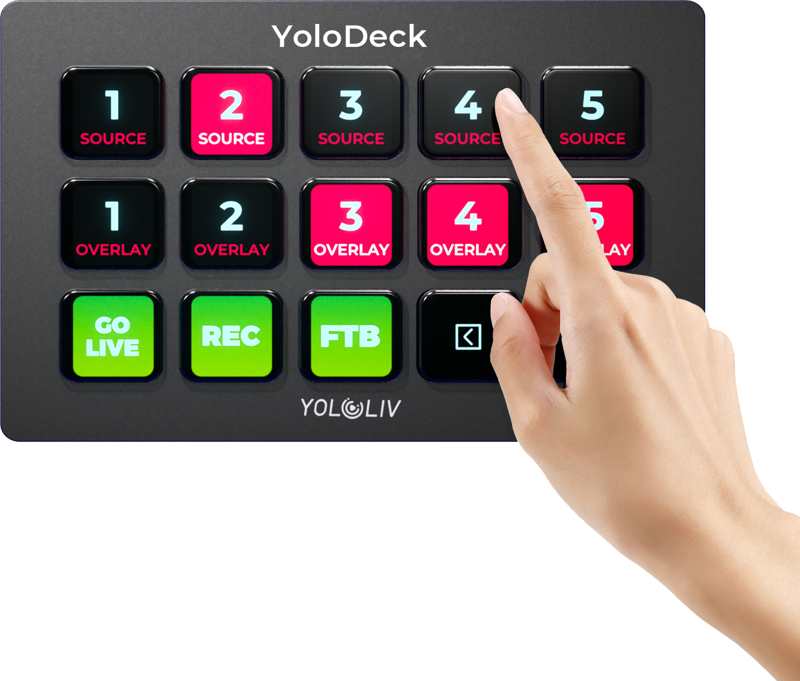
The YoloDeck places frequently used streaming commands at your fingertips. With clear visual feedback on each key, you can operate quickly and confidently. The controller fits into workflows where speed and precision matter, helping you reduce reliance on touchscreen navigation during live events.
Key features
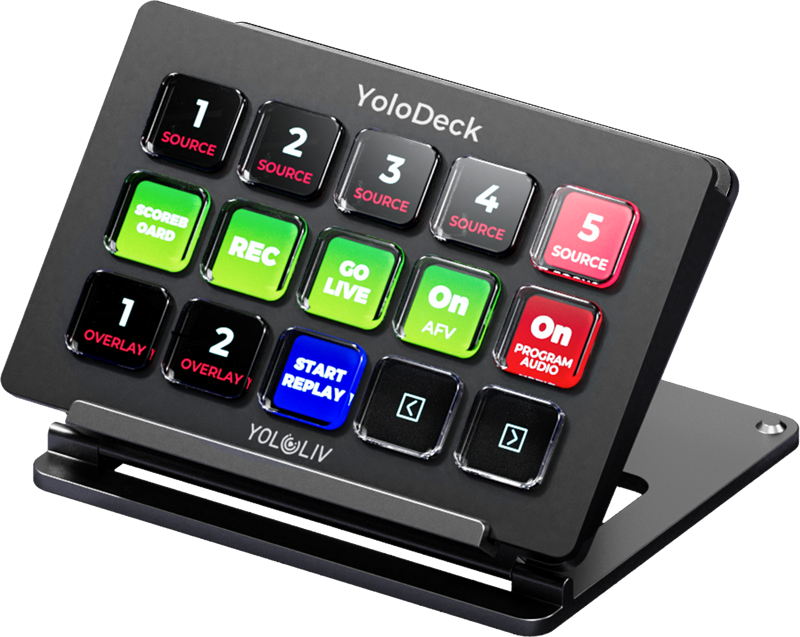
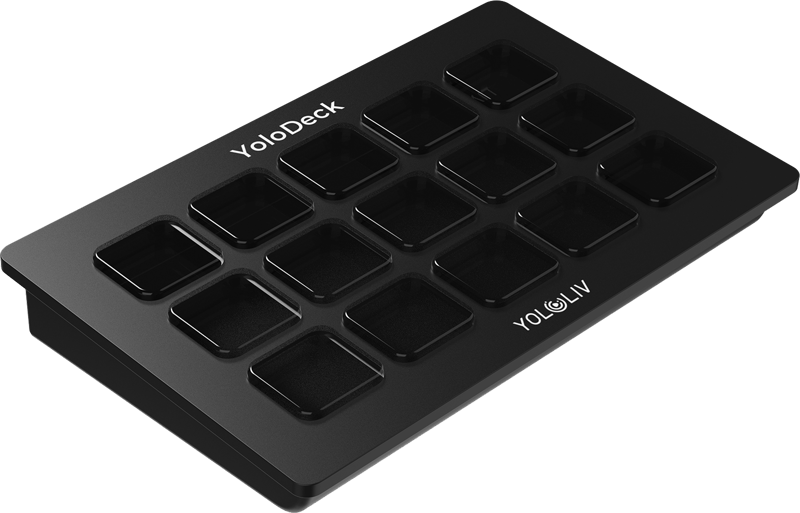
- 15 Customizable LCD Keys: Each of the 15 hardware keys includes an LCD display so you can set and view unique icons and labels for instant recognition.
- Drag-and-Drop Interface: You can easily assign functions to keys using a drag-and-drop setup, which simplifies creating personalized streaming workflows.
- Visual Feedback: Each key shows a unique icon to help you identify its action at a glance, improving speed and reducing mistakes during live broadcasts.
- Unlimited Actions: Create multiple pages of actions so you can manage complex streaming setups without changing hardware. Swap pages to access more commands from the same 15 keys.
- Seamless Integration: The YoloDeck is designed specifically to work with the YoloBox, giving you a consistent control experience tied to the YoloBox feature set.
- User-Friendly Design: The layout and interface prioritize intuitive operation so you can focus on the production rather than learning complex controls.
Specifications
| Specification | Value |
|---|---|
| Interface | USB-C |
| Input Voltage | 5V |
| Working Power Consumption | 3W |
| Standby Power Consumption | 0.75W |
| Hardware Keyboard Numbers | 15 |
| Screen Luminance | 800 |
| Screen Contrast Ratio | 450 |
| Keyboard Icon Resolution | 126 * 126 |
| Startup Logo Resolution | 800 * 480 |
| Keyboard bare weight | 188g |
FAQ
Question: Will the YoloDeck work on its own without a YoloBox?
Answer: No. The YoloDeck is an accessory for the YoloLiv YoloBox and does not function as a stand-alone product. It requires connection to a YoloBox to operate.
Question: How do I connect the YoloDeck to my YoloBox?
Answer: Use the provided USB-C connection. The interface is USB-C, which handles communication with the YoloBox and supplies the necessary connection for control.
Question: Can I customize the actions for each key?
Answer: Yes. The YoloDeck uses a drag-and-drop interface to assign actions and icons to each of the 15 keys. You can also create multiple pages of actions to expand available commands.
Question: What are the power requirements and consumption?
Answer: The device uses a 5V input voltage. Its working power consumption is 3W, and standby power consumption is 0.75W, which helps you estimate power needs for mobile or stationary setups.
Question: How clear are the key displays and icons?
Answer: Each key supports icon resolution of 126 * 126. The screen luminance is 800 and the contrast ratio is 450, providing visible icons and labels during use.
Question: Is the YoloDeck lightweight for portable setups?
Answer: The keyboard’s bare weight is listed as 188g, making it a compact and portable control surface to carry with your YoloBox setup.