
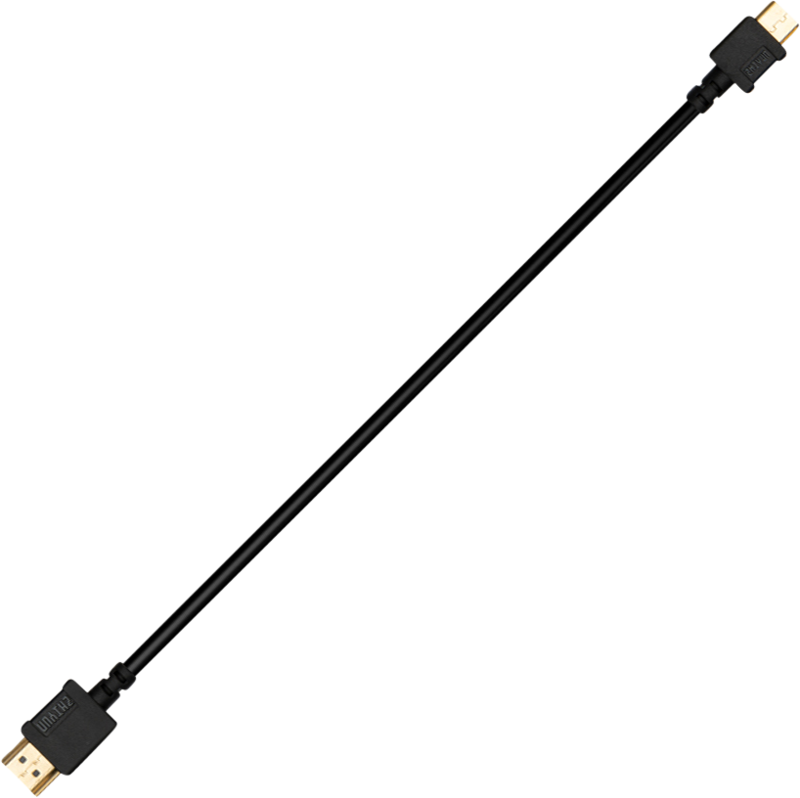
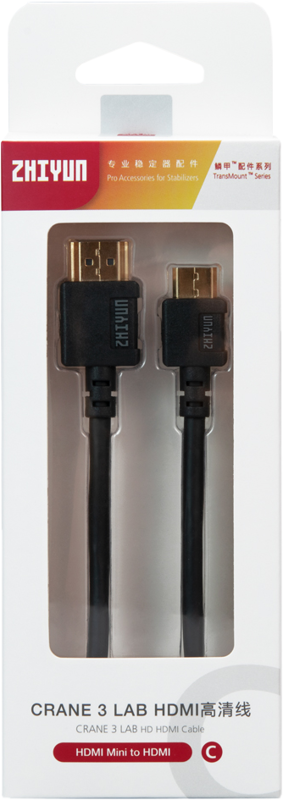
Zhiyun Cable HDMI Mini to HDMI
- VAT free purchase available at checkout.
- BrandZhiyun
Description
Article no.: 30781
Zhiyun Cable HDMI Mini to HDMI – Connect a Mini HDMI Output to a Standard HDMI Input
The Zhiyun Cable HDMI Mini to HDMI connects a device with a Mini HDMI output to a display or recorder with a standard HDMI input. It provides a direct link between the two HDMI connector types so you can route video and audio from one device to another.
What this cable does
This cable joins a Mini HDMI connector on one end with a standard HDMI connector on the other. In short, it bridges devices that use the smaller Mini HDMI port to equipment that accepts a full-size HDMI plug.
Key points
- Mini HDMI connector on one end.
- Standard HDMI connector on the other end.
- Designed to connect a Mini HDMI output to a standard HDMI input.
How to use it
First, identify the Mini HDMI port on your source device. Then, insert the Mini HDMI end into that port and plug the standard HDMI end into your monitor, display, recorder, or capture device. Finally, select the correct input on the receiving device to start the signal transfer.
Compatibility notes
Use this cable when your source device has a Mini HDMI port and the receiving device accepts a standard HDMI plug. Before purchase, verify that your device uses Mini HDMI rather than Micro HDMI or another connector type.
Package contents
- Zhiyun Cable HDMI Mini to HDMI
Frequently Asked Questions
question: Will this cable work if my device has a Mini HDMI port?
Answer: Yes. If your device has a Mini HDMI output, this cable will connect it to a device with a standard HDMI input.
question: Can I use this cable with devices that have a Micro HDMI port?
Answer: No. This cable is for Mini HDMI to standard HDMI. Devices with Micro HDMI require a Micro HDMI cable or an appropriate adapter.
question: How do I confirm which HDMI port my device has?
Answer: Check the port on the device and compare it to images or the device manual. The Mini HDMI connector is larger than Micro HDMI but smaller than a standard HDMI plug.
question: What should I check if I get no signal after connecting?
Answer: Ensure both ends are fully inserted and the receiving device is set to the correct HDMI input. If the device still shows no signal, verify that the source device outputs via its Mini HDMI port.