

Description
Article no.: 31690
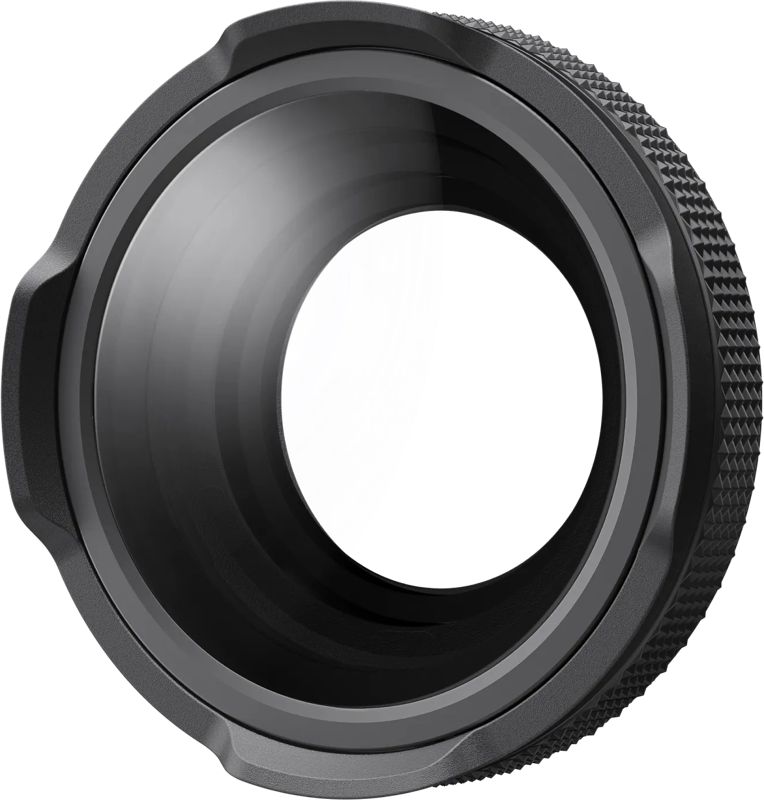
Insta360 Ace Pro 2 Close-Up Lens – Macro capability with adjustable 10 cm to 75 cm focus
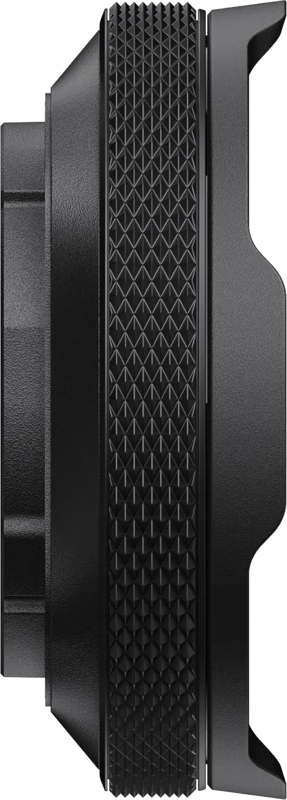
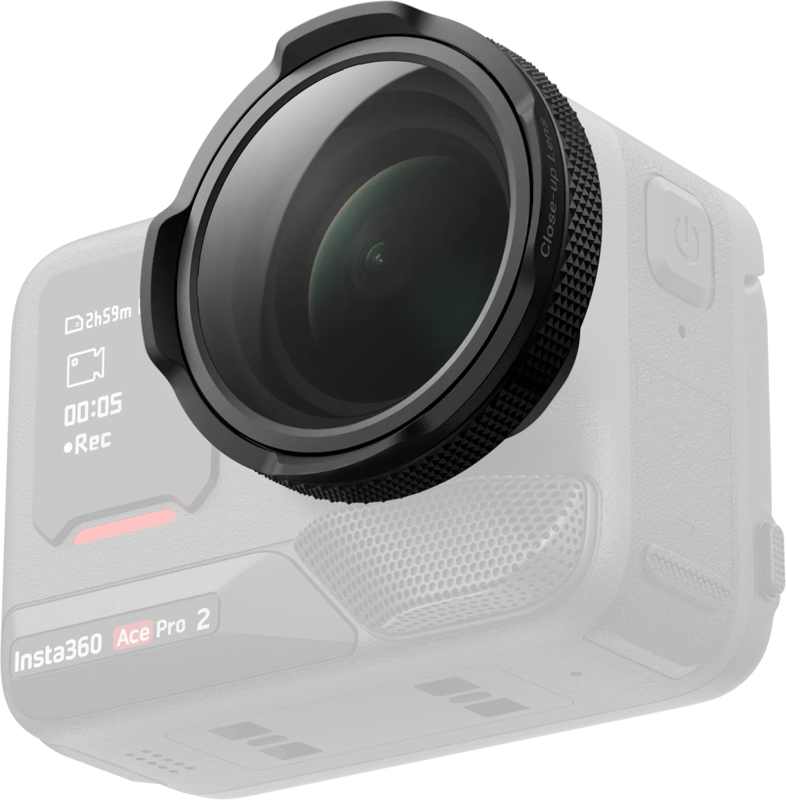
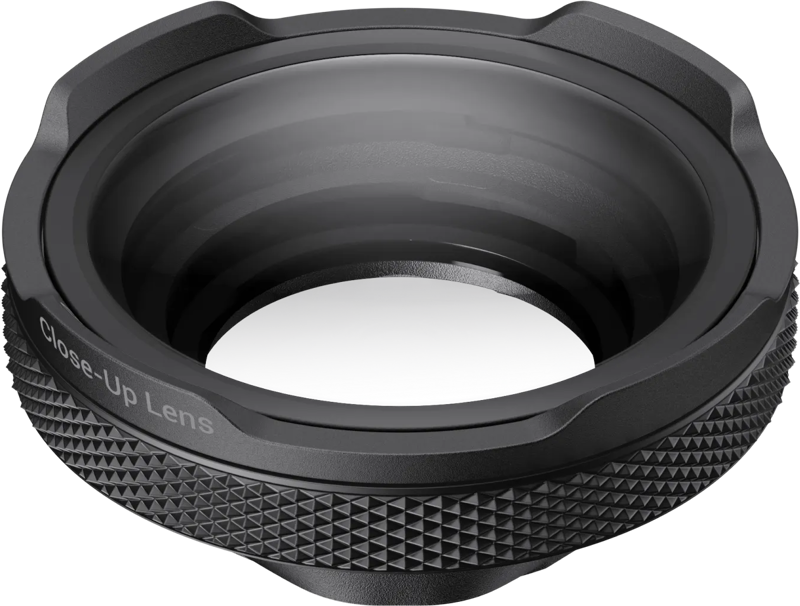
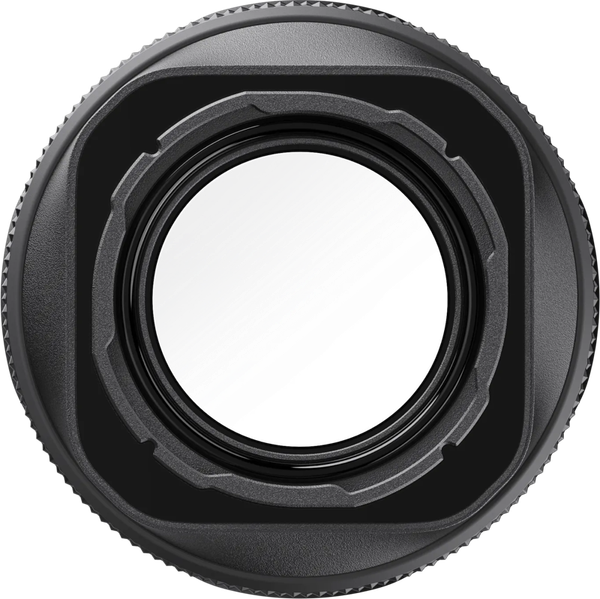
The Ace Pro 2 Close-Up Lens is a dedicated macro lens made for the Insta360 Ace Pro 2. It lets you capture detailed close-ups with crisp clarity. Use it for product shots, nature, food, and creative texture images where fine detail matters.
Key features
- Made for Insta360 Ace Pro 2: This lens is specifically designed to work with the Ace Pro 2 camera.
- Adjustable focus range: You can set the focus anywhere from 10 cm to 75 cm, giving you flexible framing for various close-up distances.
- Focus Peaking display: The camera highlights sharp areas in real time, which speeds up manual focusing and helps you get accurate detail where it matters.
- Simple screw-on installation: Install the lens by removing the silicone lens guard ring and screwing the lens onto the camera for a secure fit.
- Protective silicone lens cap: The included cap helps keep the lens safe when you are not using it.
- Update recommendation: For full functionality, update the Ace Pro 2 camera firmware and the Insta360 app to the latest versions.
Use cases
This Close-Up Lens suits a range of close-up photography and filmmaking needs. Specifically, use it for:
- Product photography where small details must be clear.
- Nature close-ups to capture textures and small subjects.
- Food photography that benefits from sharp, appetizing detail.
- Creative texture shots that emphasize surface detail and fine structure.
Compatibility
The lens is compatible with:
- Insta360 Ace Pro 2
What’s included
- Ace Pro 2 Close-Up Lens
- Silicone lens cap
- Lens cleaning cloth
- Wrench
- Brush
Technical specifications
| Specification | Detail |
|---|---|
| Focus range | 10 cm to 75 cm |
| Compatibility | Insta360 Ace Pro 2 |
Installation and setup
To install, remove the silicone lens guard ring from your Ace Pro 2 and then screw the Close-Up Lens into place. The mechanical fit is simple and secure. After mounting, enable or use the camera’s Focus Peaking feature to monitor sharp areas in real time. For best results, update the camera firmware and the Insta360 app to the latest versions so you can access the full set of features the lens offers.
Care and protection
When you are not shooting, use the included silicone lens cap to protect the glass. Also, the package contains a lens cleaning cloth and a brush to help you keep the surface free of dust and smudges. Use the wrench as needed for secure mounting or removal to avoid overtightening by hand.
FAQ
Question: Will this lens work on cameras other than the Insta360 Ace Pro 2?
Answer: The Ace Pro 2 Close-Up Lens is designed for the Insta360 Ace Pro 2. For compatibility with other models, please check the camera mount and manufacturer guidance before attempting to use the lens.
Question: How do I achieve the sharpest close-up images with this lens?
Answer: Use the Focus Peaking display to identify sharp areas in real time and adjust focus within the 10 cm to 75 cm range. Also, update your camera firmware and the Insta360 app to ensure all focusing features are available.
Question: What accessories come with the lens and how do they help?
Answer: The lens package includes a silicone lens cap for protection, a lens cleaning cloth and brush for maintenance, and a wrench to assist with mounting. Together, these items protect the lens, help maintain image quality, and simplify installation.
Question: Is installation difficult and will I need special tools?
Answer: Installation is straightforward: remove the silicone lens guard ring and screw the lens onto the camera. The included wrench can help with secure mounting, but no additional special tools are required.