
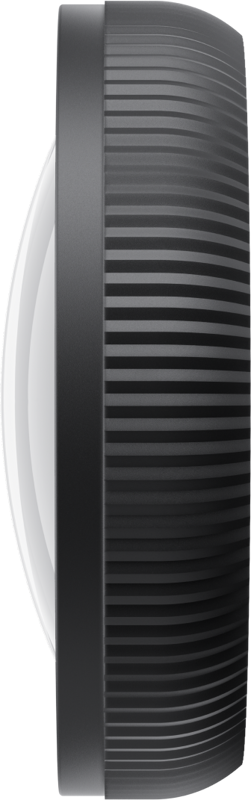
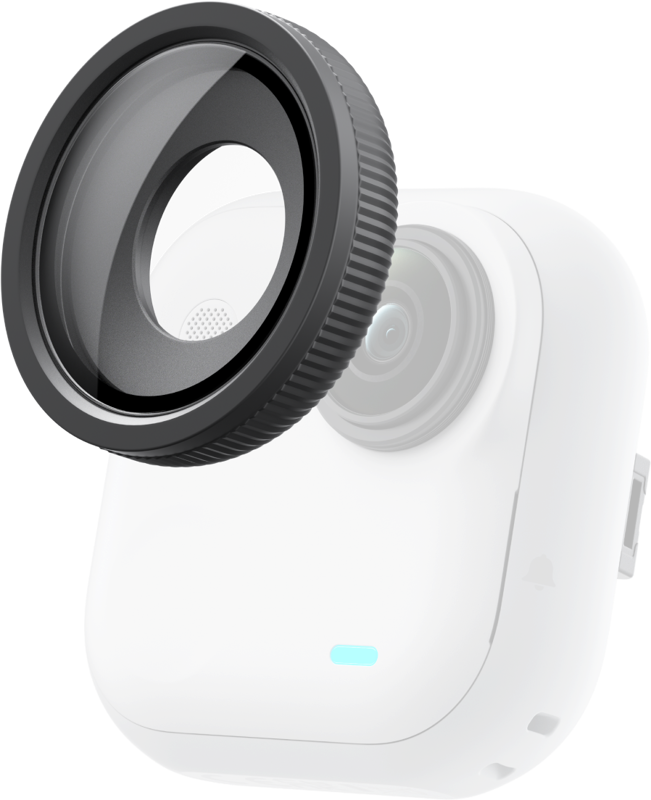
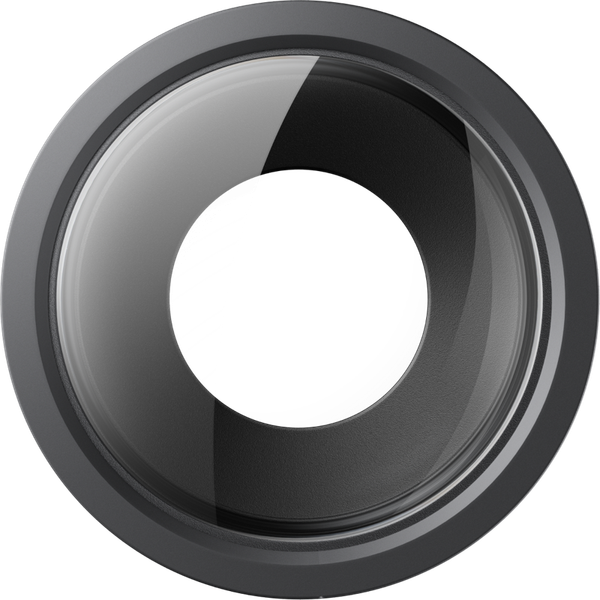
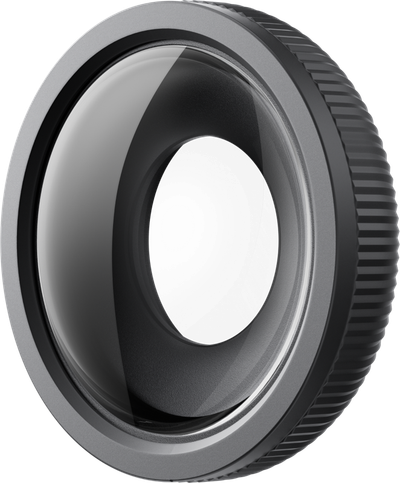
Insta360 GO Ultra Micro Lens
- VAT free purchase available at checkout.
- BrandInsta417
Description
Article no.: 31685
Insta360 GO Ultra Micro Lens – Macro Photography and Detailed Close-Ups
The Insta360 GO Ultra Micro Lens lets you capture tiny textures and small objects with crisp detail from very short distances. It focuses your Insta360 GO Ultra for macro shots, making it easy to add an ultra-close perspective to everyday scenes.
Designed for macro photography
Use this micro lens when you need detailed close-ups. It brings out fine textures and small subjects that regular lenses can miss. Therefore, it is ideal for photographers and filmmakers who want to highlight minute details in their shots.
Key features
- Perfect for macro photography and detailed close-ups
- Best results when you set the focus distance to 5 cm
- Great for creative “Toddler Titan” style angles when paired with the GO Ultra Flexi Angle Mount
- Quick way to add a fresh, ultra-close perspective to everyday scenes
In short, the Micro Lens gives you a straightforward method to change perspective. Moreover, it works well when you want to experiment with extreme close-ups or playful low-angle compositions.
How to use it
For best results, set the focus distance to 5 cm. Then position your Insta360 GO Ultra close to the subject while keeping steady. When you combine the Micro Lens with the GO Ultra Flexi Angle Mount, you can achieve low, creative angles often used in “Toddler Titan” style shots.
Compatibility
The Micro Lens is compatible with the Insta360 GO Ultra. Use it with the GO Ultra to enable macro shooting and ultra-close perspectives.
What’s included
- GO Ultra Micro Lens
- Lens Cloth
The package contains the Micro Lens and a lens cloth for cleaning. Use the included cloth to keep the lens surface free of dust and smudges before shooting.
Frequently asked questions
Question: Will this lens work with other Insta360 cameras?
Answer: The Micro Lens is specified for use with the Insta360 GO Ultra. If you are unsure about compatibility with other models, check your camera’s mounting options or contact support for confirmation.
Question: How close should I position the camera to get sharp macro shots?
Answer: For best results, set the focus distance to 5 cm. Position the camera at that distance and keep the subject steady to capture clear, detailed close-ups.
Question: Can I use the lens for creative low-angle shots?
Answer: Yes. Pair the Micro Lens with the GO Ultra Flexi Angle Mount to create “Toddler Titan” style low-angle perspectives and other creative compositions.
Question: How do I keep the lens clean?
Answer: Use the included lens cloth to remove dust and fingerprints. Clean gently to avoid scratching the lens surface and ensure consistent image quality.