


Description
Article no.: 31692
Insta360 Ace Pro 2 Ultra Wide Lens – Expands View by 36% Taller and 32% Wider
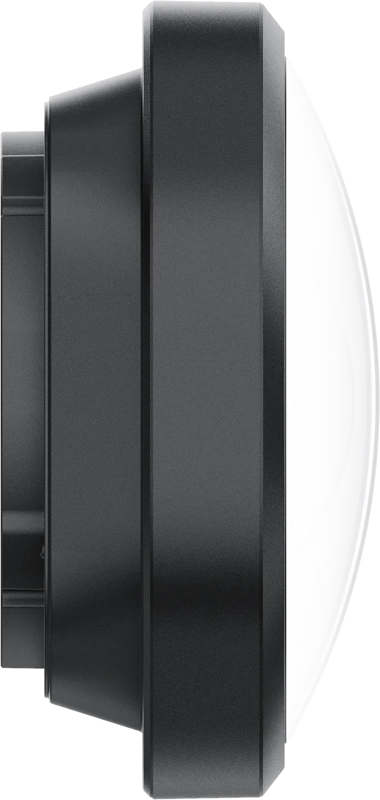
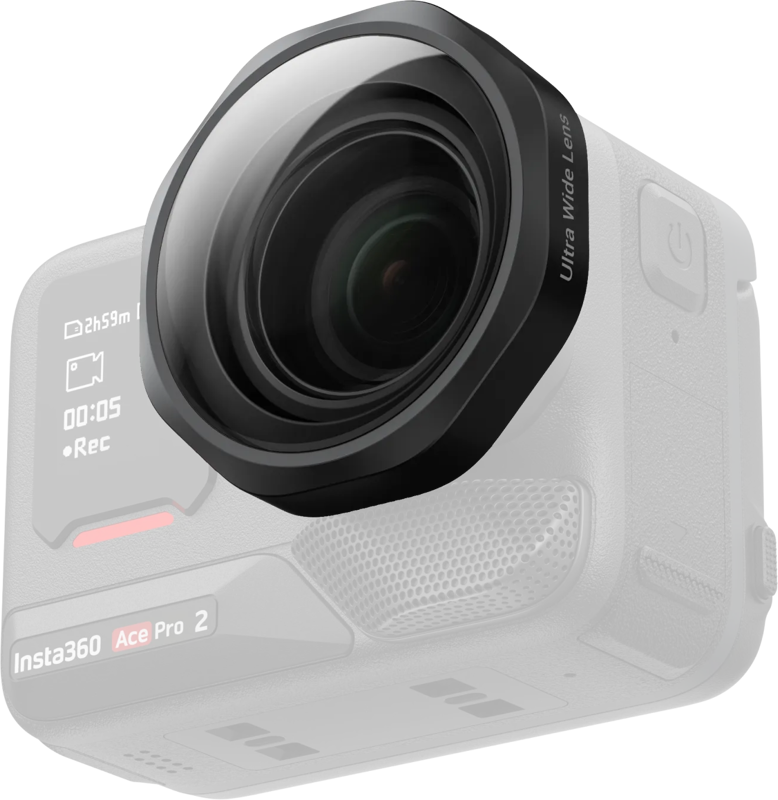
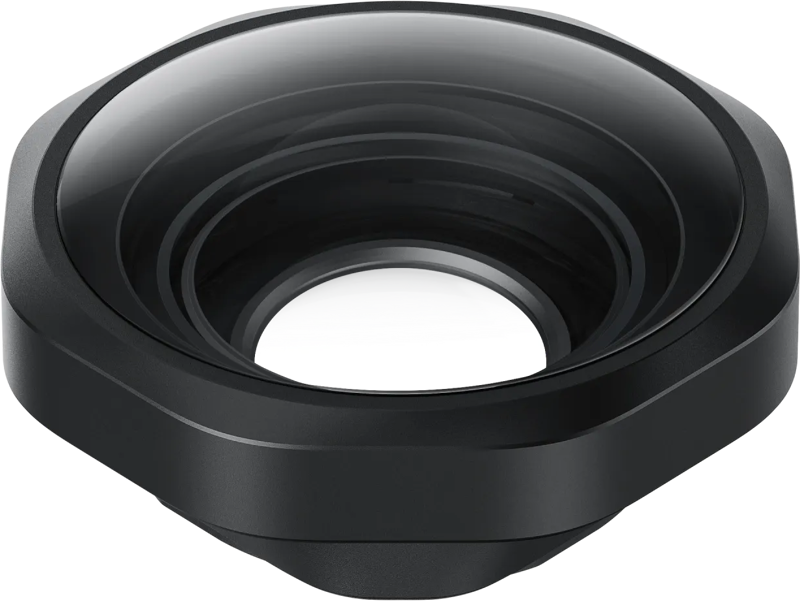
The Ace Pro 2 Ultra Wide Lens is a removable lens attachment that expands your Insta360 Ace Pro 2 perspective for more immersive, cinematic shots. It creates a dramatic, action-ready look while giving you a noticeably taller and wider field of view compared to the standard Ace Pro 2 lens.
Key features
- Gives a 36% taller and 32% wider view compared to the standard Ace Pro 2 lens (measured in 4K/60 fps, 16:9, UltraWide FOV, Standard stabilisation).
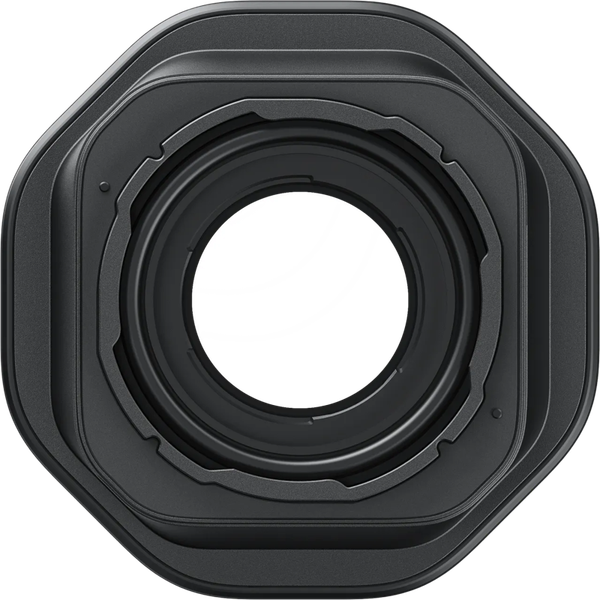
- Secure screw-on mounting for a solid, reliable fit during action shooting.
- Designed for quick setup: remove the silicone lens guard ring, unlock with the included wrench (45°), then screw the lens on.
- Recommended to update the camera firmware and Insta360 app to the latest version for the best experience.
- Compact design, approx. 46 × 46 × 22 mm and approx. 49.5 g.
- Protective silicone lens cap helps keep the lens safe between shots.
Compatibility
This lens is compatible with the Insta360 Ace Pro 2 camera.
What’s included
- Ace Pro 2 Ultra Wide Lens
- Silicone lens cap
- Lens cleaning cloth
- Brush
- Wrench
Installation and use
Prepare your camera by removing the silicone lens guard ring from the attachment point. Then, use the included wrench to unlock the lens mount by turning it 45°. Finally, screw the Ultra Wide Lens onto the camera for a secure fit. Because the lens uses a screw-on mount, it stays firmly attached during active shooting.
For reliable performance, update both your camera firmware and the Insta360 app to their latest versions before use. Doing this helps ensure compatibility and the best possible experience with the lens.
| Specification | Value |
|---|---|
| Field of view increase | 36% taller and 32% wider (measured in 4K/60 fps, 16:9, UltraWide FOV, Standard stabilisation) |
| Mounting | Secure screw-on mounting |
| Dimensions | Approx. 46 × 46 × 22 mm |
| Weight | Approx. 49.5 g |
Practical use cases
Use the Ultra Wide Lens when you want a more immersive composition for action scenes, landscape shots, or cinematic footage from the Ace Pro 2. Because it increases both height and width of the captured frame, it helps convey a broader perspective without changing your shooting position. The secure screw-on design also makes it suitable for more demanding, motion-heavy situations.
FAQ
Question: Is this lens compatible with cameras other than the Insta360 Ace Pro 2?
Answer: The Ace Pro 2 Ultra Wide Lens is designed for the Insta360 Ace Pro 2 and is listed as compatible with that model.
Question: How much wider and taller will my footage be with this lens?
Answer: The lens provides a 36% taller and 32% wider view compared to the standard Ace Pro 2 lens, based on measurements taken at 4K/60 fps, 16:9, UltraWide FOV, with standard stabilisation.
Question: What do I need to mount the lens?
Answer: Remove the silicone lens guard ring, unlock the mount with the included wrench by turning 45°, then screw the lens onto the camera. The lens uses a secure screw-on mounting system to stay attached during action shooting.
Question: What is included in the package and how can I care for the lens?
Answer: The package includes the Ace Pro 2 Ultra Wide Lens, a silicone lens cap, a lens cleaning cloth, a brush, and a wrench. Use the cloth and brush to keep the optics clean, and store the lens with the silicone cap between shots to protect it.
Question: Should I update my camera or app before using the lens?
Answer: Yes. Insta360 recommends updating both the camera firmware and the Insta360 app to the latest versions to ensure optimal performance and compatibility with the Ultra Wide Lens.