
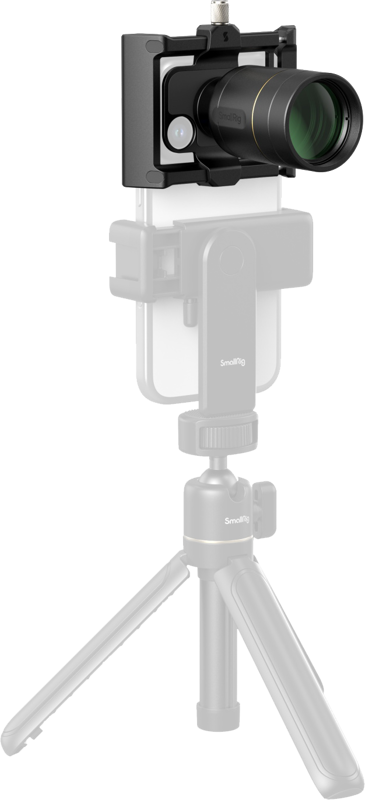
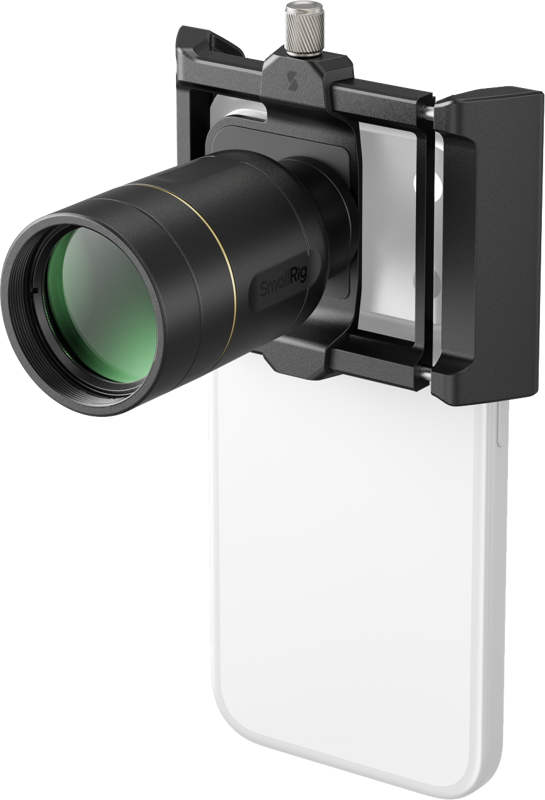
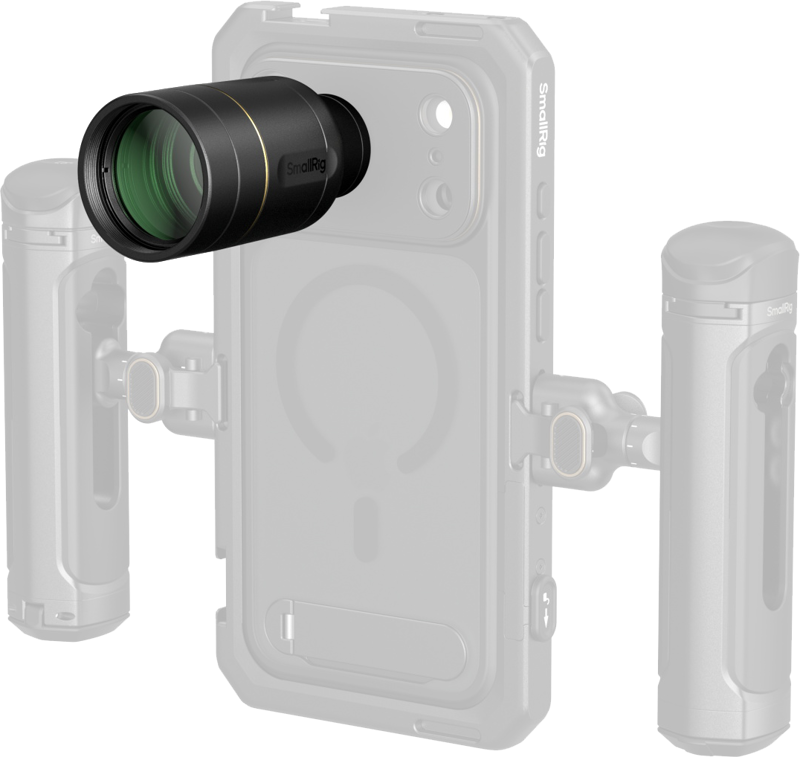
SmallRig 5334 2× Magnification Telephoto & Macro Lens Kit for Phones (T-Mount)
- VAT free purchase available at checkout.
- BrandSmallRig
Description
Article no.: 31554
SmallRig 5334 2× Magnification Telephoto & Macro Lens Kit for Phones — doubles smartphone telephoto magnification for clearer distant shots
This SmallRig 5334 kit adds 2× optical magnification to your phone’s telephoto lens and includes macro capability for close-up work. It is engineered specifically for smartphone telephoto lenses (4× & 5×) to help you capture clearer, more distant shots and detailed macro images when needed.
What the kit does
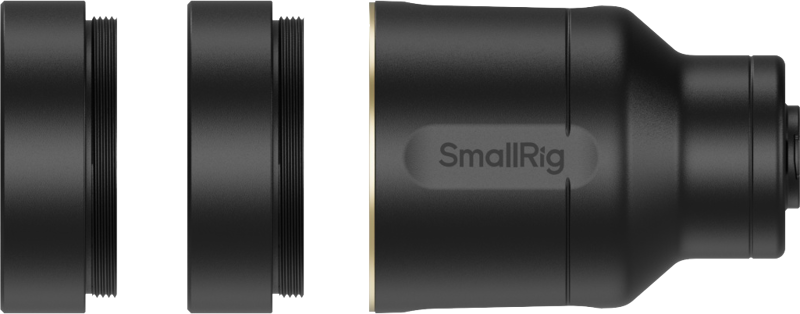
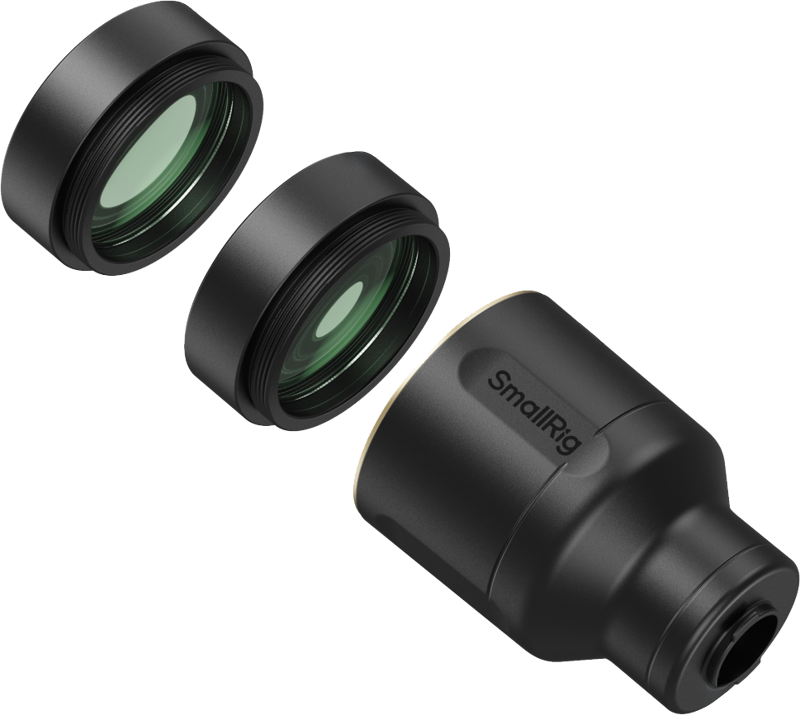
The 2× teleconverter doubles the optical magnification of an existing smartphone telephoto lens. As a result, you gain more reach for distant subjects while keeping optical quality. For close-up work, the included macro lenses attach in front of the teleconverter to produce a shallow depth of field and minimal distortion.
How the macro function works
- Attach one macro lens in front of the teleconverter to obtain a maximum focus distance of 40 cm.
- Stack both macro lenses in front of the teleconverter to reduce the maximum focus distance to 20 cm for even closer detail.
- Macro lenses must be stacked in front of the teleconverter; they cannot be used independently from the teleconverter.
Optical construction and alignment
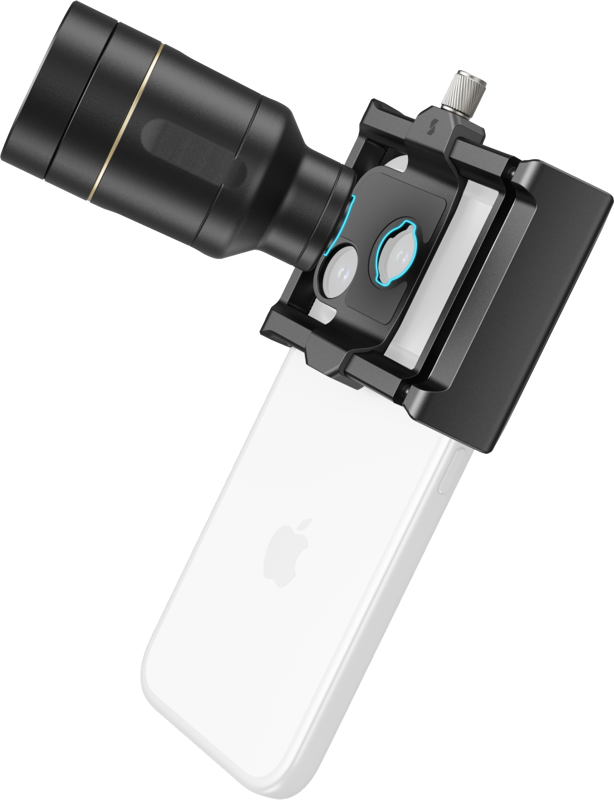
The lenses use multi-coated optical glass to reduce distortion and color shift, delivering vibrant, full-color HD output when used correctly. The universal phone clip helps align the kit precisely with your phone’s camera lens for a secure fit that does not obstruct the screen. Precise alignment reduces vignetting and improves image quality.
Key usage notes and recommendations
- This kit is designed exclusively for smartphone telephoto lenses. Do not use it with the main or ultra-wide camera.
- Set your phone to the telephoto setting (5× telephoto or the 4×/8× telephoto options listed for compatible phones) for optimal performance with the teleconverter.
- For the best results, use third-party camera apps that let you manually activate or lock the telephoto lens, for example Lightroom, Blackmagic, ProCam, Indigo, or Fotorgear.
- The macro lens function must be used with third-party camera apps that support manual lens selection.
- When using the iPhone native Camera app, ensure Macro Mode (14mm lens) is turned off to avoid unintended behavior.
- If you use the lens without the included clip, apply the provided ultra-wide lens sticker to prevent the ultra-wide camera from activating. Otherwise, severe vignetting may occur.
- For the 2× telephoto, the minimum focus distance is 5 m. If the subject is closer than 5 m, the phone’s main camera may engage and produce heavy vignetting in the frame.
- Align the lens precisely with your phone’s camera to avoid vignetting. Depending on your phone’s telephoto magnification, a slight amount of digital zoom may eliminate any remaining vignetting.
- Use a tripod or stabilizer to prevent motion blur, especially when shooting at long reach or in low light.
Compatibility
The kit is compatible with phones that have the specified telephoto magnifications. Example compatible models include:
- iPhone 15 Pro Max, iPhone 16 Pro, iPhone 16 Pro Max — 5× telephoto
- iPhone 17 Pro, iPhone 17 Pro Max — 4× / 8× telephoto
Packaging includes
- Teleconverter
- 2x Macro Lenses
- Universal Lens Clip
- Ultra-Wide Lens Sticker
- Front Lens Cap
- Rear Lens Cap
- Lens Storage Bag
- Cleaning Cloth
- User Manual
Technical specifications
| Component | Specification |
|---|---|
| Teleconverter magnification | 2× (doubles optical magnification of smartphone telephoto lens) |
| Teleconverter minimum focus distance | 5 m |
| Macro lens maximum focus distance (single) | 40 cm |
| Macro lenses stacked maximum focus distance | 20 cm |
Smart FAQ
Question: Which phone camera should I use with this kit?
Answer: Use your phone’s telephoto camera set to the telephoto magnification (for example 5× or the 4×/8× options described for compatible iPhones). The kit is designed specifically for telephoto lenses and will not perform correctly on the main or ultra-wide cameras.
Question: Do I need a special app to use the macro lenses?
Answer: Yes. For macro photography and some telephoto control, we recommend third-party camera apps that allow manual lens selection or locking the telephoto lens, such as Lightroom, Blackmagic, ProCam, Indigo, or Fotorgear. The macro lens function requires such apps for correct operation.
Question: What causes vignetting and how can I avoid it?
Answer: Vignetting can occur if the lens is misaligned, if the phone switches to the main camera because the subject is too close, or if the ultra-wide camera activates while the clip is not used. To avoid vignetting, align the lens precisely, keep subjects beyond the teleconverter’s minimum focus distance (5 m for the 2× telephoto), and use the included ultra-wide lens sticker if you attach the lens without the clip. Slight digital zoom may also eliminate residual vignetting.
Question: Can I use the macro lenses by themselves without the teleconverter?
Answer: No. The macro lenses must be stacked in front of the teleconverter and cannot be used independently. They are designed to work together with the teleconverter for correct focus and image quality.
Question: Should I use stabilization when shooting with this kit?
Answer: Yes. We recommend using a tripod or stabilizer to prevent motion blur, especially when shooting distant subjects with increased magnification or when working at close macro distances.