
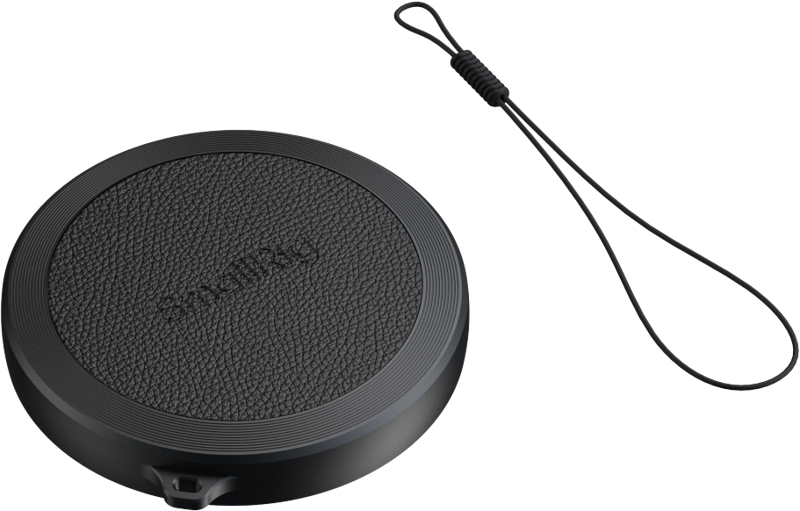
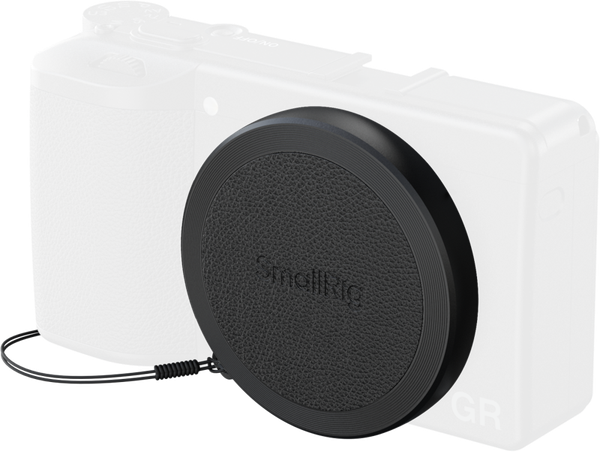
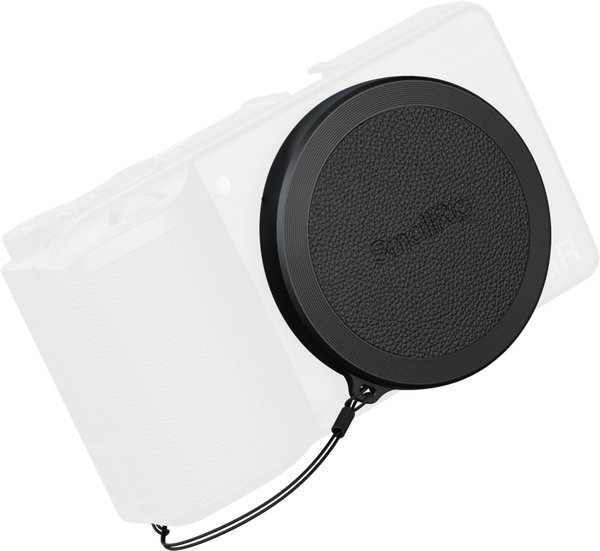
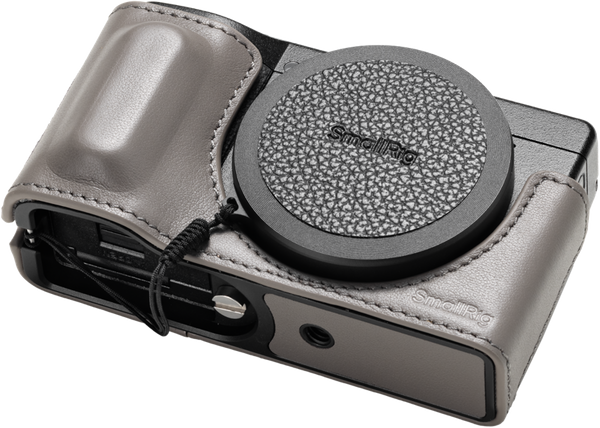
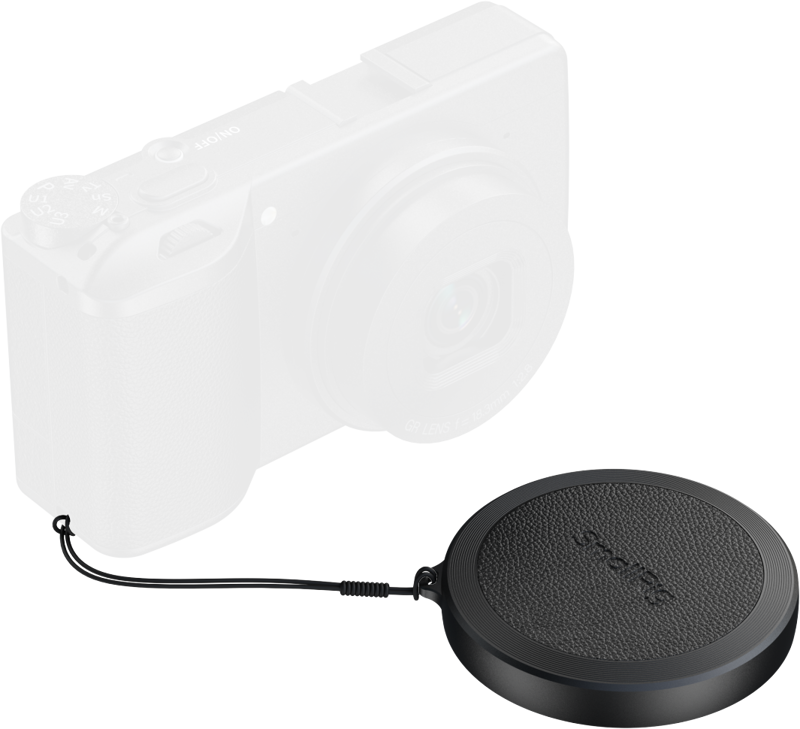
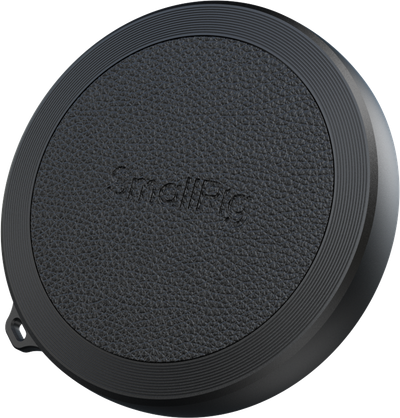
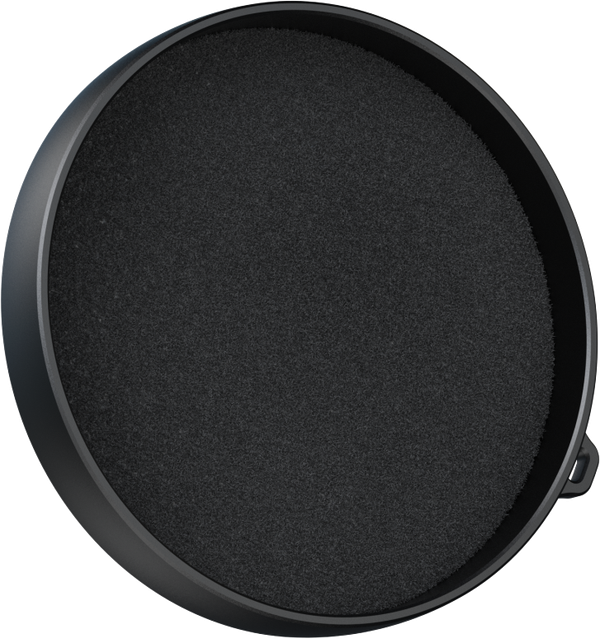
SmallRig 5680 Lens Protective Cap for RICOH GR IV
- VAT free purchase available at checkout.
- BrandSmallRig
Description
Article no.: 31521
SmallRig 5680 Lens Protective Cap for RICOH GR IV — Secure Lens Protection When Not in Use
The SmallRig 5680 is a lens protective cap made specifically for the RICOH GR IV. It provides a simple way to protect the camera's lens element when the camera is not in use, during storage, or while transporting the camera between shoots.
What this cap is for
This accessory is designed to cover and protect the lens of the RICOH GR IV. It keeps the front of the lens shielded from dust, light contact, and incidental handling when the camera is idle.
Key facts
- Product: SmallRig 5680
- Type: Lens protective cap
- Compatibility: RICOH GR IV
- Primary purpose: Protect the lens when not in use
Common uses
- Cover the lens during storage to reduce dust buildup.
- Protect the lens surface while transporting the camera in a bag or case.
- Keep the lens shielded between shoots or when swapping gear.
Care and handling
Keep the cap clean by wiping it with a soft, dry cloth before placing it on the lens. Always remove the cap before powering on and using the camera to ensure normal operation.
Frequently Asked Questions
Question: Is the SmallRig 5680 compatible with the RICOH GR IV?
Answer: Yes. The SmallRig 5680 is made for the RICOH GR IV and is intended to fit that camera model.
Question: Will this cap work with other Ricoh models or different cameras?
Answer: This cap is designed specifically for the RICOH GR IV. Compatibility with other models is not guaranteed; check the camera’s lens dimensions or contact the seller to confirm fit before purchasing.
Question: How should I clean the protective cap?
Answer: Wipe the cap with a soft, dry cloth to remove dust or debris. Avoid abrasive materials and harsh chemicals to prevent surface damage.
Question: When should I remove the cap?
Answer: Remove the cap before turning on the camera and taking photos or videos to ensure the lens has an unobstructed view.