
Ronin RavenEye Image Transmission System
1.947,12 NOK
- Vi prismatcher! Send oss en e -post på contact@voosestore.com for spørsmål.
Beskrivelse
Artikkelnr.: 2854
Use your mobile to control gimbal and camera
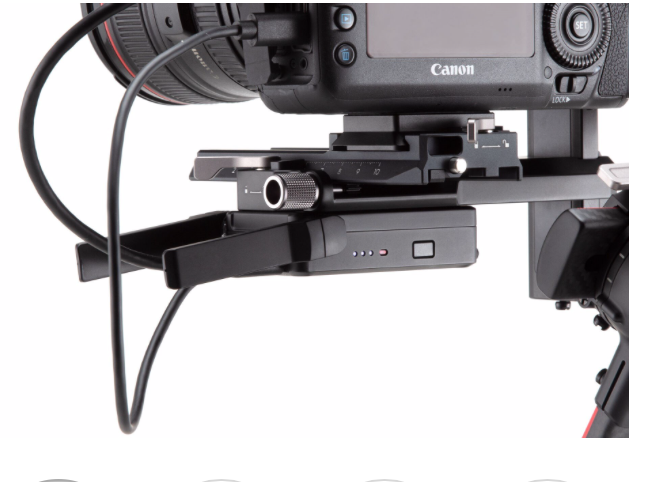
DJI Ronin RavenEye Image Transmission System enables liveview and ActiveTrack 3.0 on DJI RS 2. For the camera's liveview directly on to the mobile's touch screen and the Ronin app. When using DJI RSC 2, you can use RavenEye to remotely control, view and use ActiveTrack 3.0. The system is mounted on your gimbal and connected to the camera via HDMI cable, then you connect everything to your smartphone via Wi-Fi.
Benefits
Transmit the camera's liveview function wirelessly
Used with ActiveTrack 3.0
Use gimbal, camera and mobile together with the Ronin App
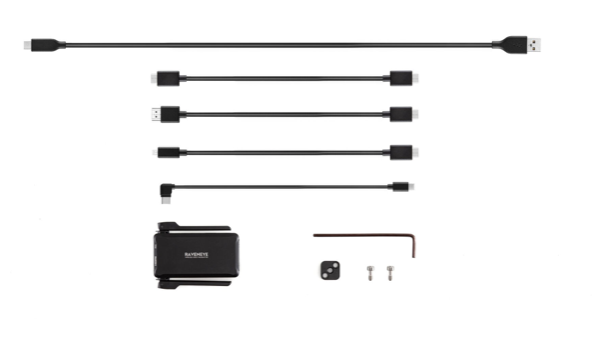
Delivered with
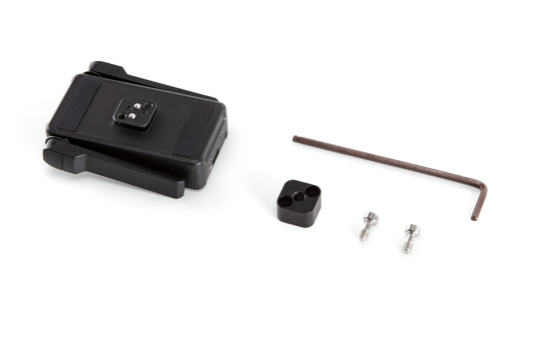
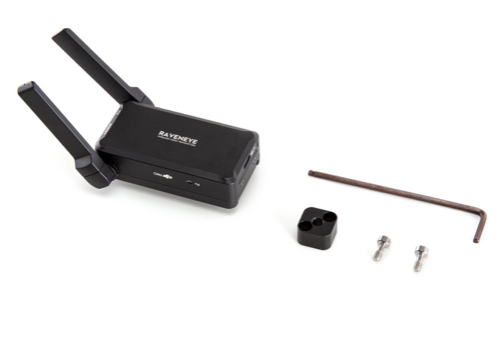
DJI Ronin RavenEye
Cold Shoe to 1/4 '' - 20 adapter
USB-C Charging cable (40 cm)
USB-C Power cable (20 cm)
Mini-HDMI to HDMI cable (20 cm)
Mini-HDMI to Mini-HDMI cable (20 cm)
Mini-HDMI to Micro-HDMI cable (20 cm)
2 x M4-Screw
Allen key (3 mm)
Note! DJI Ronin-S and Ronin-SC do not work with the remote control function or the use of ActiveTrack 3.0 via RavenEye.